







Question: Show me steps how to do in CentOS TECH. 172 Assignment.1 PART.C. STORAGE Add the following virtual disks to your VM and check for enumeration
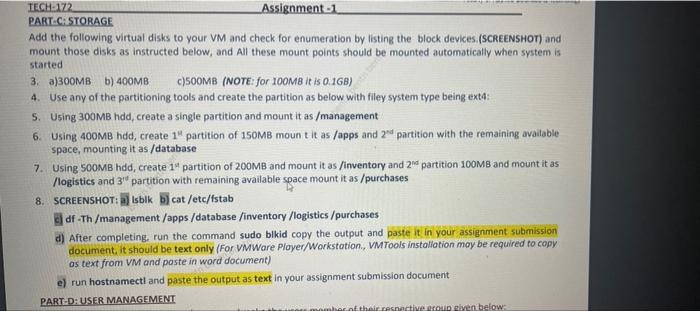
TECH. 172 Assignment.1 PART.C. STORAGE Add the following virtual disks to your VM and check for enumeration by listing the block devices (SCREENSHOT) and mount those disks as instructed below, and All these mount points should be mounted automatically when system is started 3. a)300MB b) 400MB C)500MB (NOTE: for 100MB it is 0.1GB) 4. Use any of the partitioning tools and create the partition as below with filey system type being exte: S. Using 300MB hdd, create a single partition and mount it as /management 6. Using 400MB hdd, create 1" partition of 150MB mount it as /apps and 2nd partition with the remaining available space, mounting it as /database 7. Using SOOMB hdd, create 14 partition of 200MB and mount it as /inventory and 2 partition 100MB and mount it as /logistics and 3" partition with remaining available space mount it as /purchases 8. SCREENSHOT: a) Isblk b) cat /etc/fstab df-Th/management/apps/database /inventory /logistics /purchases a) After completing, run the command sudo bikid copy the output and paste it in your assignment submission document, it should be text only (For VMWare Player/Workstation, VMTools Installation may be required to copy os text from VM and paste in word document) e) run hostnamecti and paste the output as text in your assignment submission document PARTID USER MANAGEMENT mber of their resnective roup given below
Step by Step Solution
There are 3 Steps involved in it

Get step-by-step solutions from verified subject matter experts
 Study Help