







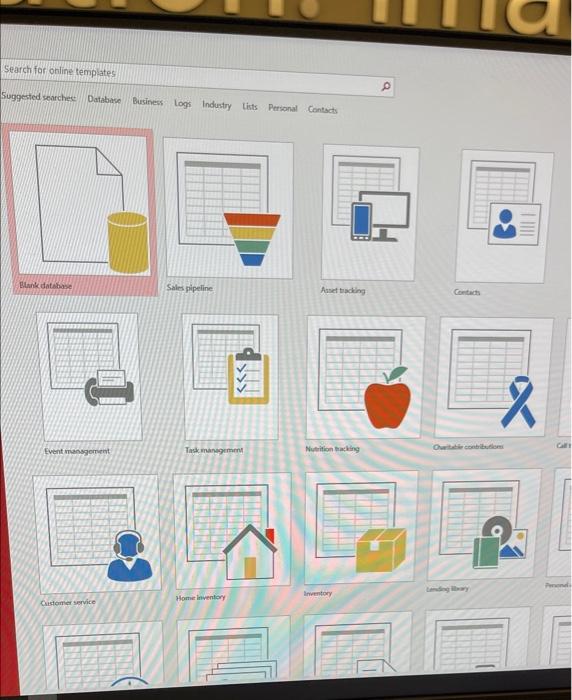
Question: show me the steps and which access database I have to ise to complete them. Project 13-1: City Power & Light Salary Pie Chart The
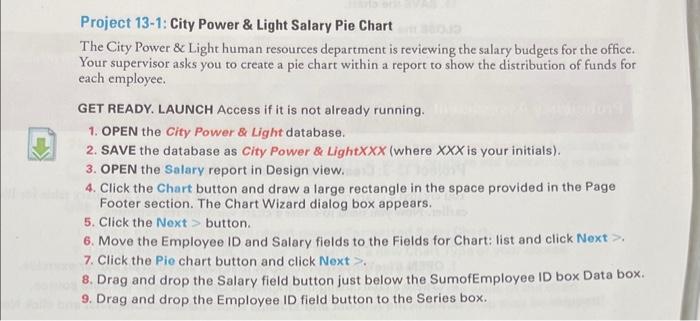
Project 13-1: City Power \& Light Salary Pie Chart The City Power \& Light human resources department is reviewing the salary budgets for the office. Your supervisor asks you to create a pie chart within a report to show the distribution of funds for each employee. GET READY. LAUNCH Access if it is not already running. 1. OPEN the City Power \& Light database. 2. SAVE the database as City Power \& Light XXX (where XXX is your initials). 3. OPEN the Salary report in Design view. 4. Click the Chart button and draw a large rectangle in the space provided in the Page Footer section. The Chart Wizard dialog box appears. 5. Click the Next > button. 6. Move the Employee ID and Salary fields to the Fields for Chart: list and click Next >. 7. Click the Pie chart button and click Next >. 8. Drag and drop the Salary field button just below the SumofEmployee ID box Data box. 9. Drag and drop the Employee ID field button to the Series box
Step by Step Solution
There are 3 Steps involved in it

Get step-by-step solutions from verified subject matter experts
 Study Help