







Question: SHOW SCREENSHOT OF OUTPUT #!/usr/bin/python3 # This is server.py file import socket # create a socket object serversocket = socket.socket(socket.AF_INET, socket.SOCK_STREAM) # get local machine
SHOW SCREENSHOT OF OUTPUT
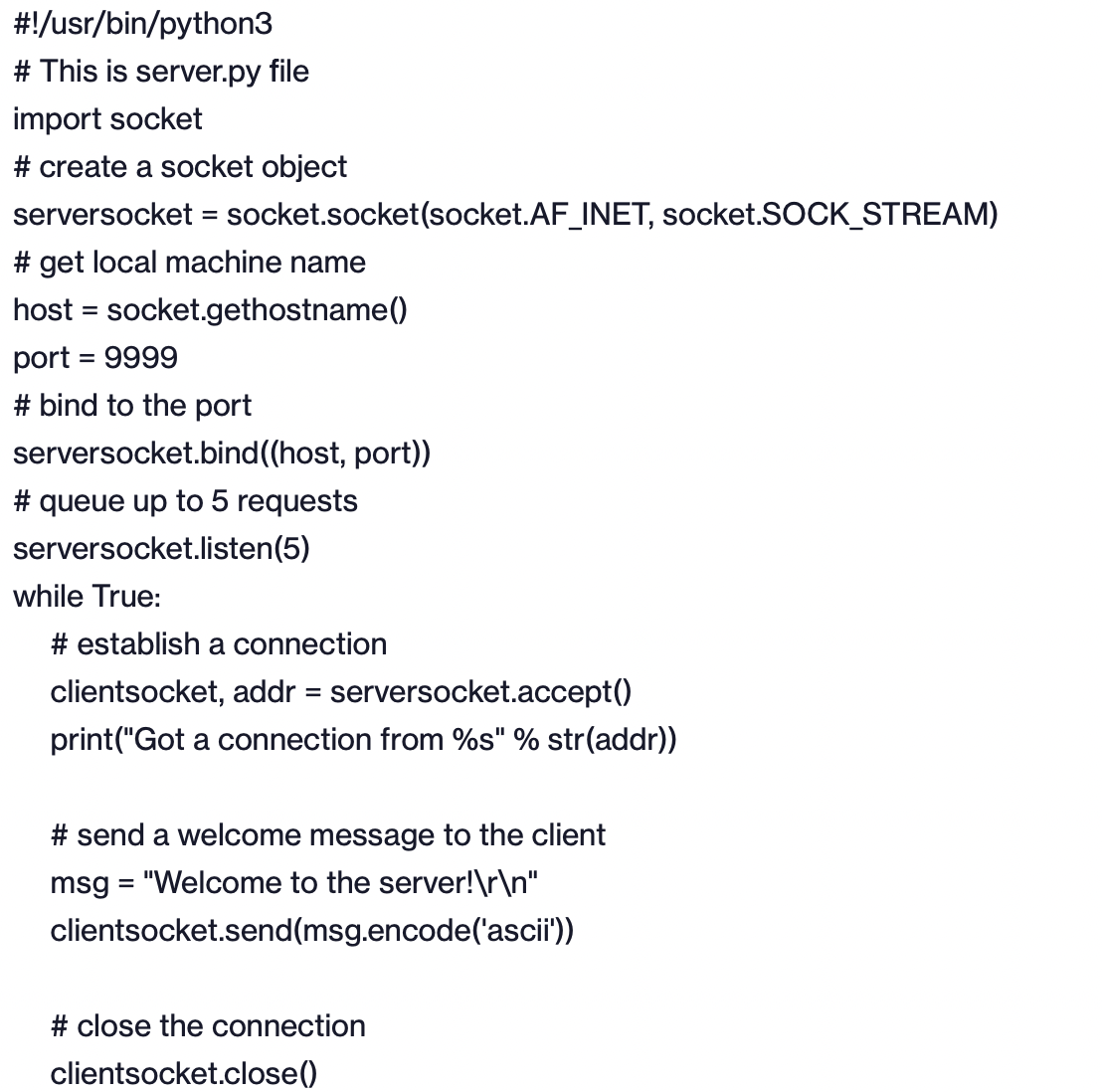
#!/usr/bin/python3 # This is server.py file import socket # create a socket object serversocket = socket.socket(socket.AF_INET, socket.SOCK_STREAM) # get local machine name host = socket.gethostname() port = 9999 # bind to the port serversocket.bind((host, port)) # queue up to 5 requests serversocket.listen(5) while True: # establish a connection clientsocket, addr = serversocket.accept() print("Got a connection from %s" % str(addr)) # send a welcome message to the client msg = "Welcome to the server! " clientsocket.send(msg.encode('ascii')) # close the connection clientsocket.close()
Step by Step Solution
There are 3 Steps involved in it

Get step-by-step solutions from verified subject matter experts
 Study Help