







Question: show step by step for every calculation. Installation steps to be followed: 1. Common Linux Services and How to Control Them Starting and Stopping Services
show step by step for every calculation.
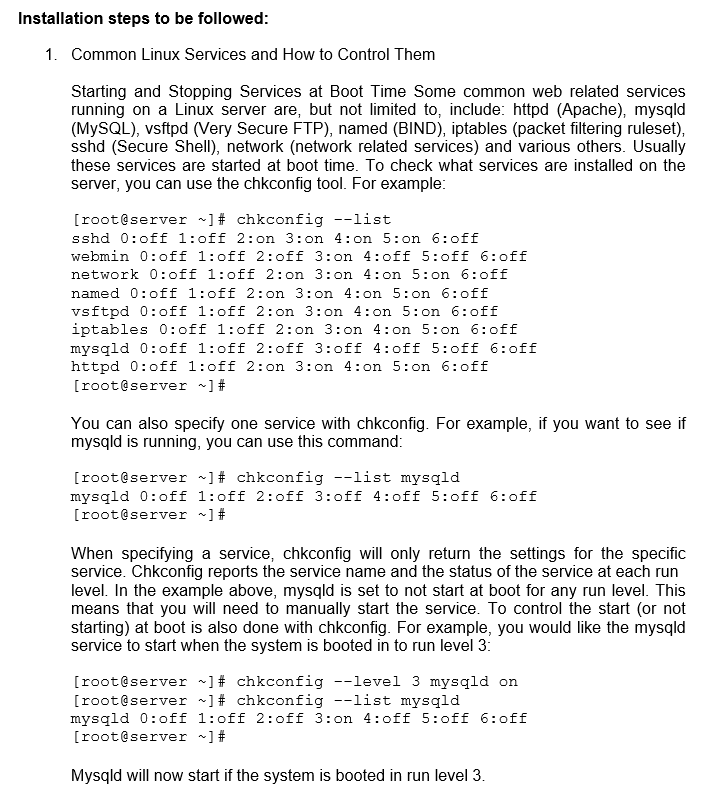
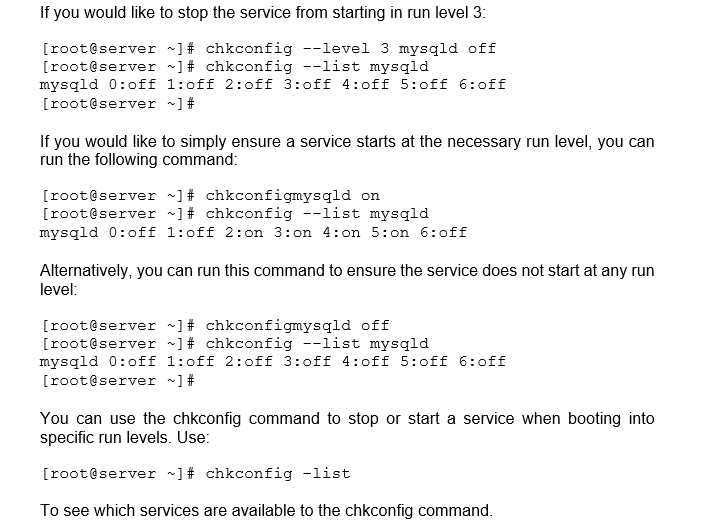
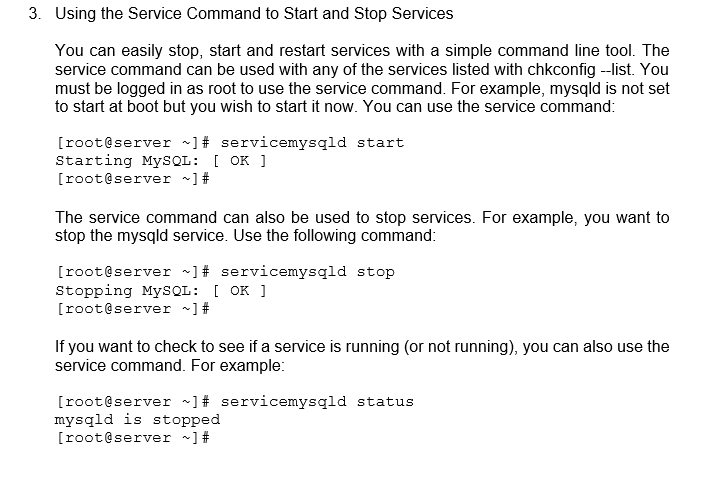
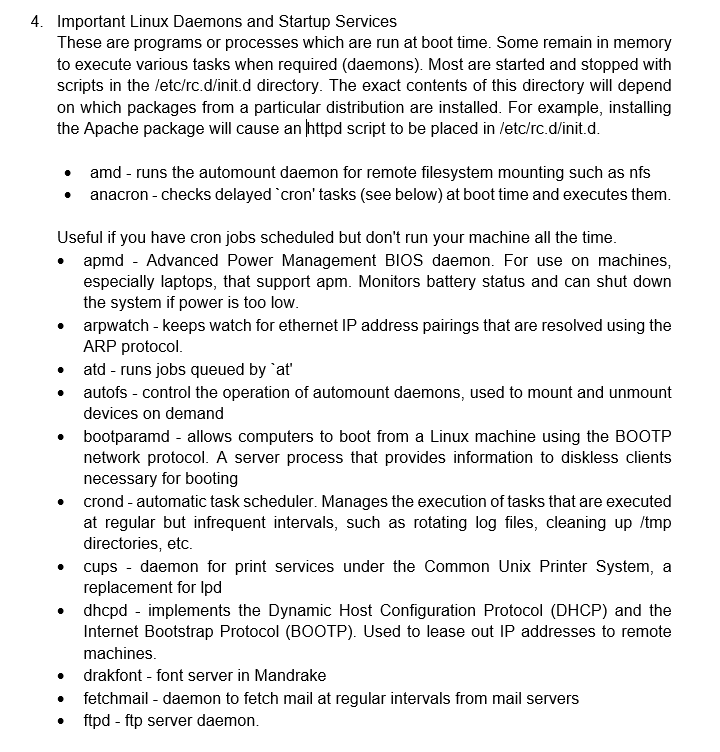
Installation steps to be followed: 1. Common Linux Services and How to Control Them Starting and Stopping Services at Boot Time Some common web related services running on a Linux server are, but not limited to, include: httpd (Apache), mysqld (MySQL), vsftpd (Very Secure FTP), named (BIND), iptables (packet filtering ruleset), sshd (Secure Shell), network (network related services) and various others. Usually these services are started at boot time. To check what services are installed on the server, you can use the chkconfig tool. For example: [root@server ~]# chkconfig --list sshd 0:off 1:off 2:on 3:on 4:on 5:on 6:off webmin 0:off 1:off 2:off 3:on 4:off 5:off 6:off network 0:off 1:off 2:on 3:on 4:on 5:on 6:off named 0:off 1:off 2:on 3:on 4:on 5:on 6:off vsftpd 0:off 1:off 2:on 3:on 4:on 5:on 6:off iptables 0:off 1:off 2:on 3:on 4:on 5:on 6:off mysqld 0:off 1:off 2:off 3:off 4:off 5:off 6:off httpd 0:off 1:off 2:on 3: on 4:on 5:on 6:off [root@server ~]# You can also specify one service with chkconfig. For example, if you want to see if mysqld is running, you can use this command: [root@server ~]# chkconfig --list mysqld mysqld 0:off 1:off 2:off 3:off 4:off 5:off 6:off [root@server ~]# When specifying a service, chkconfig will only return the settings for the specific service. Chkconfig reports the service name and the status of the service at each run level. In the example above, mysqld is set to not start at boot for any run level. This means that you will need to manually start the service. To control the start (or not starting) at boot is also done with chkconfig. For example, you would like the mysqld service to start when the system is booted in to run level 3: [root@server ~]# chkconfig --level 3 mysqld on [root@server ~]# chkconfig --list mysqld mysqld 0:off 1:off 2:off 3:on 4:off 5:off 6:off [root@server ~]# Mysqld will now start if the system is booted in run level 3.
Step by Step Solution
There are 3 Steps involved in it

Get step-by-step solutions from verified subject matter experts
 Study Help