







Question: Simple Shell ( sish ) - - - - LANGUAGE: C in LINUX new code only please You will implement a command line interpreter or
Simple Shell sish LANGUAGE: C in LINUX
new code only please
You will implement a command line interpreter or shell. The shell should operate in this basic way: when you type in a command in response to its prompt the shell creates a child process that executes the command you entered and then prompts for more user input when it has finished. The shell you implement will be like, but much simpler than, the one bash you run every day in Linux. You can find out which shell you are running by typing echo $SHELL at a prompt. A typical shell provides many functionalities and features. For this project, you need to implement only some as specified below.Part : The Simple Shell
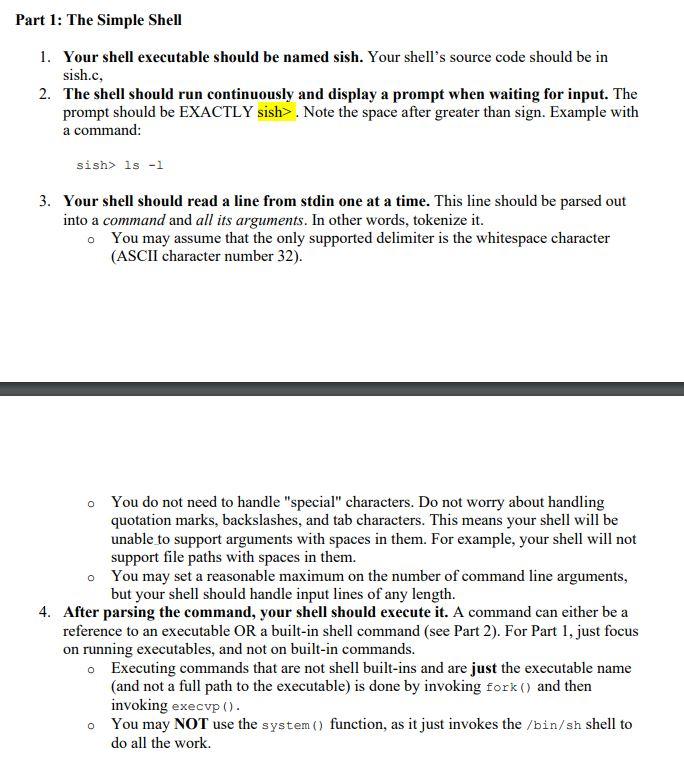
Your shell executable should be named sish. Your shell's source code should be in
sish.c
The shell should run continuously and display a prompt when waiting for input. The
prompt should be EXACTLY sish Note the space after greater than sign. Example with
a command:
sish
Your shell should read a line from stdin one at a time. This line should be parsed out
into a command and all its arguments. In other words, tokenize it
You may assume that the only supported delimiter is the whitespace character
ASCII character number
You do not need to handle "special" characters. Do not worry about handling
quotation marks, backslashes, and tab characters. This means your shell will be
unable to support arguments with spaces in them. For example, your shell will not
support file paths with spaces in them.
You may set a reasonable maximum on the number of command line arguments,
but your shell should handle input lines of any length.
After parsing the command, your shell should execute it A command can either be a
reference to an executable OR a builtin shell command see Part For Part just focus
on running executables, and not on builtin commands.
Executing commands that are not shell builtins and are just the executable name
and not a full path to the executable is done by invoking fork and then
invoking execvp
You may NOT use the system function, as it just invokes the shell to
do all the work.
Step by Step Solution
There are 3 Steps involved in it
1 Expert Approved Answer
Step: 1 Unlock

Question Has Been Solved by an Expert!
Get step-by-step solutions from verified subject matter experts
Step: 2 Unlock
Step: 3 Unlock
 Study Help