







Question: Simulating Acceleration Create a coordinate system and a ball, that looks like this: -10 -1 4 -74 - 10 There is no shame in borrowing
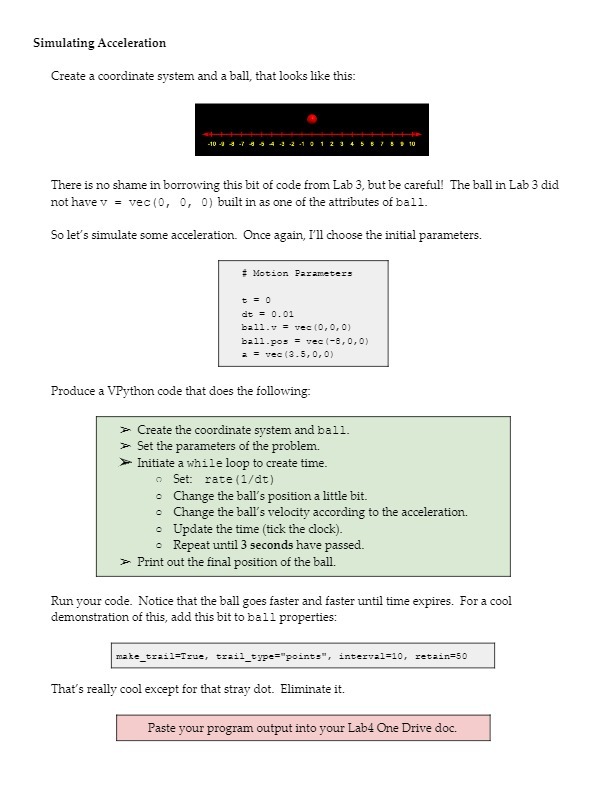
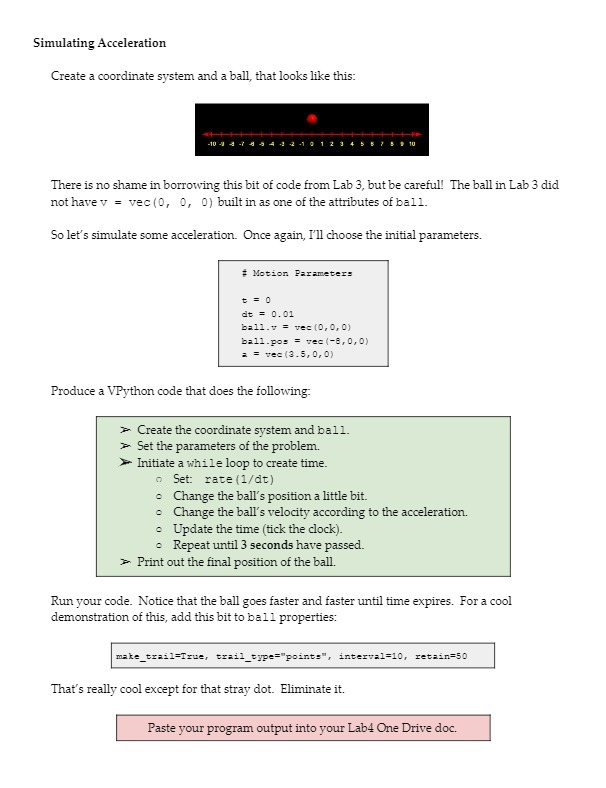
Simulating Acceleration Create a coordinate system and a ball, that looks like this: -10 -1 4 -74 - 10 There is no shame in borrowing this bit of code from Lab 3, but be careful! The ball in Lab 3 did not have v = vec(0, 0, 0) built in as one of the attributes of ball. So let's simulate some acceleration. Once again, I'll choose the initial parameters. # Motion Parameters D =0 do = 0. 01 ball. v = vec (0, 0, 0) ball.pos = vec (-8, 0,0) : = vec (3 .5, 0, 0) Produce a VPython code that does the following. Create the coordinate system and ball. Set the parameters of the problem. Initiate a while loop to create time. Set: rate (1/dt) Change the ball's position a little bit. Change the ball's velocity according to the acceleration. Update the time (tick the clock). Repeat until 3 seconds have passed. Print out the final position of the ball. Run your code. Notice that the ball goes faster and faster until time expires. For a cool demonstration of this, add this bit to ball properties: make_trail=True, trail_type="points", interval=10, retain=50 That's really cool except for that stray dot. Eliminate it. Paste your program output into your Lab4 One Drive doc
Step by Step Solution
There are 3 Steps involved in it

Get step-by-step solutions from verified subject matter experts
 Study Help