



Question: Simulation: https://phet.colorado.edu/en/simulations/geometric-optics Lab Part 2 - Compare 1. Change the simulation option at the top middle to use a concave (or diverging) lens. Move the
Simulation: https://phet.colorado.edu/en/simulations/geometric-optics
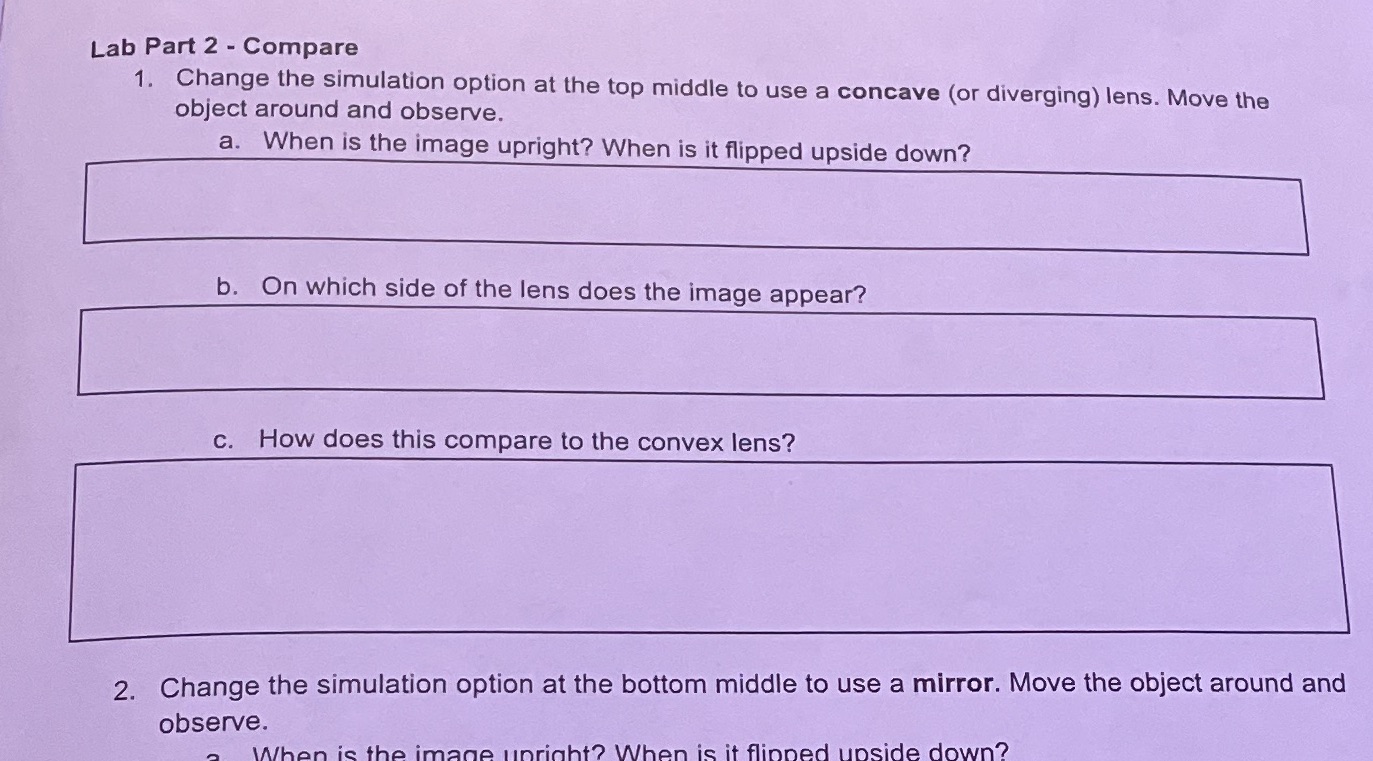
Lab Part 2 - Compare 1. Change the simulation option at the top middle to use a concave (or diverging) lens. Move the object around and observe. a. When is the image upright? When is it flipped upside down? b. On which side of the lens does the image appear? c. How does this compare to the convex lens? 2. Change the simulation option at the bottom middle to use a mirror. Move the object around and observe. When is the image upright? When is it flipped upside down
Step by Step Solution
There are 3 Steps involved in it
1 Expert Approved Answer
Step: 1 Unlock

Question Has Been Solved by an Expert!
Get step-by-step solutions from verified subject matter experts
Step: 2 Unlock
Step: 3 Unlock