



Question: Simulation Training - Norah Almihali 1.00 Point: XL Step 5.2.4: Change the Value Field Settings Change the name of the values field to Sales by
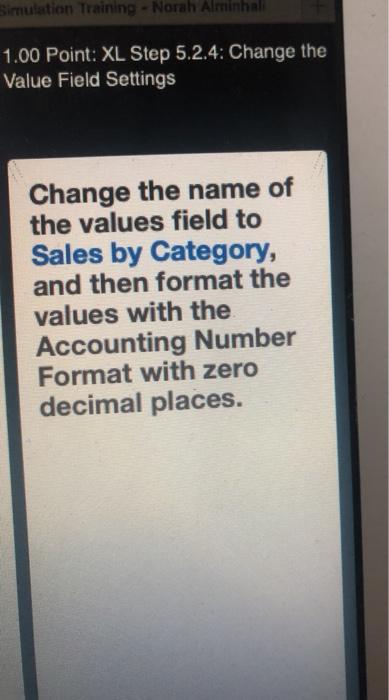
Simulation Training - Norah Almihali 1.00 Point: XL Step 5.2.4: Change the Value Field Settings Change the name of the values field to Sales by Category, and then format the values with the Accounting Number Format with zero decimal places. Simulation Training - Norah Almihali 1.00 Point: XL Step 5.2.4: Change the Value Field Settings Change the name of the values field to Sales by Category, and then format the values with the Accounting Number Format with zero decimal places
Step by Step Solution
There are 3 Steps involved in it
1 Expert Approved Answer
Step: 1 Unlock

Question Has Been Solved by an Expert!
Get step-by-step solutions from verified subject matter experts
Step: 2 Unlock
Step: 3 Unlock