







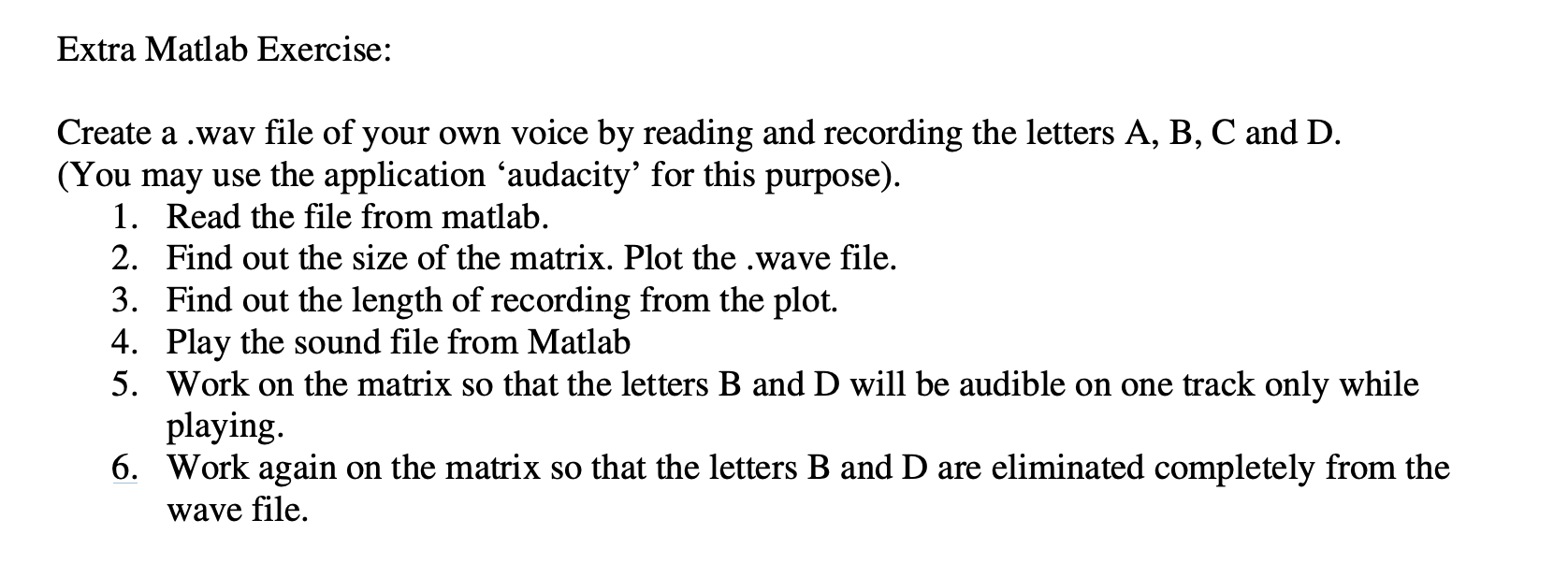
Question: solve this using MatLabExtra Matlab Exercise: Create a . wav file of your own voice by reading and recording the letters A , B ,
solve this using MatLabExtra Matlab Exercise:
Create a wav file of your own voice by reading and recording the letters A B C and D
You may use the application audacity for this purpose
Read the file from matlab.
Find out the size of the matrix. Plot the wave file.
Find out the length of recording from the plot.
Play the sound file from Matlab
Work on the matrix so that the letters B and D will be audible on one track only while
playing.
Work again on the matrix so that the letters B and D are eliminated completely from the
wave file.
Step by Step Solution
There are 3 Steps involved in it
1 Expert Approved Answer
Step: 1 Unlock

Question Has Been Solved by an Expert!
Get step-by-step solutions from verified subject matter experts
Step: 2 Unlock
Step: 3 Unlock
 Study Help