







Question: Solve using matlab 8. Again, open the standard image, 'cameraman.tif': Write a function using for-loops to create the negative of the image. Display both images.
Solve using matlab
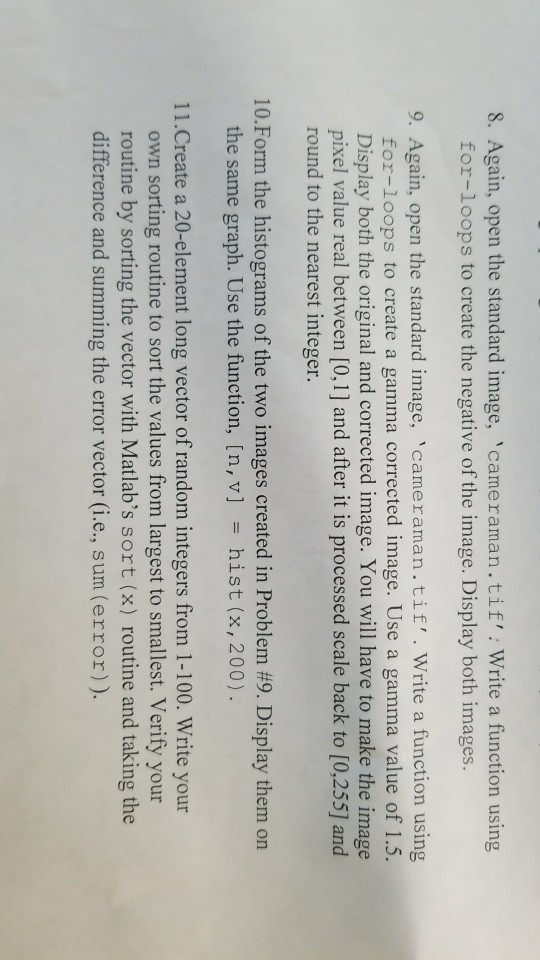
8. Again, open the standard image, 'cameraman.tif': Write a function using for-loops to create the negative of the image. Display both images. 9. Again, open the standard image, 'cameraman.tif'. Write a function using for-loops to create a gamma corrected image. Use a gamma value of 1.5. Display both the original and corrected image. You will have to make the image pixel value real between [0,1] and after it is processed scale back to [0,255] and round to the nearest integer 10-Form the histograms of the two images created in Problem #9. Display them on the same graph. Use the function, [n, v] hist (x,200). 11.Create a 20-element long vector of random integers from 1-100. Write your own sorting routine to sort the values from largest to smallest. Verify your routine by sorting the vector with Matlab's sort (x) routine and taking the difference and summing the error vector (i.e., sum (error)
Step by Step Solution
There are 3 Steps involved in it

Get step-by-step solutions from verified subject matter experts
 Study Help