







Question: Solving Image Maze ( With Solution ) Given a maze as an image with a start and end point, we would like to write code
Solving Image Maze With Solution
Given a maze as an image with a start and end point, we would like to write code to solve the maze.
An image is a D matrix of pixels of a particular size that depends on its resolution. Each pixel has a color which is given by its Red, Green and Blue RGB values.
Given an image, we will view it as a graph where each pixel of the image is a vertex and edges connect a pixel to its neighbor. The weight of an edge should be very small if the pixel colors are similar ie the differences between and values are close to zero and correspondingly large as the pixel colors diverge.
Next, given a source pixel and destination pixel, we wish find the shortest weight path from source to destination.
You should use the Dijkstra's algorithm modified in two ways:
It can exit as soon as the destination is reached.
A pixel image gives rise to a graph with million vertices. Storing such a graph as an adjacency list is going to be very memory intensive. Instead, your goal will be to generate the vertices and edges onthefly.
We will use opencv library, a popular computer vision library to load, and manipulate images of mazes.
Manipulating Images
You can directly manipulate images in python in many ways. The opencv library is considered a standard for numerous image manipulation tasks.
Here we load an image maze.png and you can see it nicely plotted with coordinates. We then show you two pixels shown in red and blue. The goal here is to detect a path from one of the colored circle to the other, in the maze without crossing the black pixels.
In : from matplotlib import pyplot as plt
import cv
# You can read png jpg and other file types
img cvimreadmazepng # read an image from a file using opencv cv library
# you can annotate images
cvcircleimg # add a circle centered at radius color red RGB:
cvcircleimg # add a circle centered at radius color red ;
pltimshowimg # show the image on the screen
plttitleAmazing
pltshow
img cvimreadmazesolution.png # read an image from a file using opencv cv Library
# you can annotate images
cvcircleimg # add a circle centered at radius color red RGB:
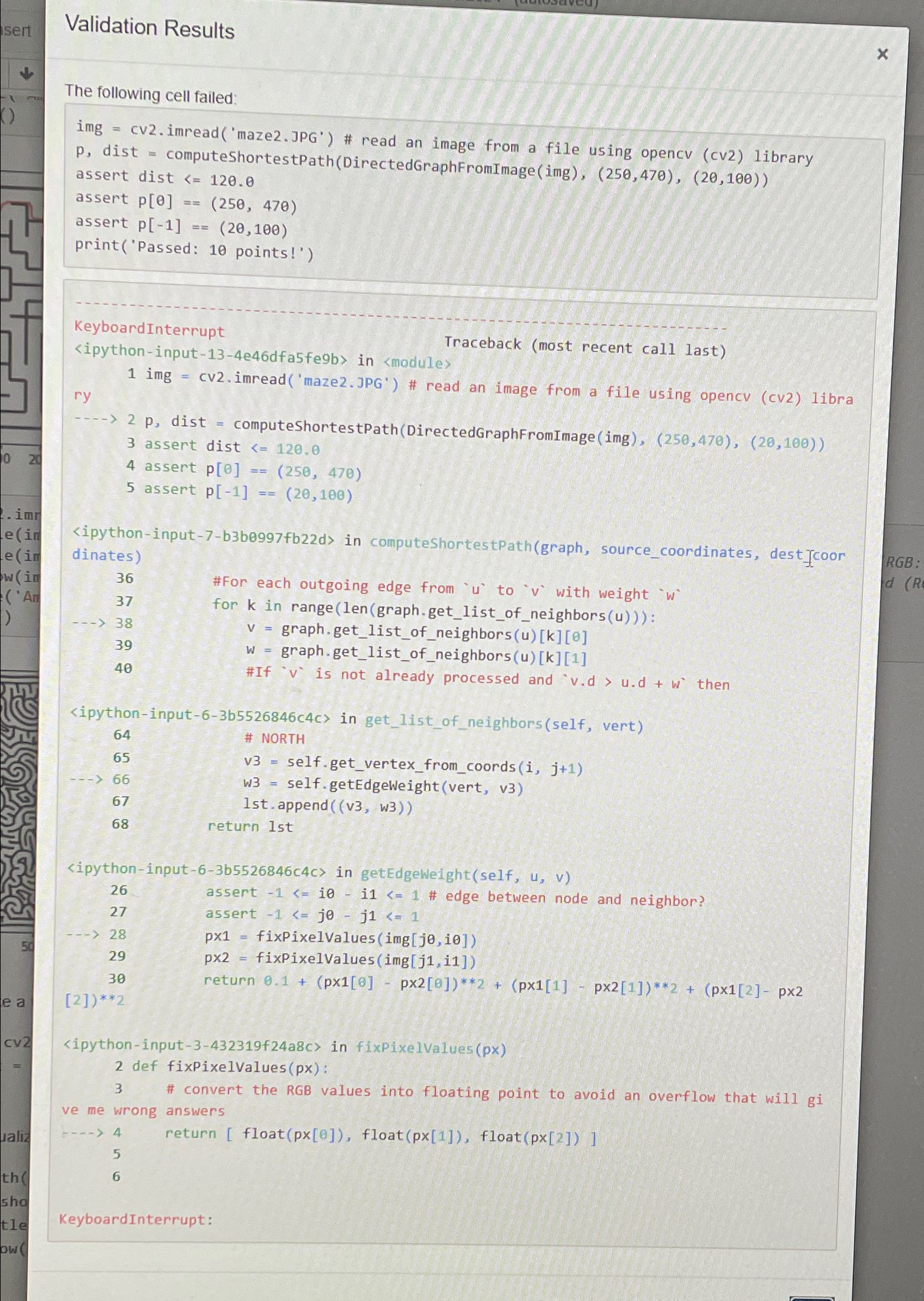
Step by Step Solution
There are 3 Steps involved in it
1 Expert Approved Answer
Step: 1 Unlock

Question Has Been Solved by an Expert!
Get step-by-step solutions from verified subject matter experts
Step: 2 Unlock
Step: 3 Unlock
 Study Help