







Question: Someone please help me with this assignment. DOM Modify the chapter 5 example (photo viewer) to include the following features: 1. When the users click
Someone please help me with this assignment.
DOM Modify the chapter 5 example (photo viewer) to include the following features:
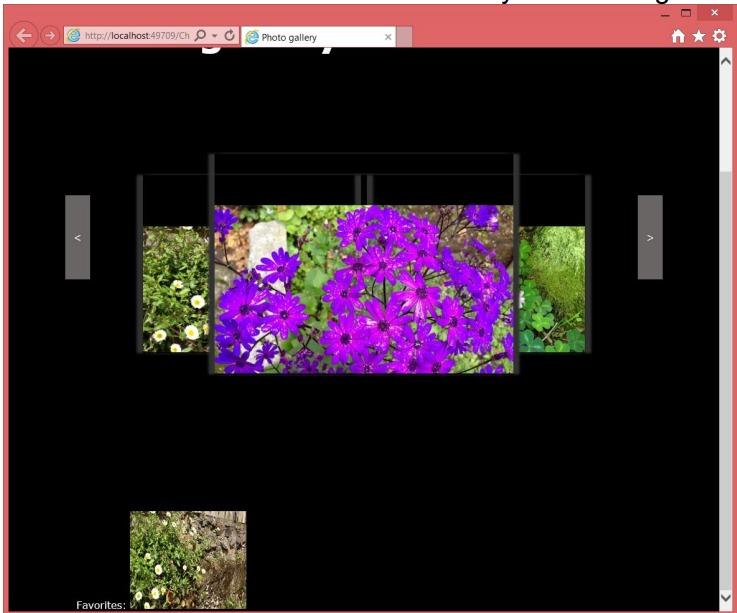
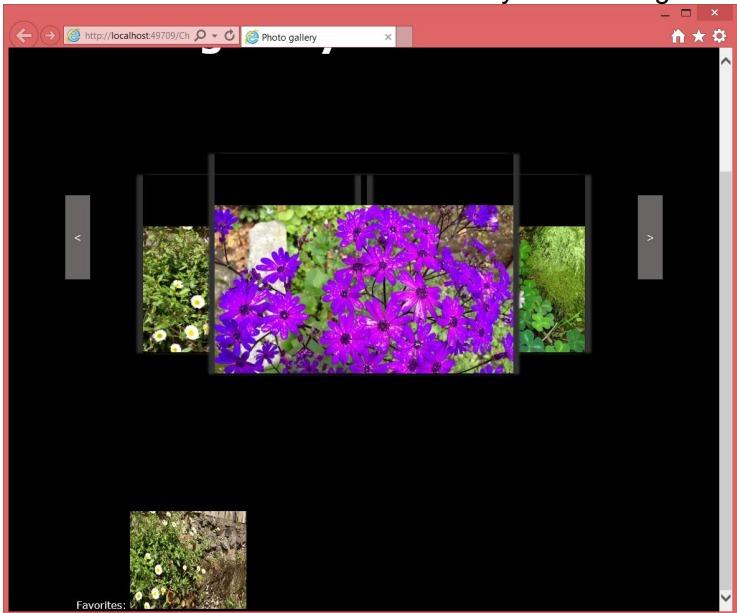
1. When the users click on a picture and it opens a div containing a zoomed version of the image, add a hyperlink (button) to allow users to insert the clicked picture to a favorites list area at the bottom of the first page (add img nodes to the DOM). BONUS (10%): Show the zoomed version on a new window.
2. A maximum of 5 pics can be added to the favorites. After that a message is displayed to remove at least one favorite first.
3. If the user clicks on a favorite picture, a Remove link (button/anchor) shows up next to that picture. If the user clicks it, the pic is removed from the favorites.
4. (10% of the grade) Use good web design practices to enhance visually your html page. Add a title, picture, copyright line, etc. Basic screenshots for the functionality of this assignment are shown below:
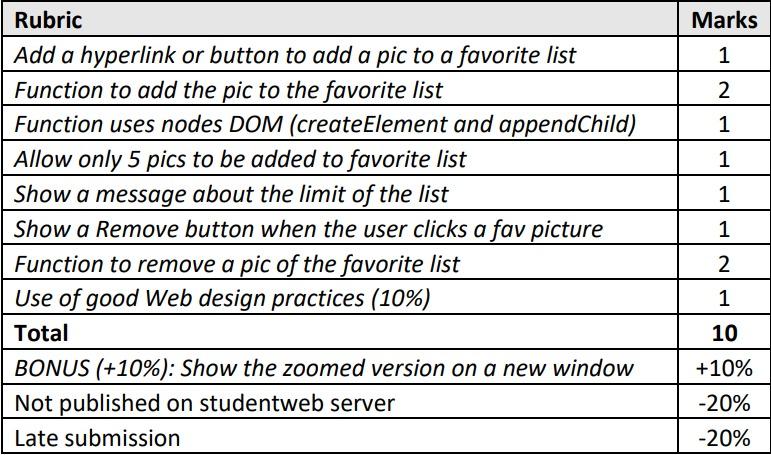
\begin{tabular}{|l|c|} \hline Rubric & Marks \\ \hline Add a hyperlink or button to add a pic to a favorite list & 1 \\ \hline Function to add the pic to the favorite list & 2 \\ \hline Function uses nodes DOM (createElement and appendChild) & 1 \\ \hline Allow only 5 pics to be added to favorite list & 1 \\ \hline Show a message about the limit of the list & 1 \\ \hline Show a Remove button when the user clicks a fav picture & 1 \\ \hline Function to remove a pic of the favorite list & 2 \\ \hline Use of good Web design practices (10\%) & 1 \\ \hline Total & 10 \\ \hline BONUS (+10\%): Show the zoomed version on a new window & +10% \\ \hline Not published on studentweb server & 20% \\ \hline Late submission & 20% \\ \hline \end{tabular}
Step by Step Solution
There are 3 Steps involved in it

Get step-by-step solutions from verified subject matter experts
 Study Help