







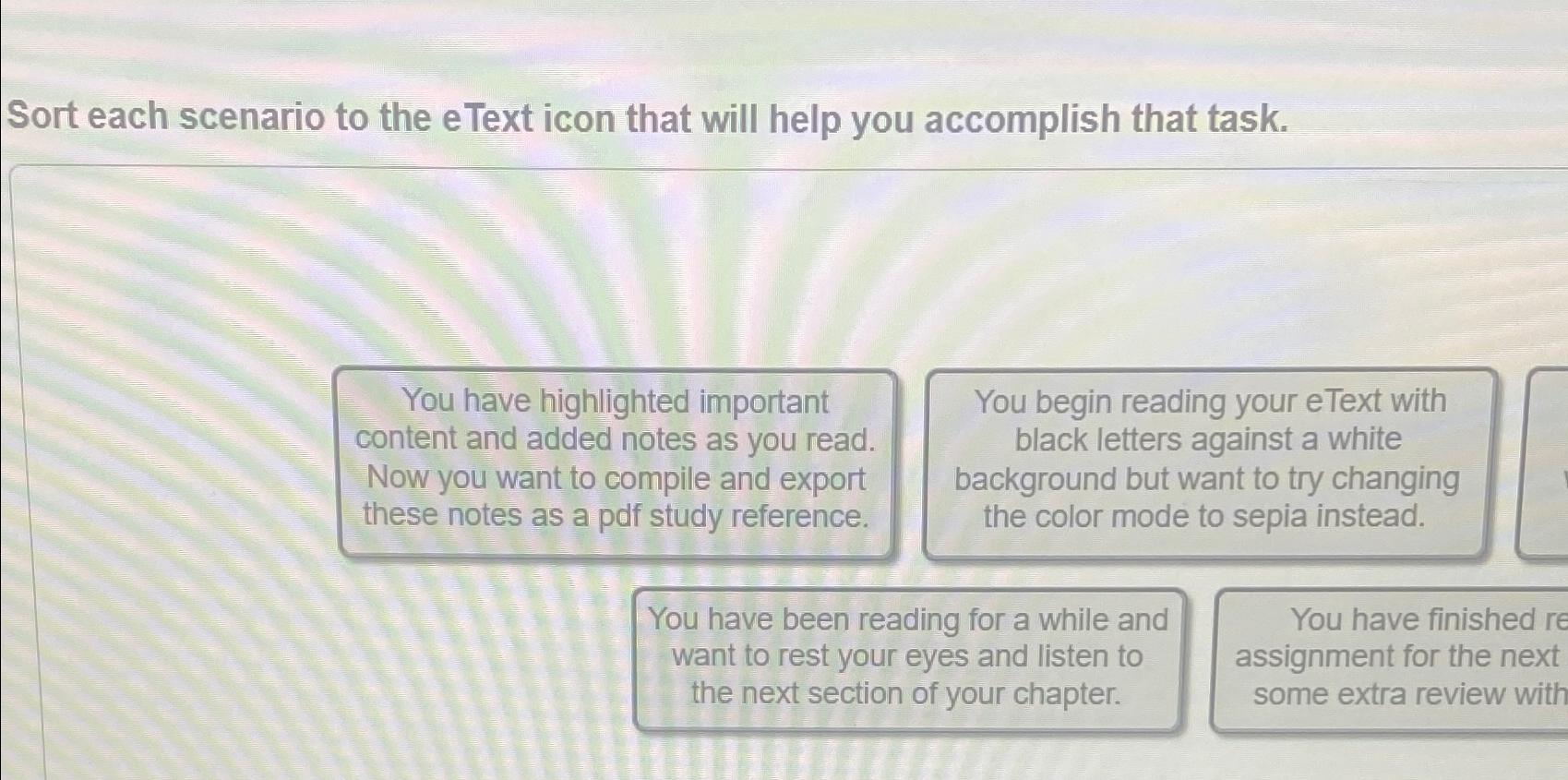
Question: Sort each scenario to the eText icon that will help you accomplish that task. You have highlighted important content and added notes as you read.
Sort each scenario to the eText icon that will help you accomplish that task.
You have highlighted important content and added notes as you read. Now you want to compile and export these notes as a pdf study reference.
You begin reading your eText with black letters against a white background but want to try changing the color mode to sepia instead.
You have been reading for a while and want to rest your eyes and listen to the next section of your chapter.
You have finished assignment for the next some extra review with
Step by Step Solution
There are 3 Steps involved in it
1 Expert Approved Answer
Step: 1 Unlock

Question Has Been Solved by an Expert!
Get step-by-step solutions from verified subject matter experts
Step: 2 Unlock
Step: 3 Unlock
 Study Help