







Question: SOURCE CODE OF MATLAB ONLY We discussed several ways to format and print text to both the command windon and to a file. For this
SOURCE CODE OF MATLAB ONLY
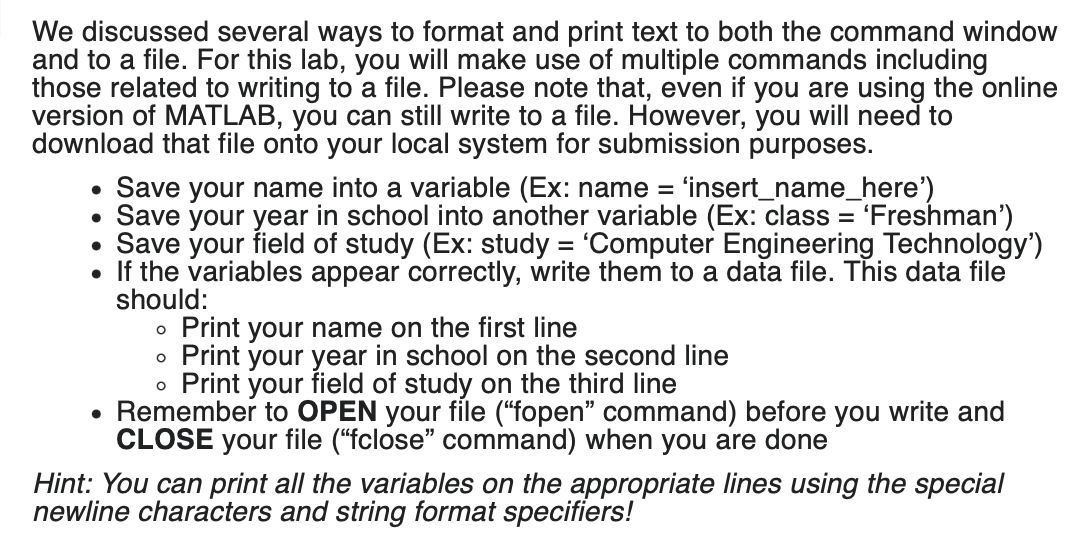
We discussed several ways to format and print text to both the command windon and to a file. For this lab, you will make use of multiple commands including those related to writing to a file. Please note that, even if you are using the online version of MATLAB, you can still write to a file. However, you will need to download that file onto your local system for submission purposes. - Save your name into a variable (Ex: name = 'insert_name_here') - Save your year in school into another variable (Ex: class = 'Freshman') - Save your field of study (Ex: study = 'Computer Engineering Technology') - If the variables appear correctly, write them to a data file. This data file should: - Print your name on the first line - Print your year in school on the second line - Print your field of study on the third line - Remember to OPEN your file ("fopen" command) before you write and CLOSE your file ("fclose" command) when you are done Hint: You can print all the variables on the appropriate lines using the special newline characters and string format specifiers
Step by Step Solution
There are 3 Steps involved in it

Get step-by-step solutions from verified subject matter experts
 Study Help