







Question: SQL Injection WebGoat Demos on Windows Machine Using Java. ( This assignment requires Downloading WebGoat Demos and Taking Screenshots ) Please follow direction carefully Directions
SQL Injection WebGoat Demos on Windows Machine Using Java. ( This assignment requires Downloading WebGoat Demos and Taking Screenshots )
Please follow direction carefully
Directions Are Below:
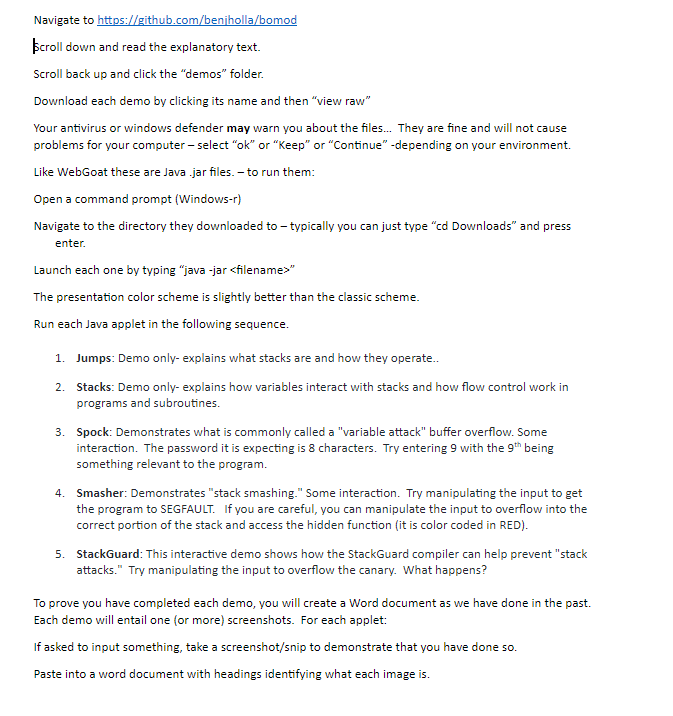
Navigate to h croll down and read the explanatory text. Scroll back up and click the "demos" folder Download each demo by clicking its name and then "view raw Your antivirus or windows defender may warn you about the files... They are fine and will not cause problems for your computer - select "ok" or "Keep" or "Continue -depending on your environment. Like WebGoat these are Java .jar files. - to run them Open a command prompt (Windows-r) Navigate to the directory they downloaded to - typically you can just type "cd Downloads" and press enter Launch each one by typing "java -jar
Step by Step Solution
There are 3 Steps involved in it

Get step-by-step solutions from verified subject matter experts
 Study Help