







Question: sql project help As a group you need to create a normalized (3NF) relational database design for the use case identified below. You will use
sql project help
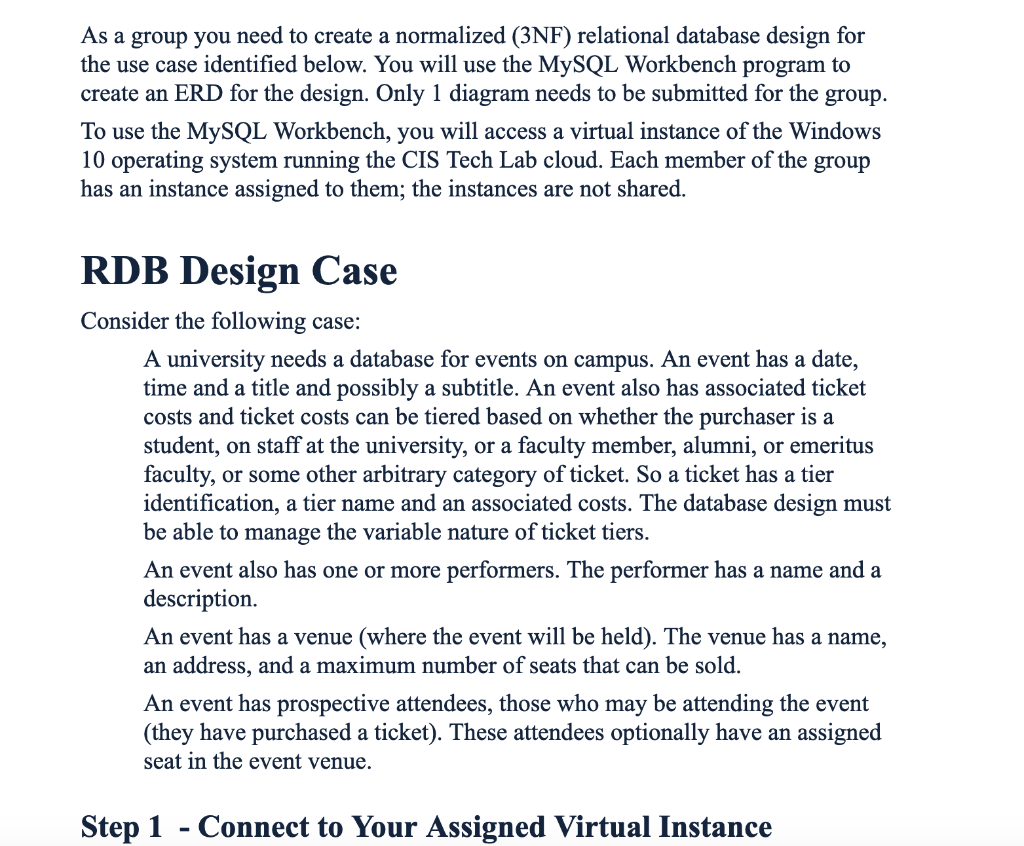
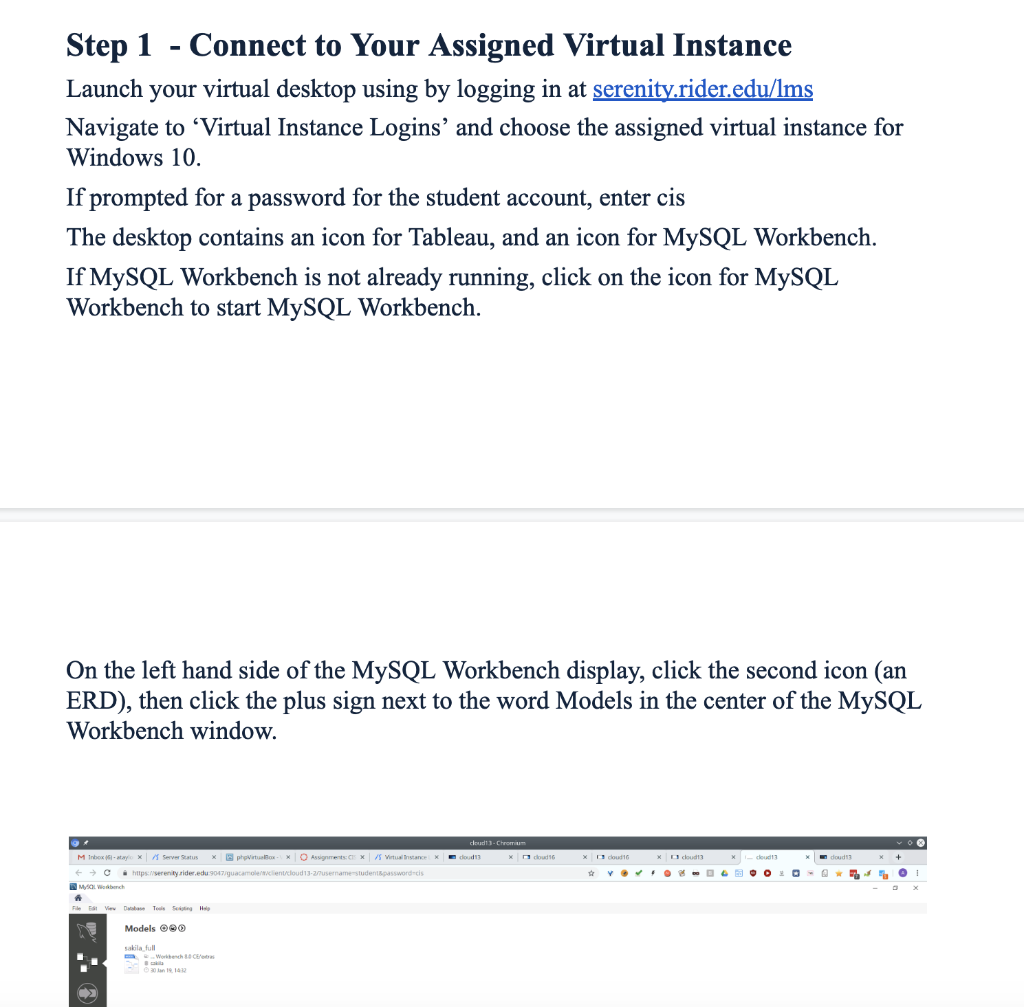
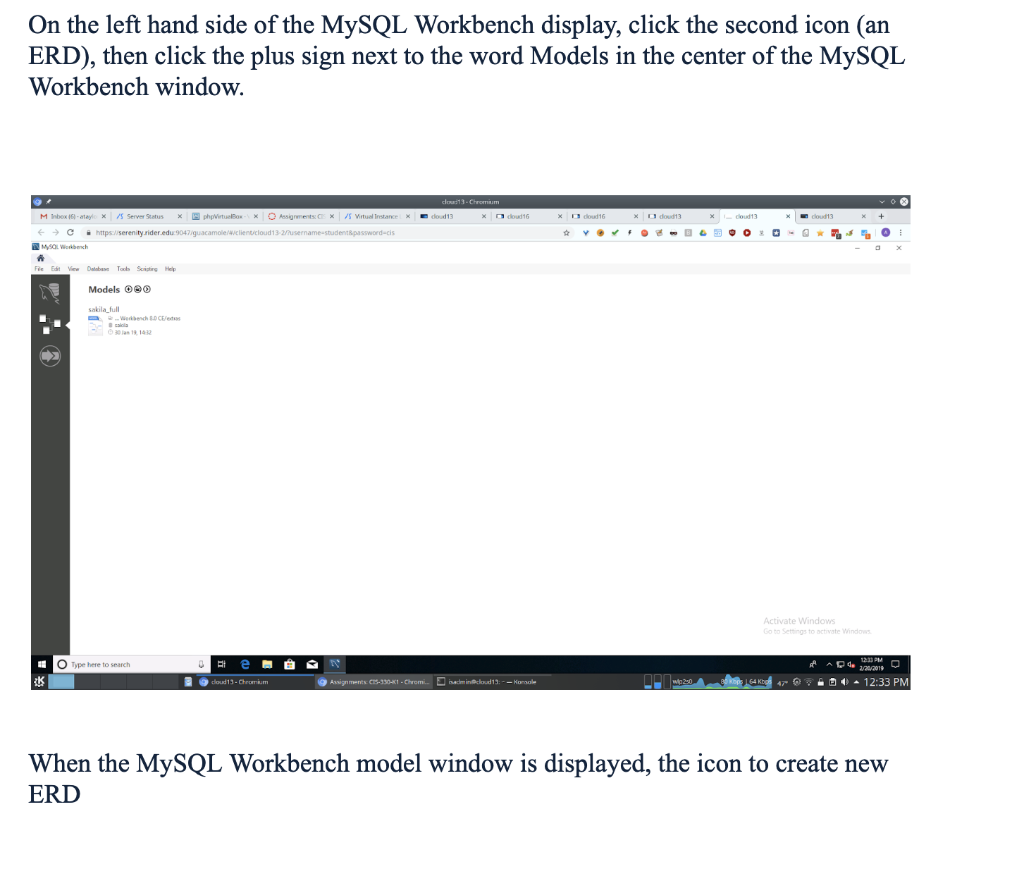
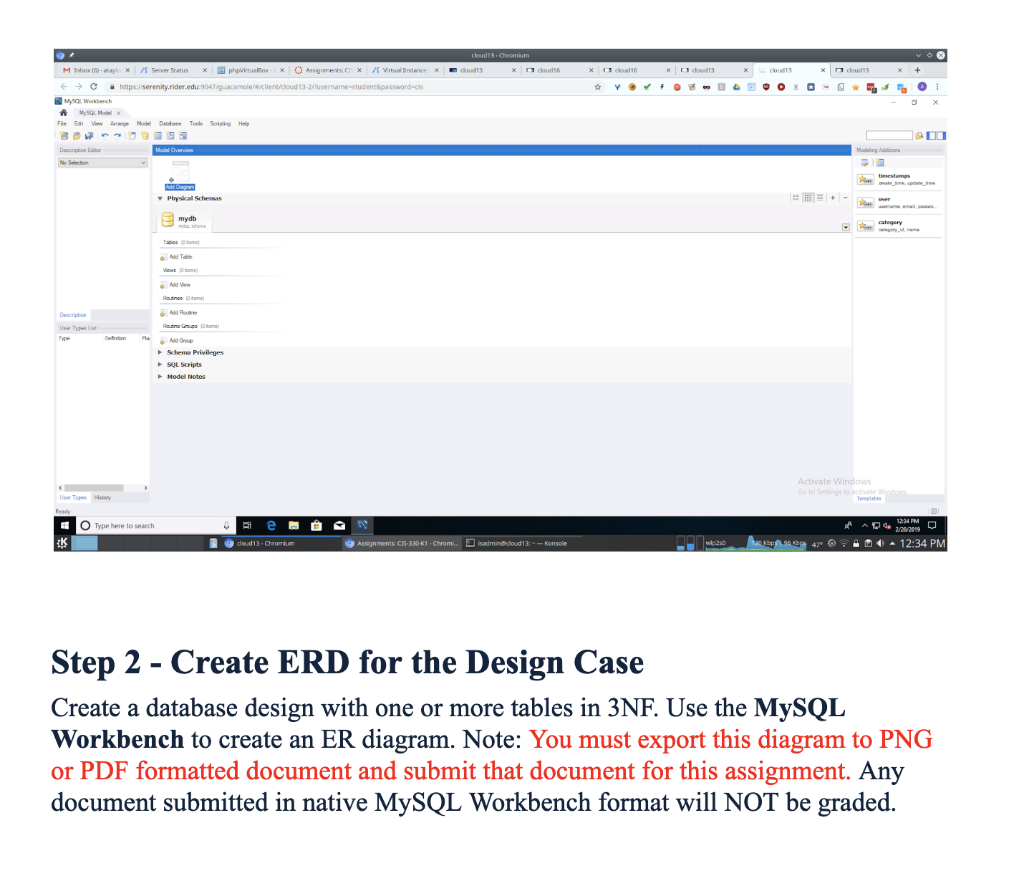
As a group you need to create a normalized (3NF) relational database design for the use case identified below. You will use the MySQL Workbench program to create an ERD for the design. Only 1 diagram needs to be submitted for the group. To use the MySQL Workbench, you will access a virtual instance of the Windows 10 operating system running the CIS Tech Lab cloud. Each member of the group has an instance assigned to them; the instances are not shared. RDB Design Case Consider the following case: A university needs a database for events on campus. An event has a date, time and a title and possibly a subtitle. An event also has associated ticket costs and ticket costs can be tiered based on whether the purchaser is a student, on staff at the university, or a faculty member, alumni, or emeritus faculty, or some other arbitrary category of ticket. So a ticket has a tier identification, a tier name and an associated costs. The database design must be able to manage the variable nature of ticket tiers An event also has one or more performers. The performer has a name and a description. An event has a venue (where the event will be held). The venue has a name, an address, and a maximum number of seats that can be sold. An event has prospective attendees, those who may be attending the event (they have purchased a ticket). These attendees optionally have an assigned seat in the event venue Step 1 - Connect to Your Assigned Virtual Instance On the left hand side of the MySQL Workbench display, click the second icon (arn ERD), then click the plus sign next to the word Models in the center of the MySQL Workbench window. Models O90 sakila full O Type here to search When the MySQL Workbench model window is displayed, the icon to create new ERD 7 Physical Schemas Scheme Privileges 90L Scripts Hodel Notes dows O Type here to search Step 2 - Create ERD for the Design Case Create a database design with one or more tables in 3NF. Use the MySQL Workbench to create an ER diagram. Note: You must export this diagram to PNG or PDF formatted document and submit that document for this assignment. Any document submitted in native MySQL Workbench format will NOT be graded As a group you need to create a normalized (3NF) relational database design for the use case identified below. You will use the MySQL Workbench program to create an ERD for the design. Only 1 diagram needs to be submitted for the group. To use the MySQL Workbench, you will access a virtual instance of the Windows 10 operating system running the CIS Tech Lab cloud. Each member of the group has an instance assigned to them; the instances are not shared. RDB Design Case Consider the following case: A university needs a database for events on campus. An event has a date, time and a title and possibly a subtitle. An event also has associated ticket costs and ticket costs can be tiered based on whether the purchaser is a student, on staff at the university, or a faculty member, alumni, or emeritus faculty, or some other arbitrary category of ticket. So a ticket has a tier identification, a tier name and an associated costs. The database design must be able to manage the variable nature of ticket tiers An event also has one or more performers. The performer has a name and a description. An event has a venue (where the event will be held). The venue has a name, an address, and a maximum number of seats that can be sold. An event has prospective attendees, those who may be attending the event (they have purchased a ticket). These attendees optionally have an assigned seat in the event venue Step 1 - Connect to Your Assigned Virtual Instance On the left hand side of the MySQL Workbench display, click the second icon (arn ERD), then click the plus sign next to the word Models in the center of the MySQL Workbench window. Models O90 sakila full O Type here to search When the MySQL Workbench model window is displayed, the icon to create new ERD 7 Physical Schemas Scheme Privileges 90L Scripts Hodel Notes dows O Type here to search Step 2 - Create ERD for the Design Case Create a database design with one or more tables in 3NF. Use the MySQL Workbench to create an ER diagram. Note: You must export this diagram to PNG or PDF formatted document and submit that document for this assignment. Any document submitted in native MySQL Workbench format will NOT be graded
Step by Step Solution
There are 3 Steps involved in it

Get step-by-step solutions from verified subject matter experts
 Study Help