







Question: SQL use sql tryit editor v1.6 1. Show employeeid, lastname, firstname and birthdate for employees with employeeID 10 or less. 2. Update the
SQL
use sql tryit editor v1.6
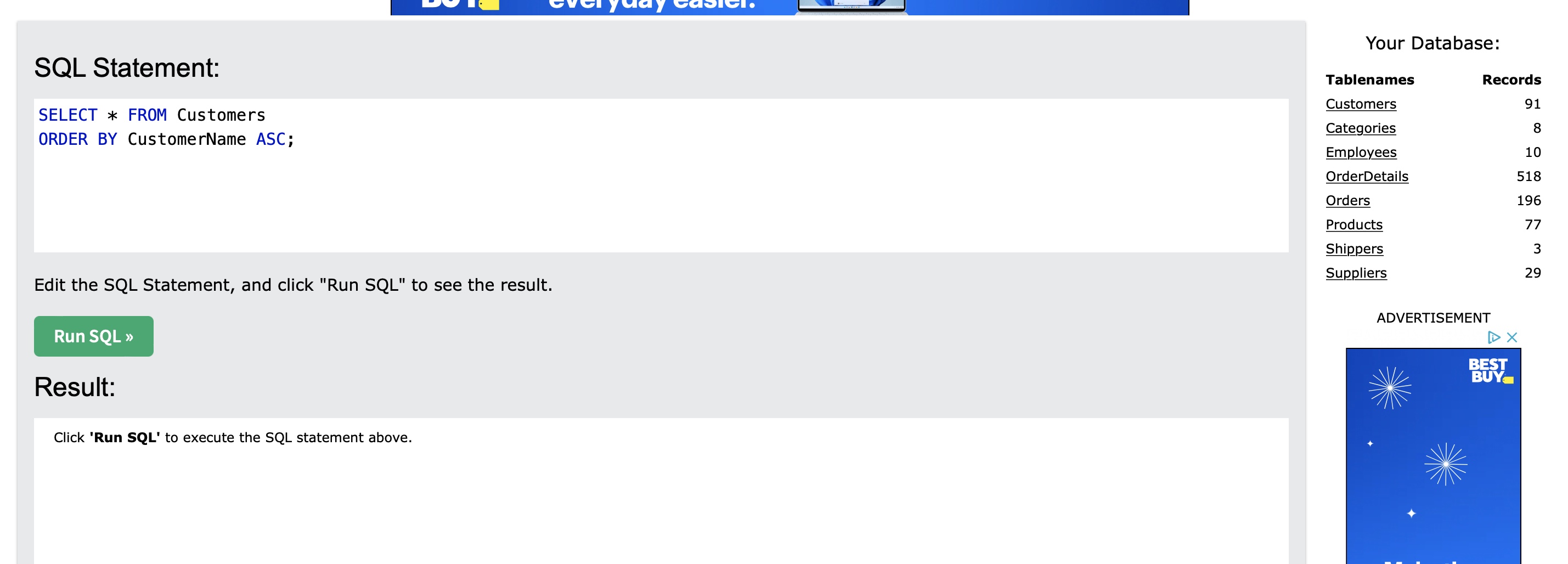
- 1. Show employeeid, lastname, firstname and birthdate for employees with employeeID 10 or less.
- 2. Update the record for CustomerID = 48, ContactName = Henry Hines, City = Reeds
- 3. Add this new record to the customers table:
Food King, Jennifer Brown, 33 Main Street, Bethel, 06801, USA - 4. From the Orders table, show all order information where customerid is 14 and shipperid is 2;
- 5. Show the largest quantity ordered in the OrderDetails table.
- 6. Using the Customers table, how many customers do we have? HINT: use the CustomerID
- 7. Select all from the customers table, but show only the ContactName that begin with M and ends with N
- 8. Using the Products table, find the average product price for each SupplierID, group by SupplierID and ONLY display average prices less than $30.
- 9. Extract only ONE (1) instance of each City in the Customers table and Order by City ascending.
The list will be long, show the first 10 results WITH THE Number of Records - 10. Select all records in customers table, except for cities Albuquerque and Barcelona then Order By City. (Use the NOT modifier in the where clause)
SQL Statement: SELECT * FROM Customers ORDER BY CustomerName ASC; Edit the SQL Statement, and click "Run SQL" to see the result. Run SQL > Result: Click 'Run SQL' to execute the SQL statement above. Your Database: Tablenames Customers Categories Employees OrderDetails Orders Products Shippers Suppliers Records ADVERTISEMENT 91 8 10 518 196 77 3 29 DX BEST BUY
Step by Step Solution
There are 3 Steps involved in it
1 Expert Approved Answer
Step: 1 Unlock

Question Has Been Solved by an Expert!
Get step-by-step solutions from verified subject matter experts
Step: 2 Unlock
Step: 3 Unlock
 Study Help