







Question: Start with a basic HTML, check into your Github, and then modify by pulling it into your computer and create change, commit and then push
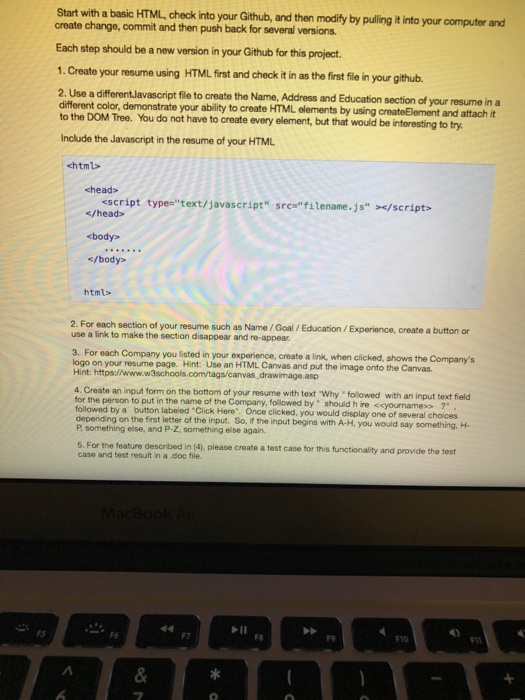
Start with a basic HTML, check into your Github, and then modify by pulling it into your computer and create change, commit and then push back for several versions Each step should be a new version in your Github for this project 1. Create your resume using HTML first and check it in as the first file in your github. 2. Use a differentJavascript file to create the Name, Address and Education section of your resume in a different color, demonstrate your ability to create to the DOM Tree. You do not have to create every element, but that would be interesting to try HTML elements by using createElement and attach it nclude the Javascript in the resume of your HTML chtml> chead> html> 2. For each section of your resume such as Name/Goal/Education/Experience, create a button or use a link to make the section disappear and re-appear. 3. For each Company you listed in your experience, create a link, when clicked, shows the Companys on your resume page. Hint: Use an HTML Canvas and put the image onto the Canvas asp Hint: https://www.w3schools 4. Create an input form on the bottom of your resume with text Why followed with an input text field followed by a button labeled Click Here". Once clicked, you would display one of several choices P something else, and P-Z, something else again. 5. For the feature described in (4), please create a test case for this functionality and provide the tert for the person to put in the name of the Company, foillowed by should h ire
Step by Step Solution
There are 3 Steps involved in it

Get step-by-step solutions from verified subject matter experts
 Study Help