







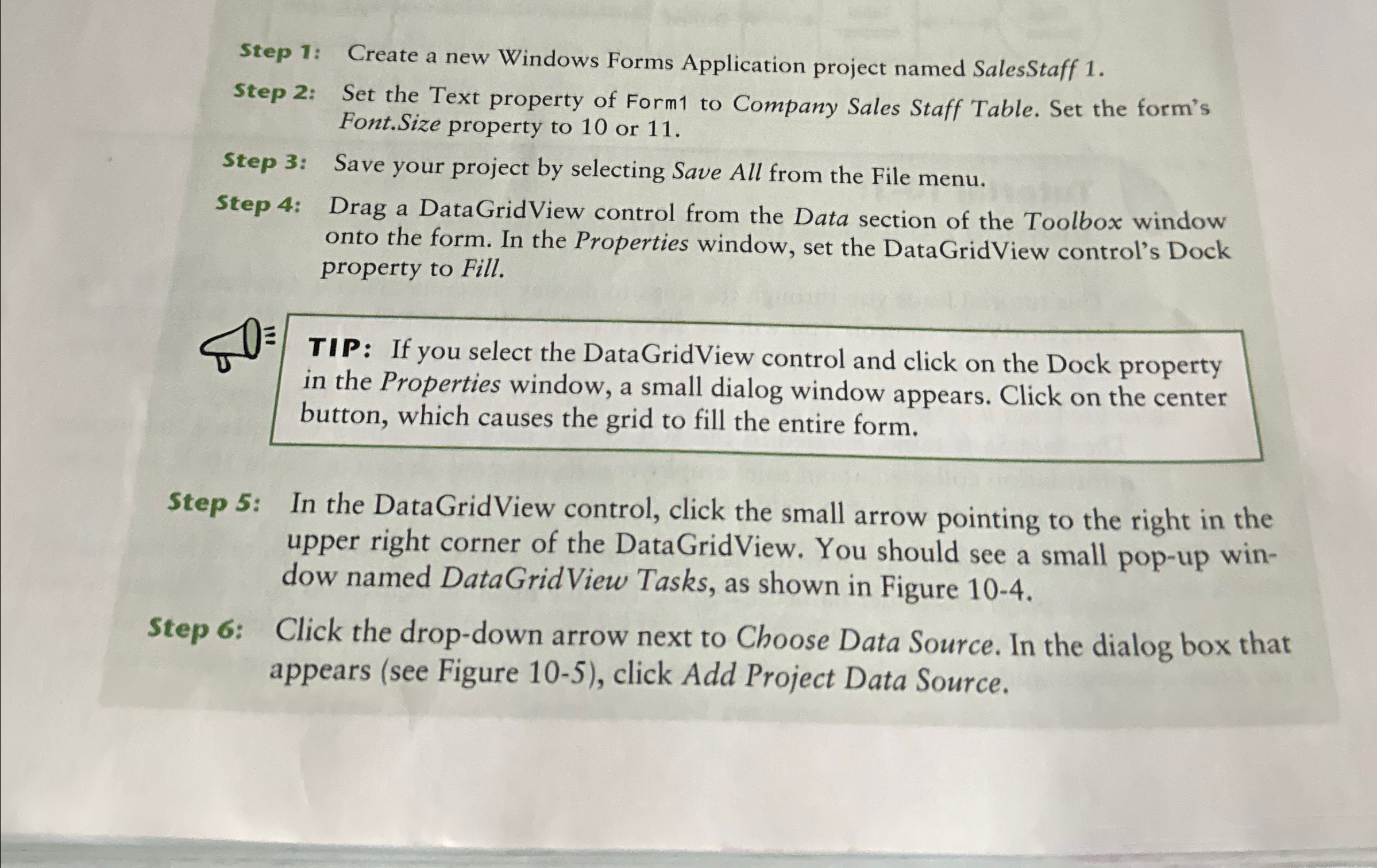
Question: Step 1 : Create a new Windows Forms Application project named SalesStaff 1 . Step 2 : Set the Text property of Form 1 to
Step : Create a new Windows Forms Application project named SalesStaff
Step : Set the Text property of Form to Company Sales Staff Table. Set the form's Font.Size property to or
Step : Save your project by selecting Save All from the File menu.
Step : Drag a DataGridView control from the Data section of the Toolbox window onto the form. In the Properties window, set the DataGridView control's Dock property to Fill.
Step : In the DataGridView control, click the small arrow pointing to the right in the upper right corner of the DataGridView. You should see a small popup window named DataGridView Tasks, as shown in Figure
Step : Click the dropdown arrow next to Choose Data Source. In the dialog box that appears see Figure click Add Project Data Source.
Step by Step Solution
There are 3 Steps involved in it
1 Expert Approved Answer
Step: 1 Unlock

Question Has Been Solved by an Expert!
Get step-by-step solutions from verified subject matter experts
Step: 2 Unlock
Step: 3 Unlock
 Study Help