







Question: Step 1 - Statistics on a single stock You are going to use the Single Stock Analysis Tab. Your task is to allow the user
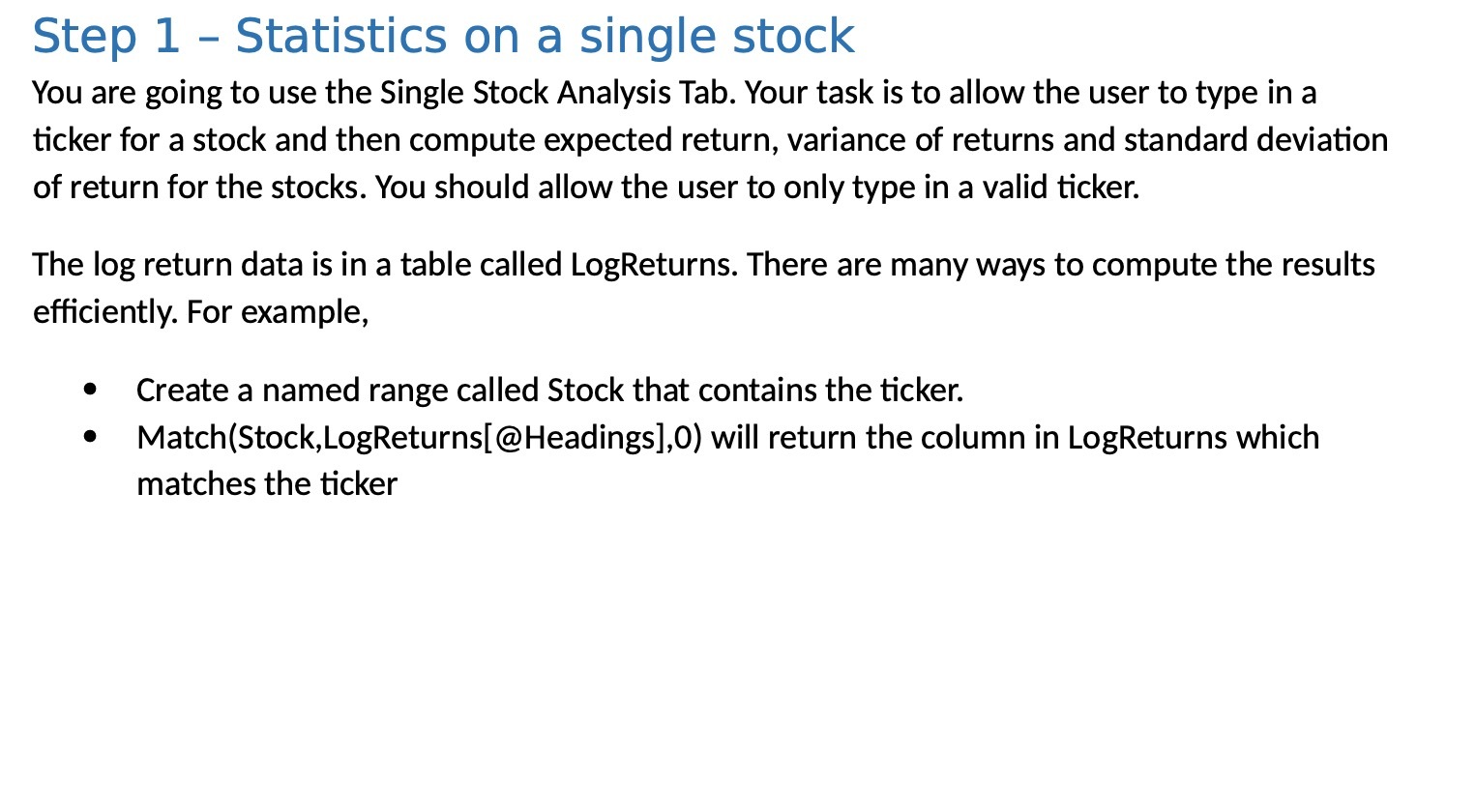
Step 1 - Statistics on a single stock You are going to use the Single Stock Analysis Tab. Your task is to allow the user to type in a ticker for a stock and then compute expected return, variance of returns and standard deviation of return for the stocks. You should allow the user to only type in a valid ticker. The log return data is in a table called LogReturns. There are many ways to compute the results efciently. For example, 0 Create a named range called Stock that contains the ticker. 0 Match(Stock,LogReturns[@Headings],0) will return the column in LogReturns which matches the ticker
Step by Step Solution
There are 3 Steps involved in it
1 Expert Approved Answer
Step: 1 Unlock

Question Has Been Solved by an Expert!
Get step-by-step solutions from verified subject matter experts
Step: 2 Unlock
Step: 3 Unlock
 Study Help