







Question: Step 3 : Update the JavaScript functionality In the script section within the head tag, add modify the JavaScript function displayYear ( ) to dynamically
Step : Update the JavaScript functionality
In the script section within the head tag, add modify the JavaScript function displayYear
to dynamically load the current year.
Add onload"displayYear to the body tag. This will call the function as soon as
the page loads, displaying the current year dynamically in the footer.
Step : Review your work
Review all the code to make sure it's correct and complete. The provided HTML CSS
and JavaScript should serve as a starting point, but your final portfolio should be unique
and reflect your own style and projects.
Test the layout on different screen sizes to ensure that it's properly responsive. The text
should be readable, and no horizontal scroll should appear on mobile devices.
Grading Criteria:
HTML Content : All required elements are included and properly configured. HTML
is wellorganized with appropriate use of tags.
CSS Styling : CSS effectively styles the site, including responsiveness for different
viewport sizes. Additional points for creativity and attention to detail.
JavaScript Functionality : JavaScript is used effectively to create an interactive
user experience.
This project offers an opportunity to demonstrate your creativity and understanding of HTML
CSS and JavaScript. Make the most of it and good luck with your portfolio website!Project Overview:
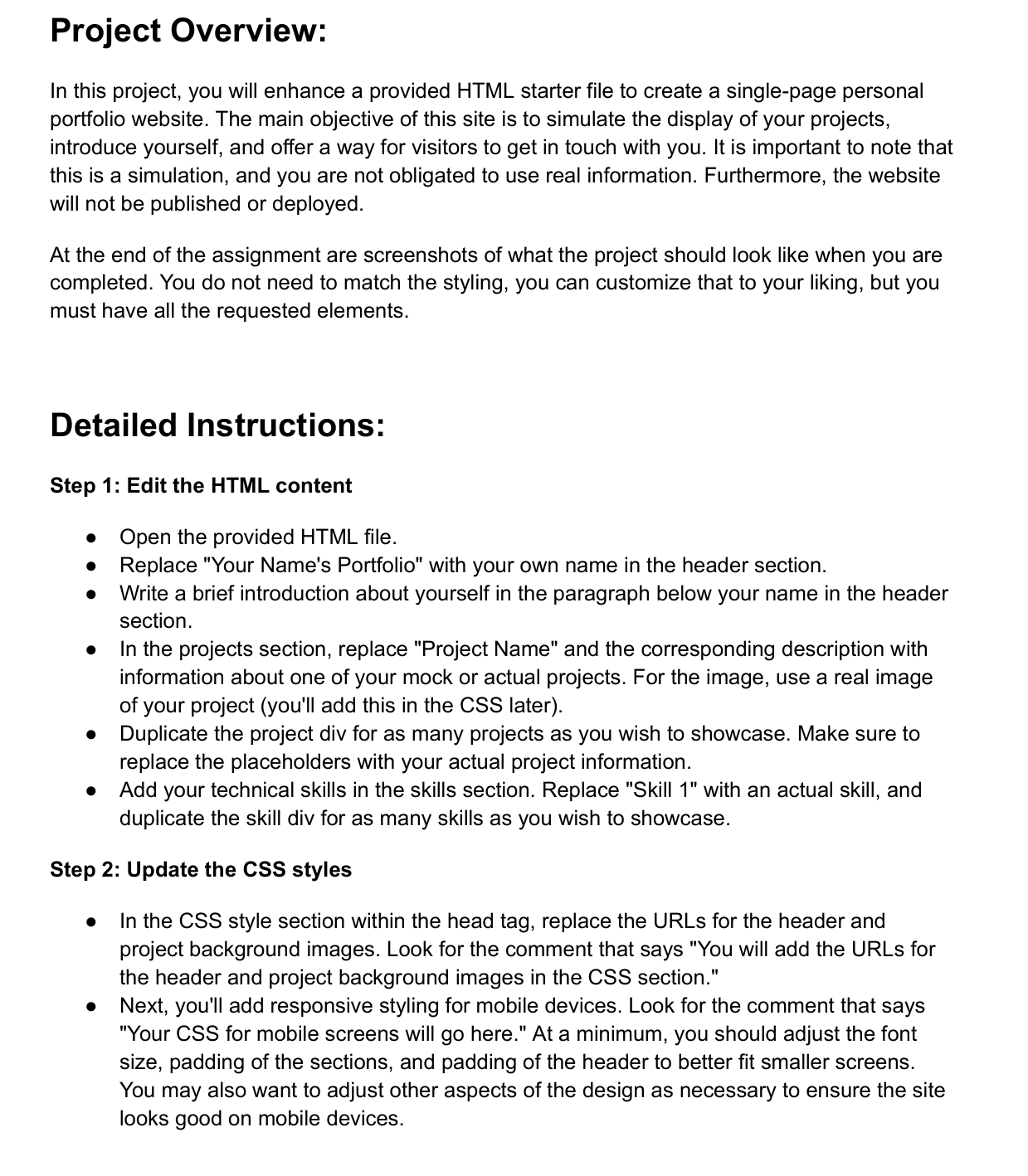
In this project, you will enhance a provided HTML starter file to create a singlepage personal
portfolio website. The main objective of this site is to simulate the display of your projects,
introduce yourself, and offer a way for visitors to get in touch with you. It is important to note that
this is a simulation, and you are not obligated to use real information. Furthermore, the website
will not be published or deployed.
At the end of the assignment are screenshots of what the project should look like when you are
completed. You do not need to match the styling, you can customize that to your liking, but you
must have all the requested elements.
Detailed Instructions:
Step : Edit the HTML content
Open the provided HTML file.
Replace "Your Name's Portfolio" with your own name in the header section.
Write a brief introduction about yourself in the paragraph below your name in the header
section.
In the projects section, replace "Project Name" and the corresponding description with
information about one of your mock or actual projects. For the image, use a real image
of your project youll add this in the CSS later
Duplicate the project div for as many projects as you wish to showcase. Make sure to
replace the placeholders with your actual project information.
Add your technical skills in the skills section. Replace "Skill with an actual skill, and
duplicate the skill div for as many skills as you wish to showcase.
Step : Update the CSS styles
In the CSS style section within the head tag, replace the URLs for the header and
project background images. Look for the comment that says "You will add the URLs for
the header and project background images in the CSS section."
Next, you'll add responsive styling for mobile devices. Look for the comment that says
"Your CSS for mobile screens will go here." At a minimum, you should adjust the font
size, padding of the sections, and padding of the header to better fit smaller screens.
You may also want to adjust other aspects of the design as necessary to ensure the site
looks good on mobile devices.
SHOW FULL EXAMPLE CODE PLEASE!!
Step by Step Solution
There are 3 Steps involved in it
1 Expert Approved Answer
Step: 1 Unlock

Question Has Been Solved by an Expert!
Get step-by-step solutions from verified subject matter experts
Step: 2 Unlock
Step: 3 Unlock
 Study Help