



Question: Step 4: Deliverable 2: After importing the Northridge map, examine each of the layers that you have imported. Right click on the layer name within
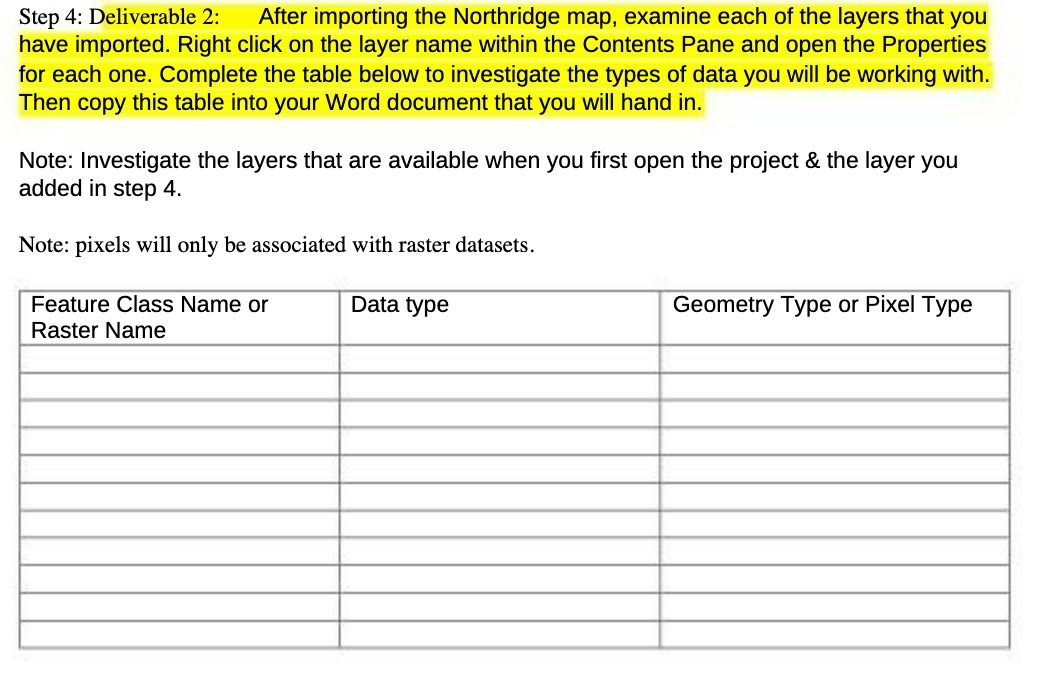
Step 4: Deliverable 2: After importing the Northridge map, examine each of the layers that you have imported. Right click on the layer name within the Contents Pane and open the Properties for each one. Complete the table below to investigate the types of data you will be working with. Then copy this table into your Word document that you will hand in. Note: Investigate the layers that are available when you first open the project (it the layer you added in step 4. Note: pixels will only be associated with raster datasets. Feature Class Name or Data type Geometry Type or Pixel Type Raster Name
Step by Step Solution
There are 3 Steps involved in it
1 Expert Approved Answer
Step: 1 Unlock

Question Has Been Solved by an Expert!
Get step-by-step solutions from verified subject matter experts
Step: 2 Unlock
Step: 3 Unlock