







Question: Step 4: Read Appendix B from textbook and explore the simulator features. Answer the following questions: Simulator questions: 1. How can we load the binary
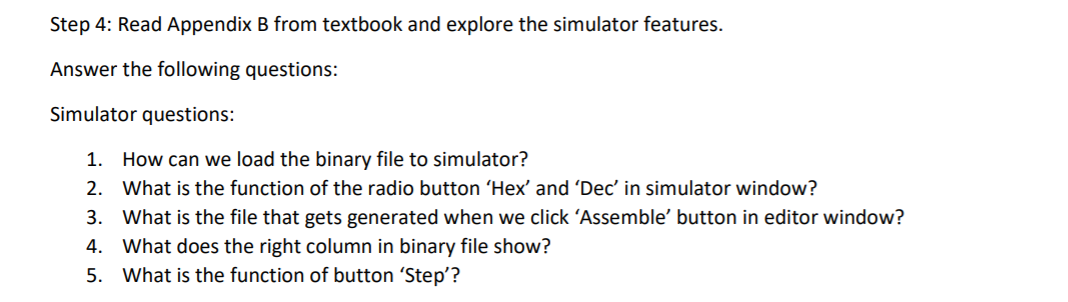
Step 4: Read Appendix B from textbook and explore the simulator features. Answer the following questions: Simulator questions: 1. How can we load the binary file to simulator? 2. What is the function of the radio button 'Hex' and 'Dec' in simulator window? 3. What is the file that gets generated when we click 'Assemble' button in editor window? 4. What does the right column in binary file show? 5. What is the function of button 'Step
Step by Step Solution
There are 3 Steps involved in it
1 Expert Approved Answer
Step: 1 Unlock

Question Has Been Solved by an Expert!
Get step-by-step solutions from verified subject matter experts
Step: 2 Unlock
Step: 3 Unlock
 Study Help