







Question: step 8 is just to submit Bootstrap Goal Design a simple, visually pleasant, web page on a topic of your choice, using HTML5, CSS, and
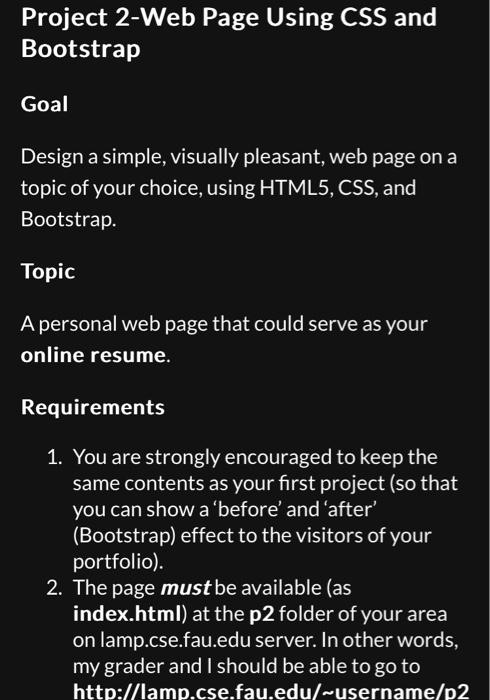
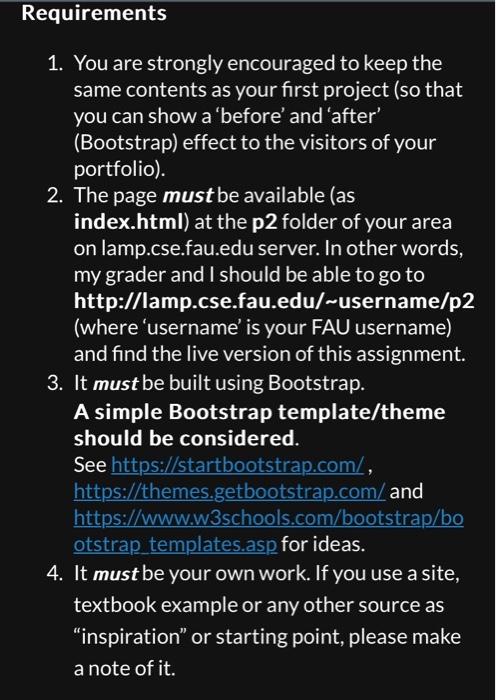
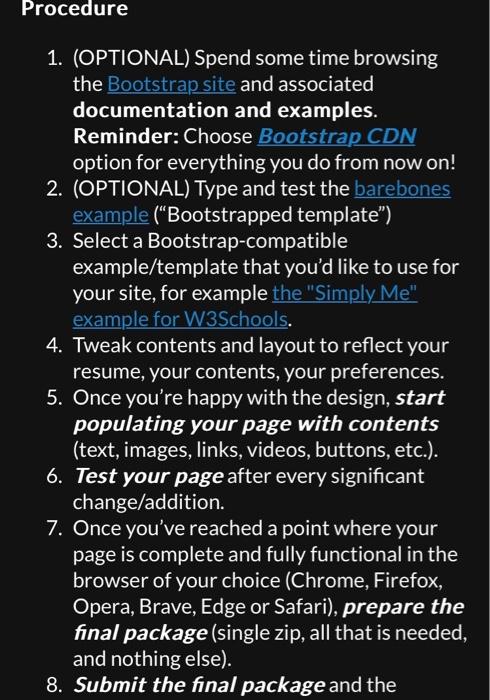
Bootstrap Goal Design a simple, visually pleasant, web page on a topic of your choice, using HTML5, CSS, and Bootstrap. Topic A personal web page that could serve as your online resume. Requirements 1. You are strongly encouraged to keep the same contents as your first project (so that you can show a 'before' and 'after' (Bootstrap) effect to the visitors of your portfolio). 2. The page must be available (as index.html) at the p2 folder of your area on lamp.cse.fau.edu server. In other words, my grader and I should be able to go to http://lamp.cse.fau.edu/ username/p2 1. You are strongly encouraged to keep the same contents as your first project (so that you can show a 'before' and 'after' (Bootstrap) effect to the visitors of your portfolio). 2. The page must be available (as index.html) at the p2 folder of your area on lamp.cse.fau.edu server. In other words, my grader and I should be able to go to http://lamp.cse.fau.edu/ username/p2 (where 'username' is your FAU username) and find the live version of this assignment. 3. It must be built using Bootstrap. A simple Bootstrap template/theme should be considered. See https://startbootstrap.com/, https://themes.getbootstrap.com/and https://www.w3schools.com/bootstrap/bo otstrap templates.asp for ideas. 4. It must be your own work. If you use a site, textbook example or any other source as "inspiration" or starting point, please make a note of it. 1. (OPTIONAL) Spend some time browsing the Bootstrap site and associated documentation and examples. Reminder: Choose Bootstrap CDN option for everything you do from now on! 2. (OPTIONAL) Type and test the barebones example ("Bootstrapped template") 3. Select a Bootstrap-compatible example/template that you'd like to use for your site, for example the "Simply Me" example for W3Schools. 4. Tweak contents and layout to reflect your resume, your contents, your preferences. 5. Once you're happy with the design, start populating your page with contents (text, images, links, videos, buttons, etc.). 6. Test your page after every significant change/addition. 7. Once you've reached a point where your page is complete and fully functional in the browser of your choice (Chrome, Firefox, Opera, Brave, Edge or Safari), prepare the final package (single zip, all that is needed, and nothing else). 8. Submit the final package and the
Step by Step Solution
There are 3 Steps involved in it

Get step-by-step solutions from verified subject matter experts
 Study Help