







Question: Step by Step instructions: Step 1 You needed to use formulas and Excel functions which are SUM, IF and VLOOKUP. The SUM formula is self
Step by Step instructions: Step 1
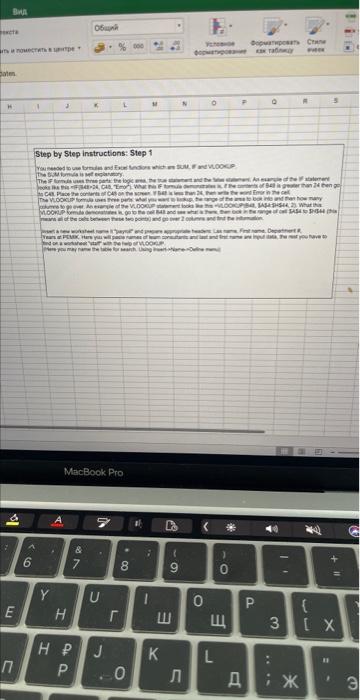
You needed to use formulas and Excel functions which are SUM, IF and VLOOKUP.
The SUM formula is self explanatory.
The IF formula uses three parts: the logic area, the true statement and the false statement. An example of the IF statement looks like this =IF(B48>24, C48, "Error"). What this IF formula demonstrates is, if the contents of B48 is greater than 24 then go to C48. Place the contents of C48 on the screen. If B48 is less than 24, then write the word Error in the cell.
The VLOOKUP formula uses three parts: what you want to lookup, the range of the area to look into and then how many columns to go over. An example of the VLOOKUP statement looks like this =VLOOKUP(B48, $A$4:SH$44, 2). What this VLOOKUP formula demonstrates is, go to the cell B48 and see what is there, then look in the range of cell $A$4 to $H$44 (this means all of the cells between these two points) and go over 2 columns and find the information.
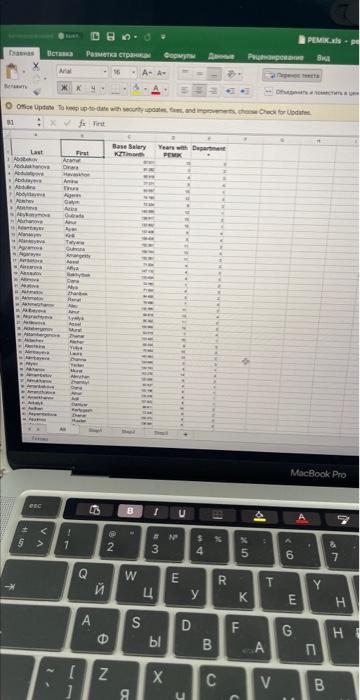
Insert a new worksheet name it "payroll" and prepare appropriate headers: Las name, First name, Department #,
Years at PEMIK. Here you will paste names of team consultants and last and first name are Input data, the rest you have to find on a worksheet "staff' with the help of VLOOKUP.
(Here you may name the table for search. Using Insert->Name->Define menu)
Step by Step Solution
There are 3 Steps involved in it

Get step-by-step solutions from verified subject matter experts
 Study Help