



Question: Step Instructions 1 Start Excel. Download and open the file named Exp 1 9 _ Excel _ Ch 0 7 _ HOEAssessment _ Employees.xlsx .
Step
Instructions
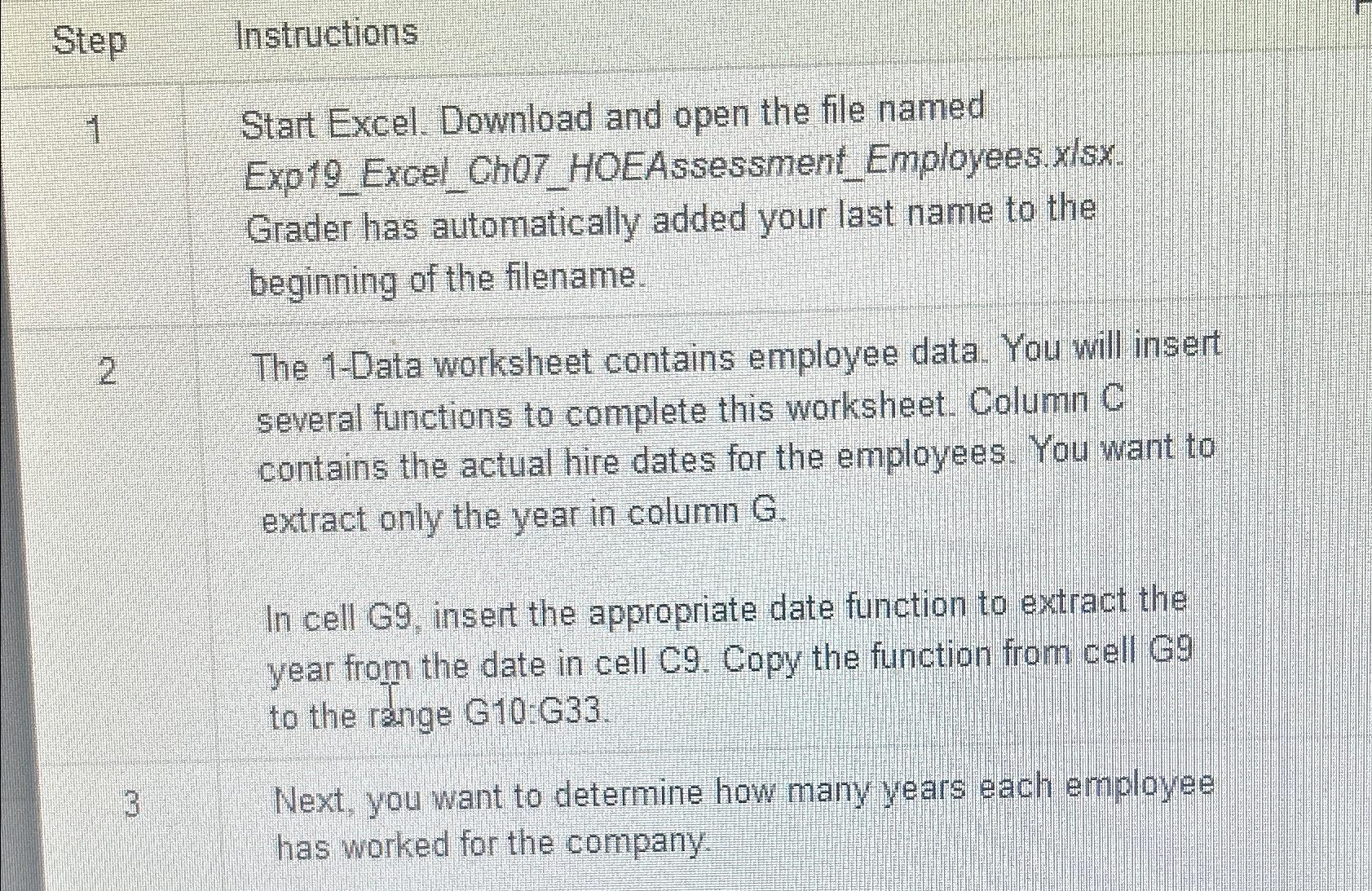
Start Excel. Download and open the file named ExpExcelChHOEAssessmentEmployees.xlsx Grader has automatically added your last name to the beginning of the filename.
The Data worksheet contains employee data. You will insert several functions to complete this worksheet. Column C contains the actual hire dates for the employees. You want to extract only the year in column
In cell G insert the appropriate date function to extract the year from the date in cell C Copy the function from cell to the range G:G
Next, you want to determine how many years each employee has worked for the company.
Step by Step Solution
There are 3 Steps involved in it
1 Expert Approved Answer
Step: 1 Unlock

Question Has Been Solved by an Expert!
Get step-by-step solutions from verified subject matter experts
Step: 2 Unlock
Step: 3 Unlock