







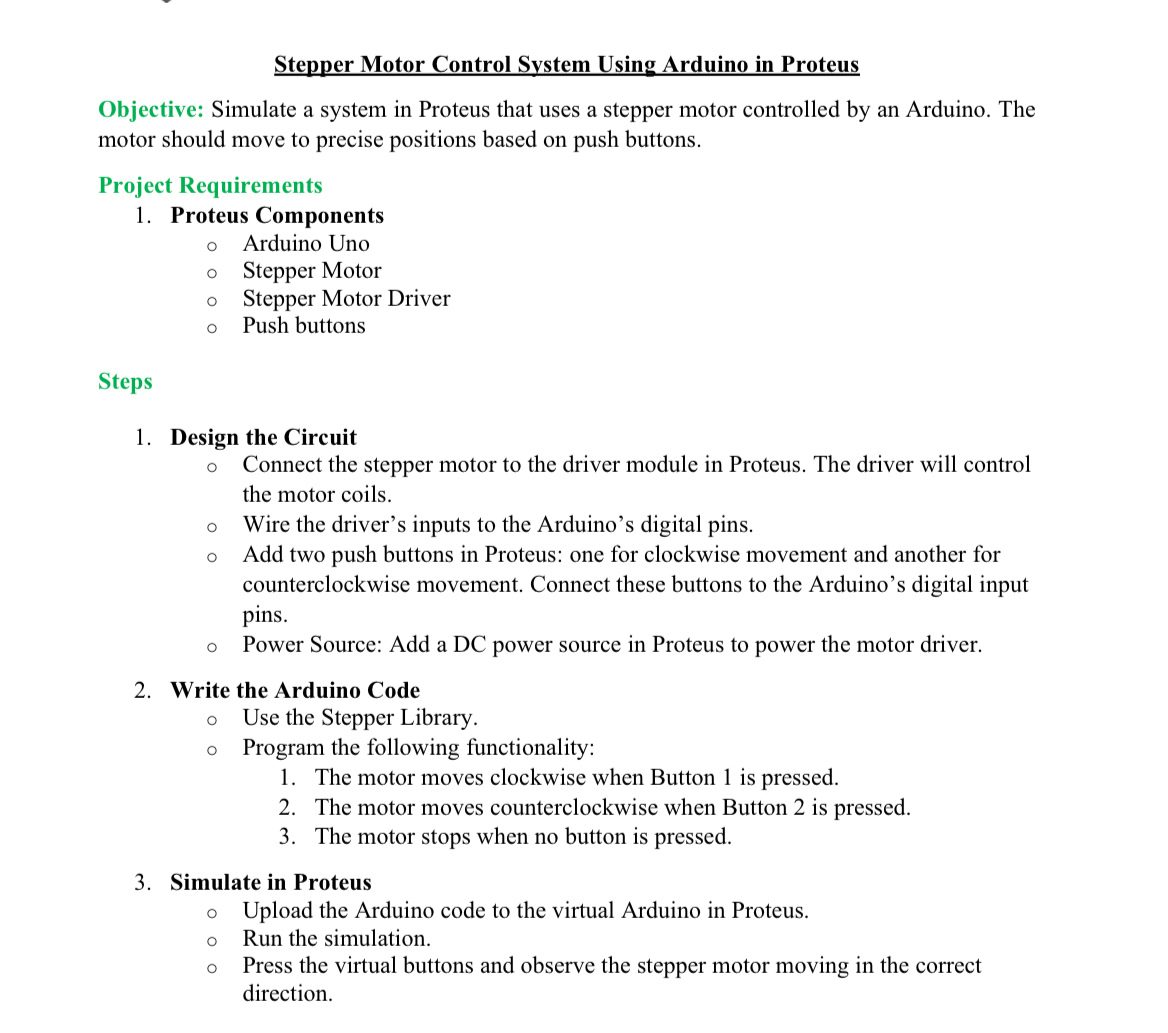
Question: Stepper Motor Control System Using Arduino in Proteus Objective: Simulate a system in Proteus that uses a stepper motor controlled by an Arduino. The motor
Stepper Motor Control System Using Arduino in Proteus
Objective: Simulate a system in Proteus that uses a stepper motor controlled by an Arduino. The motor should move to precise positions based on push buttons.
Project Requirements
Proteus Components
Arduino Uno
Stepper Motor
Stepper Motor Driver
Push buttons
Steps
Design the Circuit
Connect the stepper motor to the driver module in Proteus. The driver will control the motor coils.
Wire the driver's inputs to the Arduino's digital pins.
Add two push buttons in Proteus: one for clockwise movement and another for counterclockwise movement. Connect these buttons to the Arduino's digital input pins.
Power Source: Add a DC power source in Proteus to power the motor driver.
Write the Arduino Code
Use the Stepper Library.
Program the following functionality:
The motor moves clockwise when Button is pressed.
The motor moves counterclockwise when Button is pressed.
The motor stops when no button is pressed.
Simulate in Proteus
Upload the Arduino code to the virtual Arduino in Proteus.
Run the simulation.
Press the virtual buttons and observe the stepper motor moving in the correct direction.
Step by Step Solution
There are 3 Steps involved in it
1 Expert Approved Answer
Step: 1 Unlock

Question Has Been Solved by an Expert!
Get step-by-step solutions from verified subject matter experts
Step: 2 Unlock
Step: 3 Unlock
 Study Help