







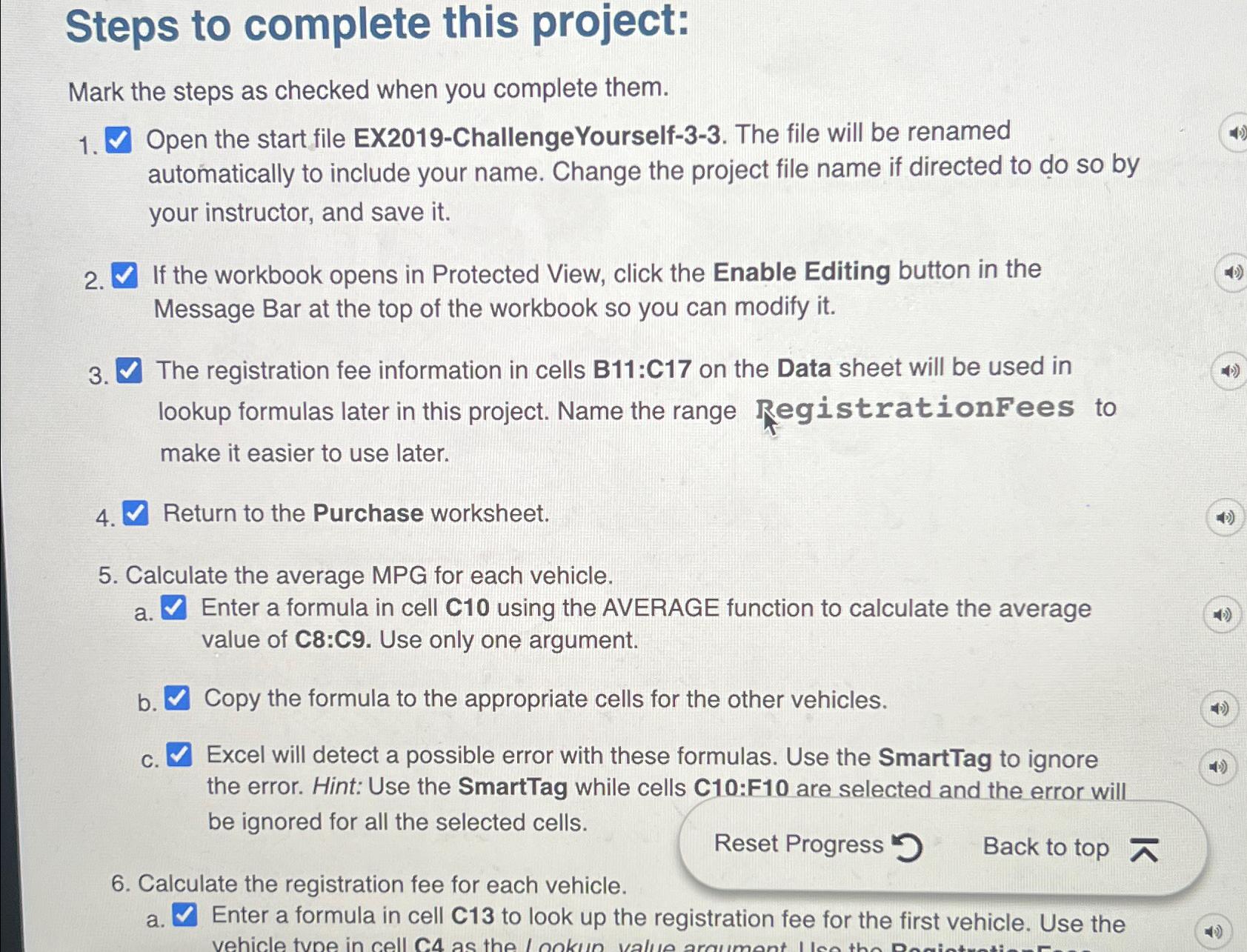
Question: Steps to complete this project: Mark the steps as checked when you complete them. Open the start file EX 2 0 1 9 - ChallengeYourself
Steps to complete this project:
Mark the steps as checked when you complete them.
Open the start file EXChallengeYourself The file will be renamed automatically to include your name. Change the project file name if directed to do so by your instructor, and save it
If the workbook opens in Protected View, click the Enable Editing button in the Message Bar at the top of the workbook so you can modify it
The registration fee information in cells B:C on the Data sheet will be used in lookup formulas later in this project. Name the range RegistrationFees to make it easier to use later.
Return to the Purchase worksheet.
Calculate the average MPG for each vehicle.
a Enter a formula in cell C using the AVERAGE function to calculate the average value of : Use only one argument.
b Copy the formula to the appropriate cells for the other vehicles.
c Excel will detect a possible error with these formulas. Use the SmartTag to ignore the error. Hint: Use the SmartTag while cells C:F are selected and the error will be ignored for all the selected cells.
Reset Progress
Back to top
Calculate the registration fee for each vehicle.
a Enter a formula in cell C to look up the registration fee for the first vehicle. Use the
Step by Step Solution
There are 3 Steps involved in it
1 Expert Approved Answer
Step: 1 Unlock

Question Has Been Solved by an Expert!
Get step-by-step solutions from verified subject matter experts
Step: 2 Unlock
Step: 3 Unlock
 Study Help