







Question: sudo Ishw Ishw -help Use Ishw command to export your hardware configuration to a file called hardware.html in HTML format (use the redirection special character
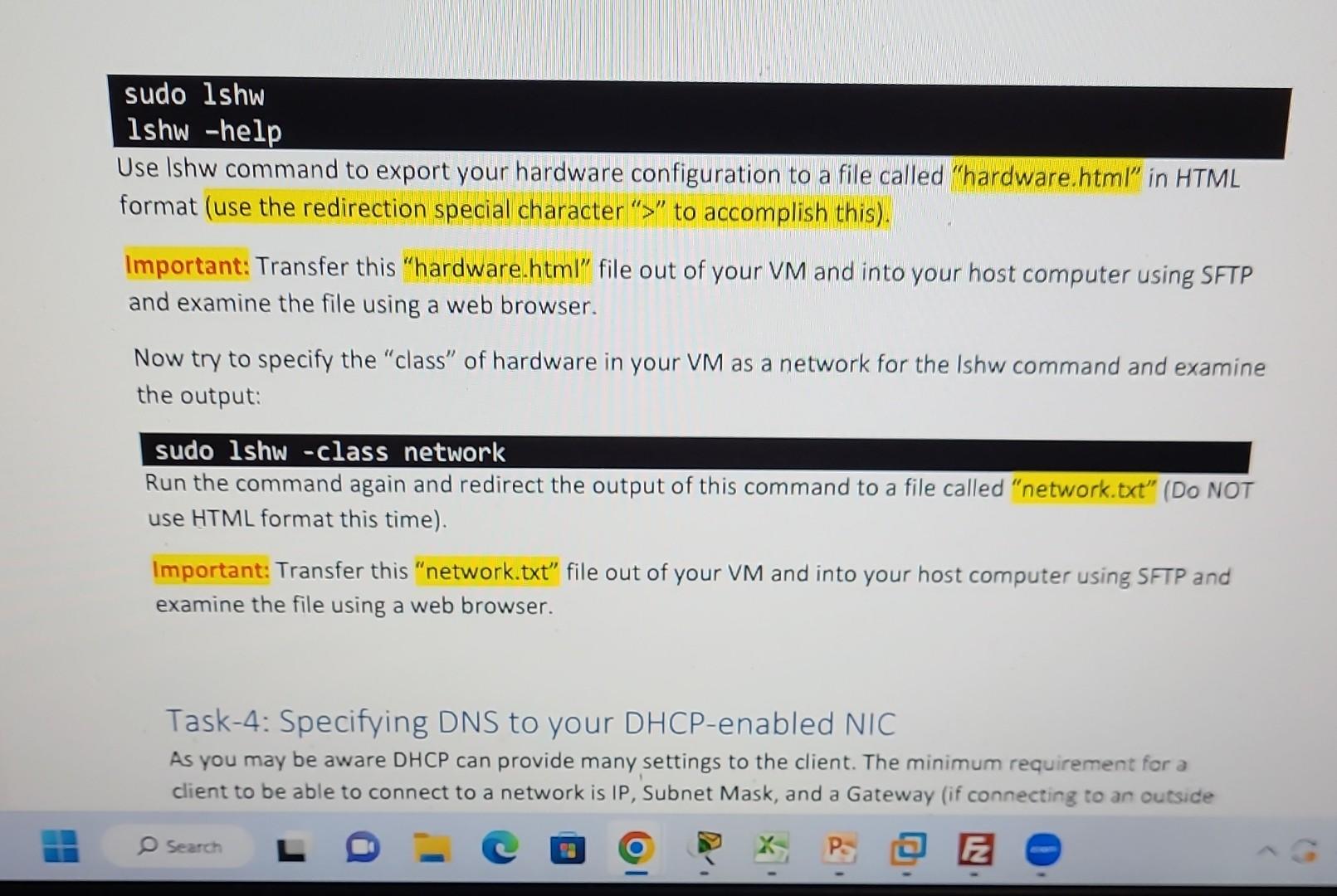
sudo Ishw Ishw -help Use Ishw command to export your hardware configuration to a file called "hardware.html" in HTML format (use the redirection special character " > " to accomplish this). Important: Transfer this "hardware.html" file out of your VM and into your host computer using SFTP and examine the file using a web browser. Now try to specify the "class" of hardware in your VM as a network for the Ishw command and examine the output: sudo lshw - class network Run the command again and redirect the output of this command to a file called "network.txt" (DO NOT use HTML format this time). Transfer this "network.txt" file out of your VM and into your host computer using SFTP and examine the file using a web browser. Task-4: Specifying DNS to your DHCP-enabled NIC As you may be aware DHCP can provide many settings to the client. The minimum requirement for a client to be able to connect to a network is IP, Subnet Mask, and a Gateway (if connecting to an outside
Step by Step Solution
There are 3 Steps involved in it

Get step-by-step solutions from verified subject matter experts
 Study Help