







Question: . Summarize your descriptive statistics findings from Excel. Use a table and insert appropriate graphs. Section 2 - Analysis . Using Excel, create scatter plots
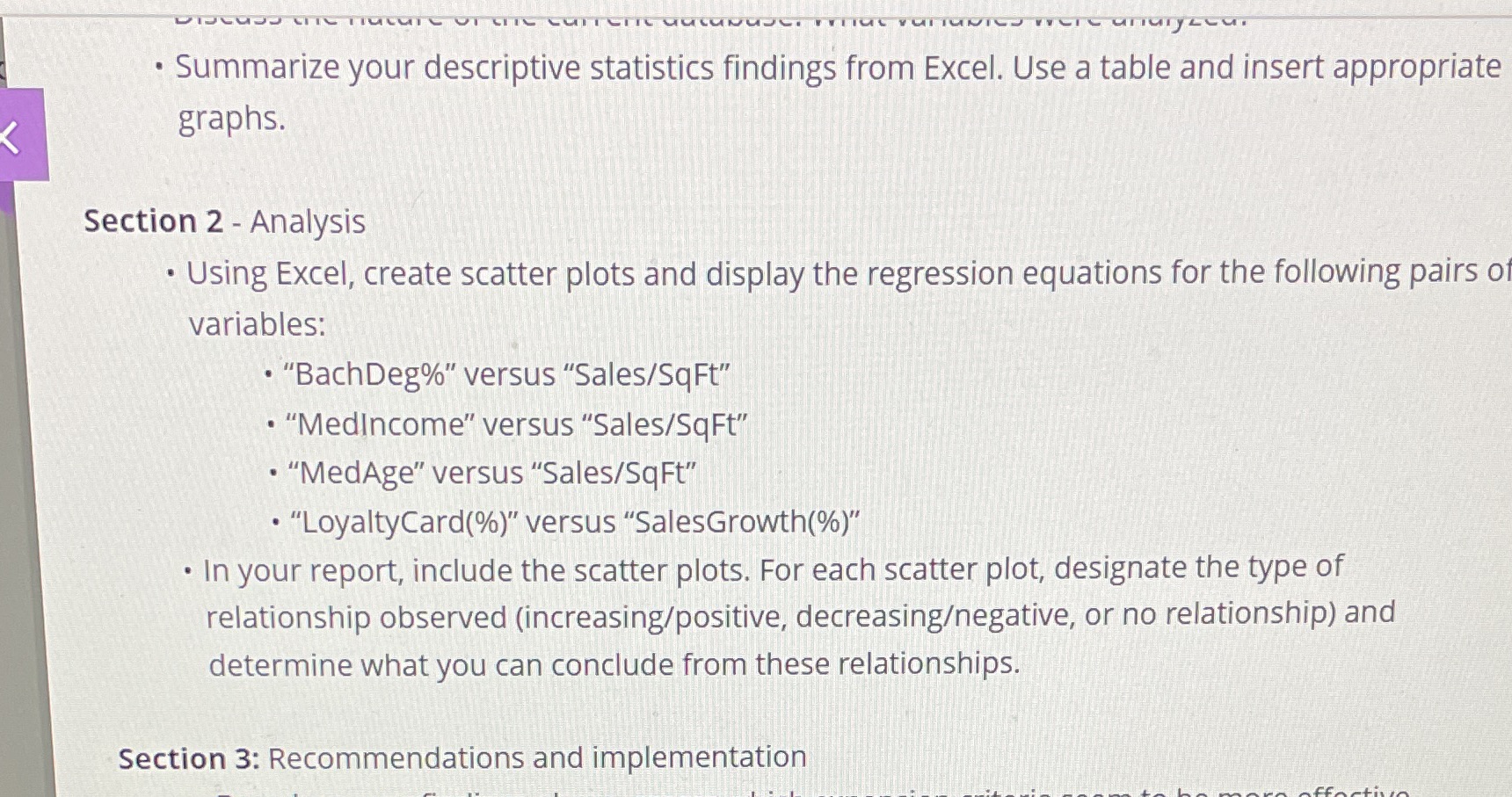
. Summarize your descriptive statistics findings from Excel. Use a table and insert appropriate graphs. Section 2 - Analysis . Using Excel, create scatter plots and display the regression equations for the following pairs of variables: . "BachDeg%" versus "Sales/SqFt" . "Medincome" versus "Sales/SqFt" . "MedAge" versus "Sales/SqFt" . "LoyaltyCard(%)" versus "SalesGrowth(%)" . In your report, include the scatter plots. For each scatter plot, designate the type of relationship observed (increasing/positive, decreasingegative, or no relationship) and determine what you can conclude from these relationships. Section 3: Recommendations and implementation
Step by Step Solution
There are 3 Steps involved in it

Get step-by-step solutions from verified subject matter experts
 Study Help