







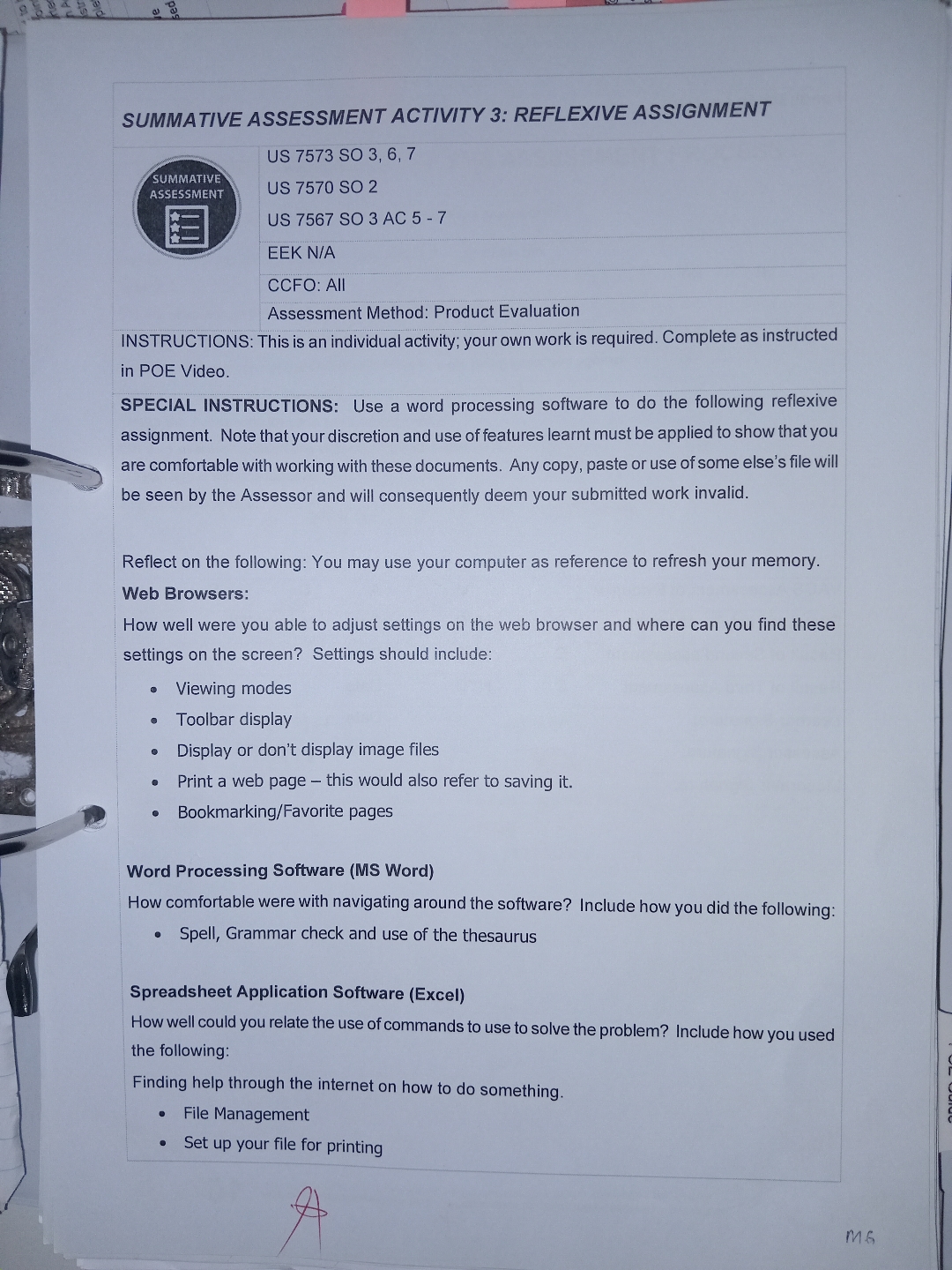
Question: SUMMATIVE ASSESSMENT ACTIVITY 3 : REFLEXIVE ASSIGNMENT US 7 5 7 3 SO 3 , 6 , 7 US 7 5 7 0 SO 2
SUMMATIVE ASSESSMENT ACTIVITY : REFLEXIVE ASSIGNMENT
US SO
US SO
US SO AC
EEK NA
CCFO: All
Assessment Method: Product Evaluation
INSTRUCTIONS: This is an individual activity; your own work is required. Complete as instructed in POE Video.
SPECIAL INSTRUCTIONS: Use a word processing software to do the following reflexive assignment. Note that your discretion and use of features learnt must be applied to show that you are comfortable with working with these documents. Any copy, paste or use of some else's file will be seen by the Assessor and will consequently deem your submitted work invalid.
Reflect on the following: You may use your computer as reference to refresh your memory. Web Browsers:
How well were you able to adjust settings on the web browser and where can you find these settings on the screen? Settings should include:
Viewing modes
Toolbar display
Display or don't display image files
Print a web page this would also refer to saving it
BookmarkingFavorite pages
Word Processing Software MS Word
How comfortable were with navigating around the software? Include how you did the following:
Spell, Grammar check and use of the thesaurus
Spreadsheet Application Software Excel
How well could you relate the use of commands to use to solve the problem? Include how you used the following:
Finding help through the internet on how to do something.
File Management
Set up your file for printing
Step by Step Solution
There are 3 Steps involved in it
1 Expert Approved Answer
Step: 1 Unlock

Question Has Been Solved by an Expert!
Get step-by-step solutions from verified subject matter experts
Step: 2 Unlock
Step: 3 Unlock
 Study Help