







Question: SYSC 2004 - Object-Oriented Software Development Assignment 1 The starting point for this assignment is the clock-display project, which is presented in Sections 3.1-3.11 of
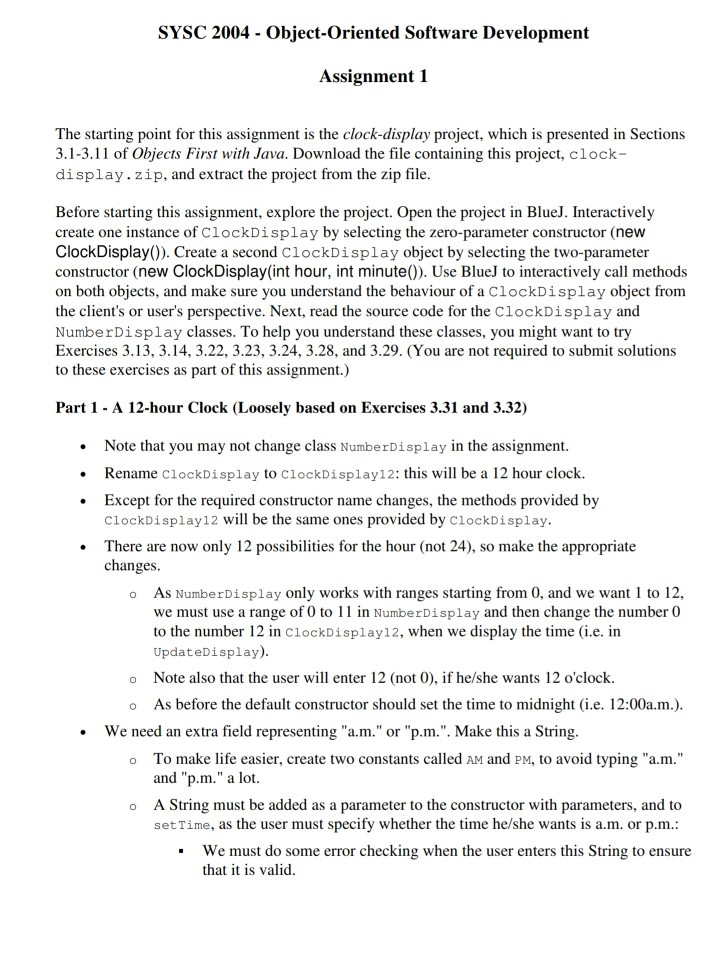
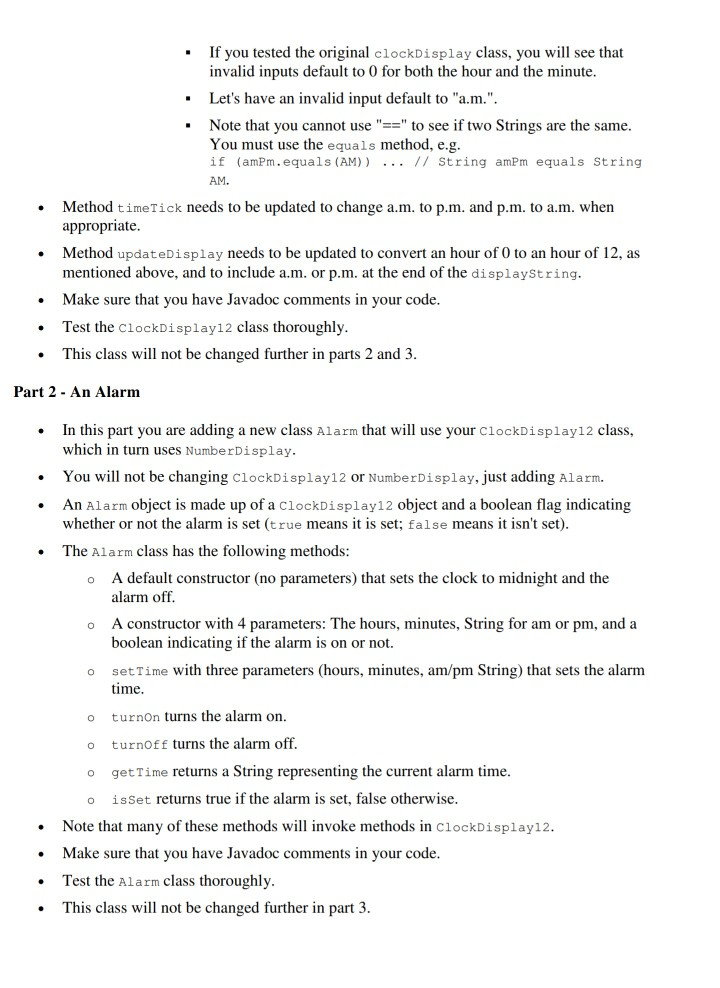
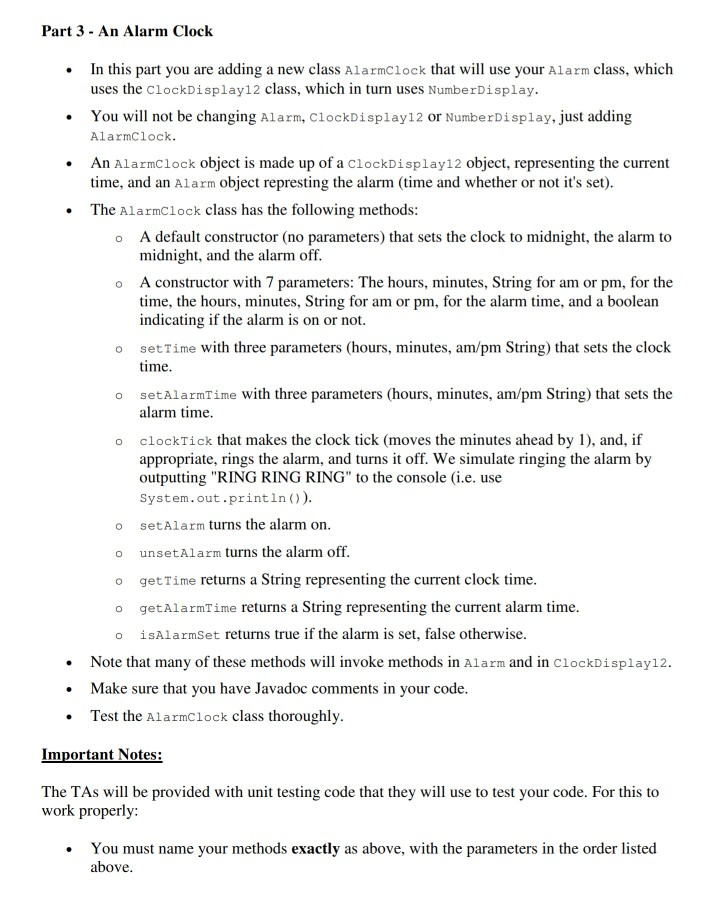
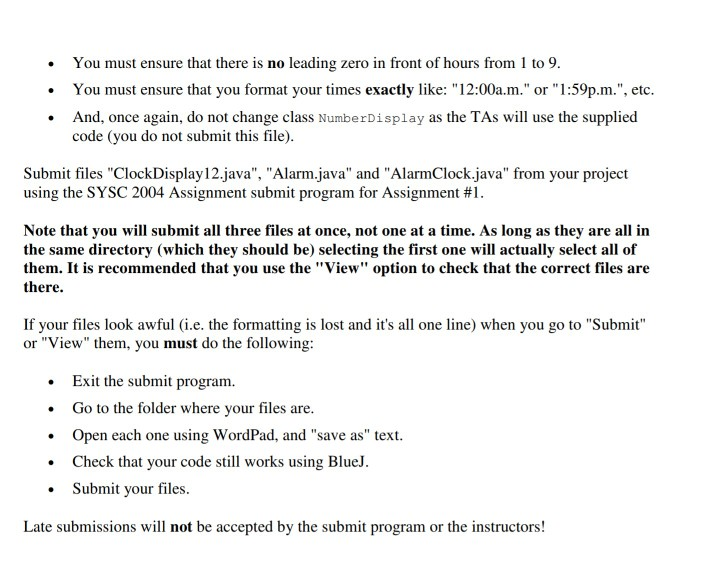
SYSC 2004 - Object-Oriented Software Development Assignment 1 The starting point for this assignment is the clock-display project, which is presented in Sections 3.1-3.11 of Objects First with Java. Download the file containing this project, clock- display.zip, and extract the project from the zip file Before starting this assignment, explore the project. Open the project in BlueJ. Interactively create one instance of ClockDisplay by selecting the zero-parameter constructor (new ClockDisplay()). Create a second ClockDisplay object by selecting the two-parameter constructor (new ClockDisplay(int hour, int minute0). Use BlueJ to interactively call methods on both objects, and make sure you understand the behaviour of a ClockDisplay object from the client's or user's perspective. Next, read the source code for the ClockDisplay and NumberDisplay classes. To help you understand these classes, you might want to try Exercises 3.13, 3.14, 3.22, 3.23, 3.24, 3.28, and 3.29. (You are not required to submit solutions to these exercises as part of this assignment.) Part 1 A 12-hour Clock (Loosely based on Exercises 3.31 and 3.32) Note that you may not change class NumberDisplay in the assignment Rename ClockDisplay to ClockDisplay12: this will be a 12 hour clock Except for the required constructor name changes, the methods provided by ClockDisplay12 will be the same ones provided by ClockDisplay There are now only 12 possibilities for the hour (not 24), so make the appropriate changes As NumberDisplay only works with ranges starting from 0, and we want 1 to 12, we must use a range of 0 to 11 in NumberDisplay and then change the number 0 to the number 12 in ClockDisplay12, when we display the time (i.e. in UpdateDisplay) o o Note also that the user will enter 12 (not 0), if he/she wants 12 o'clock. o As before the default constructor should set the time to midnight (i.e. 12:00a.m.) We need an extra field representing "a.m." or "p.m.". Make this a String To make life easier, create two constants called AM and PM, to avoid typing "a.m." and "p.m." a lot. A String must be added as a parameter to the constructor with parameters, and to setTime, as the user must specify whether the time he/she wants is a.m. or p.m.: o o We must do some error checking when the user enters this String to ensure that it is valid - If you tested the original clockDisplay class, you will see that invalid inputs default to 0 for both the hour and the minute . Let's have an invalid input default to "a.m.". . Note that you cannot use"to see if two Strings are the same You must use the equals method, e.g if (amPm.equals (AM) // String amPm equals String AM. Method timeTick needs to be updated to change a.m. to p.m. and p.m. to a.m. when appropriate Method updateDisplay needs to be updated to convert an hour of 0 to an hour of 12, as mentioned above, and to include a.m. or p.m. at the end of the displaystring Make sure that you have Javadoc comments in your code Test the cilockDisplay12 class thoroughly This class will not be changed further in parts 2 and 3 . Part 2 An Alarm In this part you are adding a new class Alarm that will use your ClockDisplay12 class, which in turn uses NumberDisplay . You will not be changing cClockDisplay12 or NumberDisplay, just adding Alarm. An Alarm object is made up of a ClockDisplay12 object and a boolean flag indicating whether or not the alarm is set (true means it is set; false means it isn't set) The Alarm class has the following methods A default constructor (no parameters) that sets the clock to midnight and the o alarm off A constructor with 4 parameters: The hours, minutes, String for am or pm, and a o boolean indicating if the alarm is on or not. o setTime with three parameters (hours, minutes, am/pm String) that sets the alarm time o turnOn turns the alarm on turnoff turns the alarm off getTime returns a String representing the current alarm time. o o o isset returns true if the alarm is set, false otherwise Note that many of these methods will invoke methods in ClockDisplay12 Make sure that you have Javadoc comments in your code Test the Alarm class thoroughly This class will not be changed further in part 3 . Part 3 An Alarm Cloclk In this part you are adding a new class AlarmClock that will use your Alarm class, which uses the clockDisplay12 class, which in turn uses NumberDisplay. You will not be changing Alarm, ClockDisplay12 or NumberDisplay, just adding AlarmClock An Alarmclock object is made up of a clockDisplay12 object, representing the current time, and an Alarm object represting the alarm (time and whether or not it's set) The AlarmClock class has the following methods A default constructor (no parameters) that sets the clock to midnight, the alarm to midnight, and the alarm off o A constructor with 7 parameters: The hours, minutes, String for am or pm, for the time, the hours, minutes, String for am or pm, for the alarm time, and a boolean indicating if the alarm is on or not o setTime with three parameters (hours, minutes, am/pm String) that sets the clock time o setAlarmTime with three parameters (hours, minutes, am/pm String) that sets the alarm time o clockTick that makes the clock tick (moves the minutes ahead by 1), and, if appropriate, rings the alarm, and turns it off. We simulate ringing the alarm by outputting "RING RING RING" to the console (i.e. use System.out.println)) o o setAlarm turns the alarm on o unsetAlarm turns the alarm off. o getTime returns a String representing the current clock time o getAlarmTime returns a String representing the current alarm time sAlarmset returns true if the alarm is set, false otherwise. Note that many of these methods will invoke methods in Alarm and in ClockDisplay12 Make sure that you have Javadoc comments in your code Test the AlarmClock class thoroughly . Important Notes: The TAs will be provided with unit testing code that they will use to test your code. For this to work properly: You must name your methods exactly as above, with the parameters in the order listed above You must ensure that there is no leading zero in front of hours from 1 to 9. You must ensure that you format your times exactly like: "12:00a.m." or "1:59p.m.", etc . And, once again, do not change class NumberDisplay as the TAs will use the supplied code (you do not submit this file) Submit files "ClockDisplay12.java", "Alarm.java" and "AlarmClock.java" from your project using the SYSC 2004 Assignment submit program for Assignment #1. Note that you will submit all three files at once, not one at a time. As long as they are all in the same directory (which they should be) selecting the first one will actually select all of them. It is recommended that you use the "View" option to check that the correct files are there If your files look awful (i.e. the formatting is lost and it's all one line) when you go to "Submit" or "View" them, you must do the following: Exit the submit program. .Go to the folder where your files are. Open each one using WordPad, and "save as" text. Check that your code still works using BlueJ. Submit your files. Latc subomissions will not be accpted by theubitprogra or the instractos SYSC 2004 - Object-Oriented Software Development Assignment 1 The starting point for this assignment is the clock-display project, which is presented in Sections 3.1-3.11 of Objects First with Java. Download the file containing this project, clock- display.zip, and extract the project from the zip file Before starting this assignment, explore the project. Open the project in BlueJ. Interactively create one instance of ClockDisplay by selecting the zero-parameter constructor (new ClockDisplay()). Create a second ClockDisplay object by selecting the two-parameter constructor (new ClockDisplay(int hour, int minute0). Use BlueJ to interactively call methods on both objects, and make sure you understand the behaviour of a ClockDisplay object from the client's or user's perspective. Next, read the source code for the ClockDisplay and NumberDisplay classes. To help you understand these classes, you might want to try Exercises 3.13, 3.14, 3.22, 3.23, 3.24, 3.28, and 3.29. (You are not required to submit solutions to these exercises as part of this assignment.) Part 1 A 12-hour Clock (Loosely based on Exercises 3.31 and 3.32) Note that you may not change class NumberDisplay in the assignment Rename ClockDisplay to ClockDisplay12: this will be a 12 hour clock Except for the required constructor name changes, the methods provided by ClockDisplay12 will be the same ones provided by ClockDisplay There are now only 12 possibilities for the hour (not 24), so make the appropriate changes As NumberDisplay only works with ranges starting from 0, and we want 1 to 12, we must use a range of 0 to 11 in NumberDisplay and then change the number 0 to the number 12 in ClockDisplay12, when we display the time (i.e. in UpdateDisplay) o o Note also that the user will enter 12 (not 0), if he/she wants 12 o'clock. o As before the default constructor should set the time to midnight (i.e. 12:00a.m.) We need an extra field representing "a.m." or "p.m.". Make this a String To make life easier, create two constants called AM and PM, to avoid typing "a.m." and "p.m." a lot. A String must be added as a parameter to the constructor with parameters, and to setTime, as the user must specify whether the time he/she wants is a.m. or p.m.: o o We must do some error checking when the user enters this String to ensure that it is valid - If you tested the original clockDisplay class, you will see that invalid inputs default to 0 for both the hour and the minute . Let's have an invalid input default to "a.m.". . Note that you cannot use"to see if two Strings are the same You must use the equals method, e.g if (amPm.equals (AM) // String amPm equals String AM. Method timeTick needs to be updated to change a.m. to p.m. and p.m. to a.m. when appropriate Method updateDisplay needs to be updated to convert an hour of 0 to an hour of 12, as mentioned above, and to include a.m. or p.m. at the end of the displaystring Make sure that you have Javadoc comments in your code Test the cilockDisplay12 class thoroughly This class will not be changed further in parts 2 and 3 . Part 2 An Alarm In this part you are adding a new class Alarm that will use your ClockDisplay12 class, which in turn uses NumberDisplay . You will not be changing cClockDisplay12 or NumberDisplay, just adding Alarm. An Alarm object is made up of a ClockDisplay12 object and a boolean flag indicating whether or not the alarm is set (true means it is set; false means it isn't set) The Alarm class has the following methods A default constructor (no parameters) that sets the clock to midnight and the o alarm off A constructor with 4 parameters: The hours, minutes, String for am or pm, and a o boolean indicating if the alarm is on or not. o setTime with three parameters (hours, minutes, am/pm String) that sets the alarm time o turnOn turns the alarm on turnoff turns the alarm off getTime returns a String representing the current alarm time. o o o isset returns true if the alarm is set, false otherwise Note that many of these methods will invoke methods in ClockDisplay12 Make sure that you have Javadoc comments in your code Test the Alarm class thoroughly This class will not be changed further in part 3 . Part 3 An Alarm Cloclk In this part you are adding a new class AlarmClock that will use your Alarm class, which uses the clockDisplay12 class, which in turn uses NumberDisplay. You will not be changing Alarm, ClockDisplay12 or NumberDisplay, just adding AlarmClock An Alarmclock object is made up of a clockDisplay12 object, representing the current time, and an Alarm object represting the alarm (time and whether or not it's set) The AlarmClock class has the following methods A default constructor (no parameters) that sets the clock to midnight, the alarm to midnight, and the alarm off o A constructor with 7 parameters: The hours, minutes, String for am or pm, for the time, the hours, minutes, String for am or pm, for the alarm time, and a boolean indicating if the alarm is on or not o setTime with three parameters (hours, minutes, am/pm String) that sets the clock time o setAlarmTime with three parameters (hours, minutes, am/pm String) that sets the alarm time o clockTick that makes the clock tick (moves the minutes ahead by 1), and, if appropriate, rings the alarm, and turns it off. We simulate ringing the alarm by outputting "RING RING RING" to the console (i.e. use System.out.println)) o o setAlarm turns the alarm on o unsetAlarm turns the alarm off. o getTime returns a String representing the current clock time o getAlarmTime returns a String representing the current alarm time sAlarmset returns true if the alarm is set, false otherwise. Note that many of these methods will invoke methods in Alarm and in ClockDisplay12 Make sure that you have Javadoc comments in your code Test the AlarmClock class thoroughly . Important Notes: The TAs will be provided with unit testing code that they will use to test your code. For this to work properly: You must name your methods exactly as above, with the parameters in the order listed above You must ensure that there is no leading zero in front of hours from 1 to 9. You must ensure that you format your times exactly like: "12:00a.m." or "1:59p.m.", etc . And, once again, do not change class NumberDisplay as the TAs will use the supplied code (you do not submit this file) Submit files "ClockDisplay12.java", "Alarm.java" and "AlarmClock.java" from your project using the SYSC 2004 Assignment submit program for Assignment #1. Note that you will submit all three files at once, not one at a time. As long as they are all in the same directory (which they should be) selecting the first one will actually select all of them. It is recommended that you use the "View" option to check that the correct files are there If your files look awful (i.e. the formatting is lost and it's all one line) when you go to "Submit" or "View" them, you must do the following: Exit the submit program. .Go to the folder where your files are. Open each one using WordPad, and "save as" text. Check that your code still works using BlueJ. Submit your files. Latc subomissions will not be accpted by theubitprogra or the instractos
Step by Step Solution
There are 3 Steps involved in it

Get step-by-step solutions from verified subject matter experts
 Study Help