







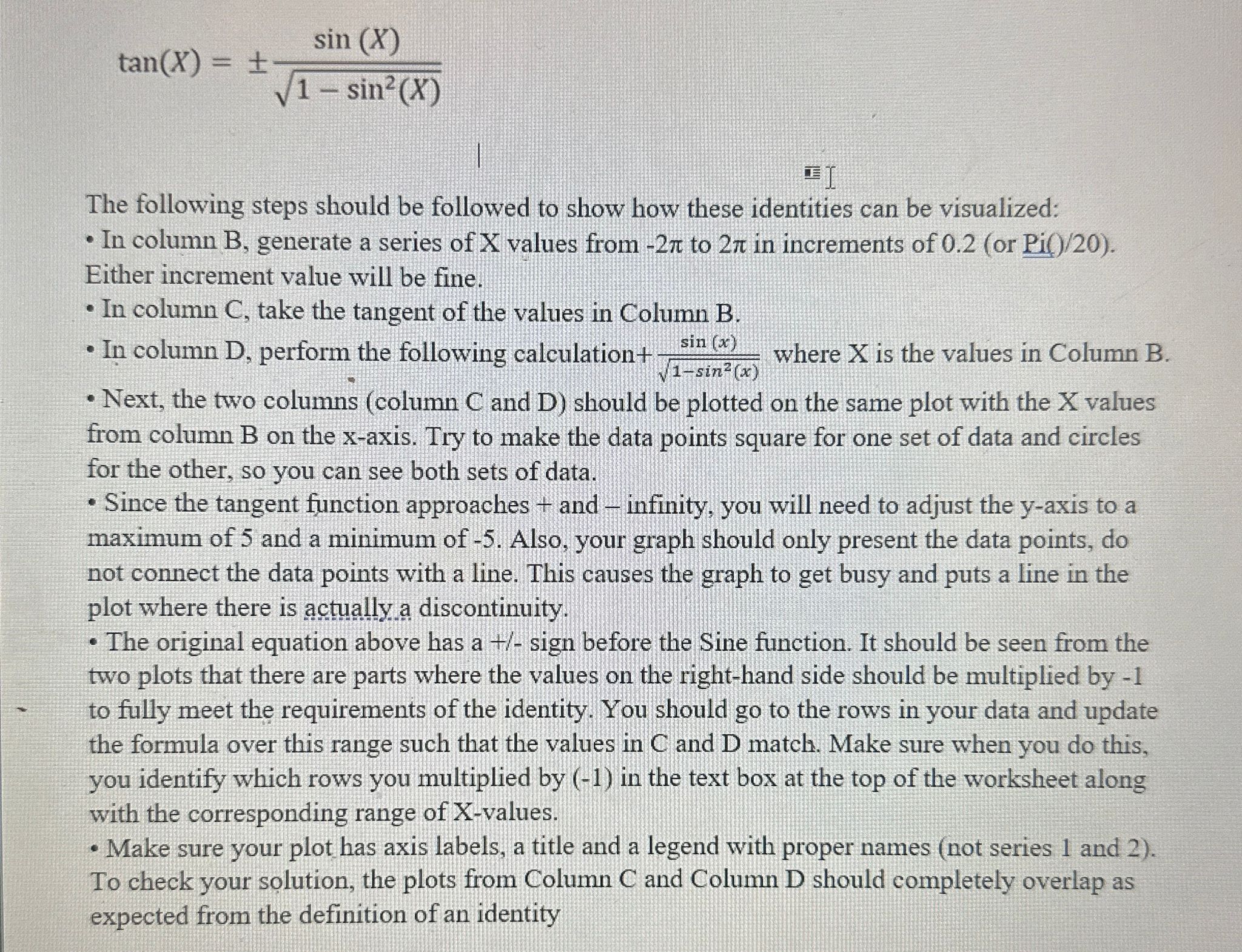
Question: t a n ( x ) = + - s i n ( x ) 1 - s i n 2 ( x ) 2
The following steps should be followed to show how these identities can be visualized:
In column B generate a series of X values from to in increments of or
Either increment value will be fine.
In column C take the tangent of the values in Column B
In column D perform the following calculation where is the values in Column B
Next, the two columns column C and D should be plotted on the same plot with the X values
from column B on the x axis. Try to make the data points square for one set of data and circles
for the other, so you can see both sets of data.
Since the tangent function approaches and infinity, you will need to adjust the axis to a
maximum of and a minimum of Also, your graph should only present the data points, do
not connect the data points with a line. This causes the graph to get busy and puts a line in the
plot where there is actually a discontinuity.
The original equation above has a sign before the Sine function. It should be seen from the
two plots that there are parts where the values on the righthand side should be multiplied by
to fully meet the requirements of the identity. You should go to the rows in your data and update
the formula over this range such that the values in C and D match. Make sure when you do this,
you identify which rows you multiplied by in the text box at the top of the worksheet along
with the corresponding range of Xvalues.
Make sure your plot has axis labels, a title and a legend with proper names not series and
To check your solution, the plots from Column C and Column D should completely overlap as
expected from the definition of an identity
Step by Step Solution
There are 3 Steps involved in it
1 Expert Approved Answer
Step: 1 Unlock

Question Has Been Solved by an Expert!
Get step-by-step solutions from verified subject matter experts
Step: 2 Unlock
Step: 3 Unlock
 Study Help