







Question: t up User Accounts On server VM #1 : a. Let's find out what happened to all of the local accounts we had previously: Financel,
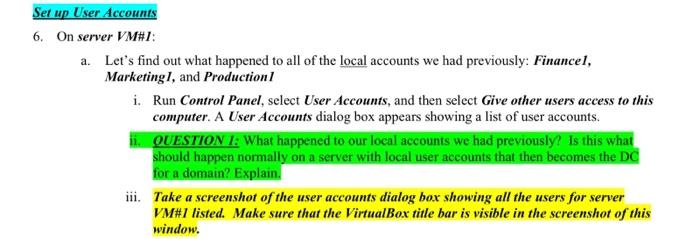
t up User Accounts On server VM #1 : a. Let's find out what happened to all of the local accounts we had previously: Financel, MarketingI, and Production I i. Run Control Panel, select User Accounts, and then select Give other users access to this computer. A User Accounts dialog box appears showing a list of user accounts. ii. OUESTION I: What happened to our local accounts we had previously? Is this what for a domain? Explain. iii. Take a screenshot of the user accounts dialog box showing all the users for server VM\#1 listed. Make sure that the VirtualBox title bar is visible in the screenshot of this window. t up User Accounts On server VM #1 : a. Let's find out what happened to all of the local accounts we had previously: Financel, MarketingI, and Production I i. Run Control Panel, select User Accounts, and then select Give other users access to this computer. A User Accounts dialog box appears showing a list of user accounts. ii. OUESTION I: What happened to our local accounts we had previously? Is this what for a domain? Explain. iii. Take a screenshot of the user accounts dialog box showing all the users for server VM\#1 listed. Make sure that the VirtualBox title bar is visible in the screenshot of this window
Step by Step Solution
There are 3 Steps involved in it

Get step-by-step solutions from verified subject matter experts
 Study Help