







Question: Table Layout Open the mi_tables.css and go to the Table Styles section and add a style rule for the table element that: sets the background
Table Layout
Open the mi_tables.css and go to the Table Styles section and add a style rule for the table element that:
sets the background color to a linear gradient that goes to the bottom of the table background starting from rgb(190, 215, 255) and ending in black and
adds a 5-pixels solid gray border.
Table Elements
For every th and td element in the table, create a style rule that:
adds a 3-pixel solid gray border,
sets the line height to 1.4em, and
sets the padding space to 8 pixels.
For every th element, create a style rule that:
sets the background color to black,
sets the font color to rgb(130, 210, 255), and
sets the font weight to normal.
For every td element, create a style rule that:
sets the font color to white,
sets the font size to 0.9em, and
aligns the cell text with the top of the cell.
Table Column Styles
Go to the Column Styles section. Create a style rule for col elements with the ID firstCol that sets the column width to 24%.
Create a style rule for col elements belonging to the dataCols class that sets the column width to 19%.
Table Header Styles
Go to the Table Header Styles section. Create a style rule for the table header row group including every row within that row group that sets the row height to 60 pixels.
For the first th element in the first row of the table header row group, create a style rule that sets its font size to 2em. (Hint: Use the first-of-type pseudo-class to select the first table row and first heading cell.)
For th elements in the first row of the table header row group that are not the first heading cell, create a style rule that sets the background color to transparent and the font color to black. (Hint: use the not selector with the first-of-typepseudo-class to select headings that are not first in the table row.)
Instructions
Complete the Table Layout step described above.
Complete the Table Elements step described above.
Complete the Table Header Stylesstep described above.
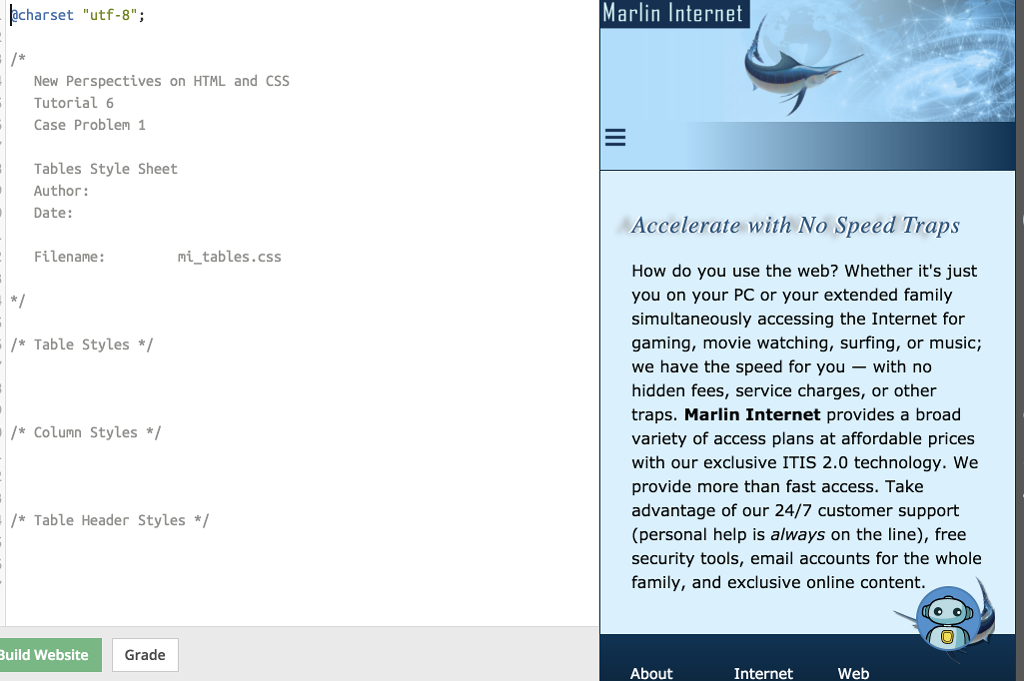
charset "utf-8" Marlin Internet New Perspectives on HTML and CSS Tutorial 6 Case Problem 1 Tables Style Sheet Author: Date: Accelerate with No Speed Traps Filename mi tables.css How do you use the web? Whether it's just you on your PC or your extended family simultaneously accessing the Internet for gaming, movie watching, surfing, or music; we have the speed for you -with no hidden fees, service charges, or other traps. Marlin Internet provides a broad variety of access plans at affordable prices with our exclusive ITIS 2.0 technology. We provide more than fast access. Take advantage of our 24/7 customer support (personal help is always on the line), free security tools, email accounts for the whole family, and exclusive online content *Table Styles * *Column Styles* *Table Header Styles 0 Build Website Grade About Internet Web
Step by Step Solution
There are 3 Steps involved in it

Get step-by-step solutions from verified subject matter experts
 Study Help