







Question: Task 1: Event Handling (20 points) Write Javascript and HTML code (named snake.html and snake.js) to implement the functionality shown in 'Task1Output.mp4 included in the
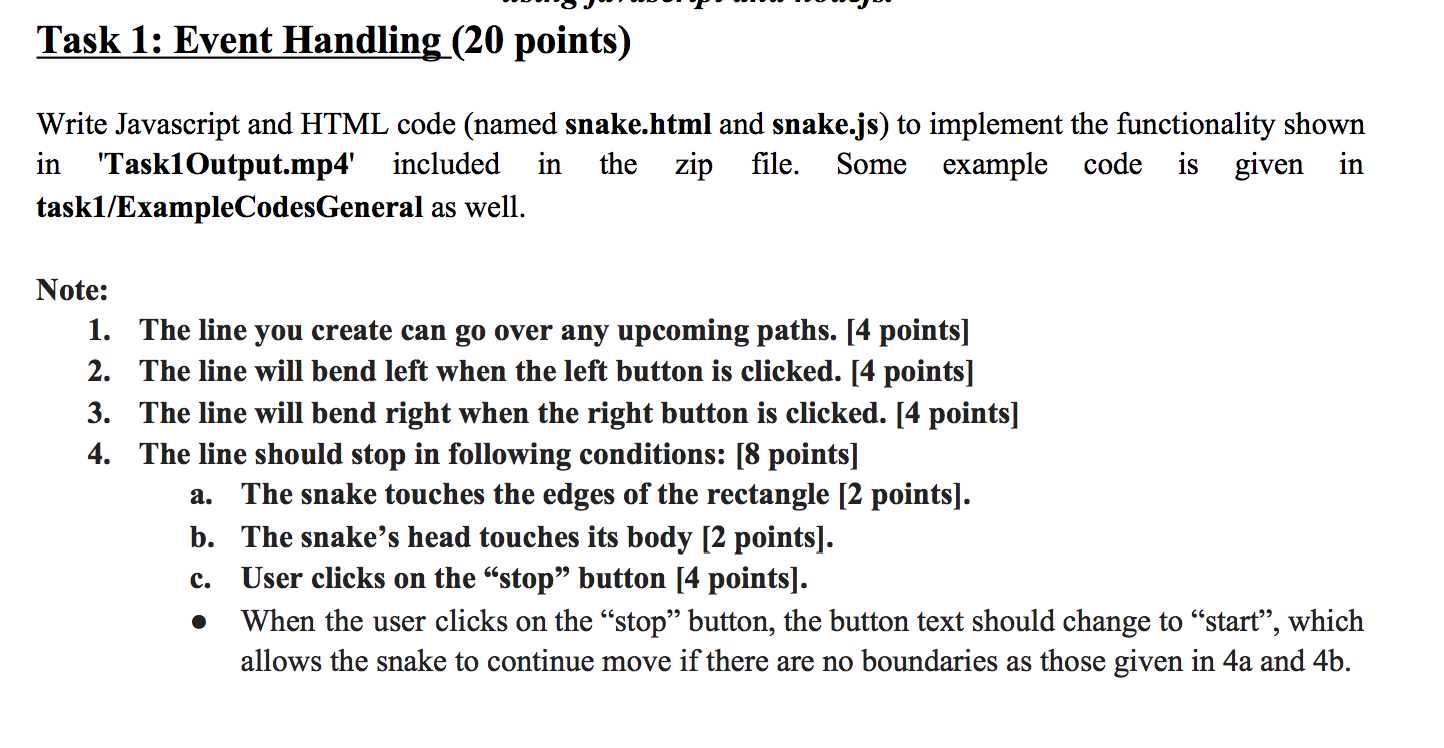
Task 1: Event Handling (20 points) Write Javascript and HTML code (named snake.html and snake.js) to implement the functionality shown in 'Task1Output.mp4 included in the zip file. Some example code is given in taski/ExampleCodesGeneral as well. Note: 1. The line you create can go over any upcoming paths. [4 points] 2. The line will bend left when the left button is clicked. [4 points] 3. The line will bend right when the right button is clicked. [4 points] 4. The line should stop in following conditions: [8 points] a. The snake touches the edges of the rectangle [2 points). b. The snake's head touches its body [2 points). User clicks on the stop button [4 points). When the user clicks on the stop button, the button text should change to start", which allows the snake to continue move if there are no boundaries as those given in 4a and 4b. c. Task 1: Event Handling (20 points) Write Javascript and HTML code (named snake.html and snake.js) to implement the functionality shown in 'Task1Output.mp4 included in the zip file. Some example code is given in taski/ExampleCodesGeneral as well. Note: 1. The line you create can go over any upcoming paths. [4 points] 2. The line will bend left when the left button is clicked. [4 points] 3. The line will bend right when the right button is clicked. [4 points] 4. The line should stop in following conditions: [8 points] a. The snake touches the edges of the rectangle [2 points). b. The snake's head touches its body [2 points). User clicks on the stop button [4 points). When the user clicks on the stop button, the button text should change to start", which allows the snake to continue move if there are no boundaries as those given in 4a and 4b. c
Step by Step Solution
There are 3 Steps involved in it

Get step-by-step solutions from verified subject matter experts
 Study Help