







Question: Task 1 Filter the Master Spreadsheet to only show J,K and P in the Orig Fin Class column Filter the Master Spreadsheet to only show
Task 1
Filter the Master Spreadsheet to only show J,K and P in the Orig Fin Class column
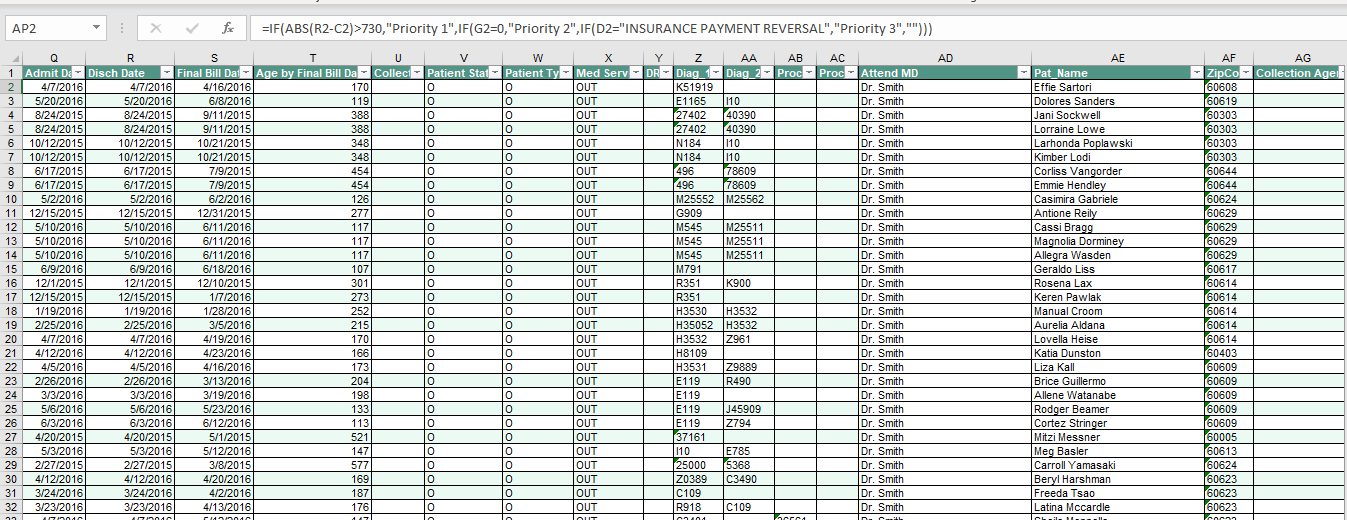
Filter the Master Spreadsheet to only show Pat Name that begin with Dol
Sort the data from Oldest to Newest Disch Date
Copy this filtered list to a new worksheet in the same workbook. Name this sheet Final Filtered Doc
Describe your process for completing Task 1:
Task 2
Clear the filter on the worksheet Master Spreadsheet
Insert a new column after column B in the worksheet Master Spreadsheet
Create a formula for that column that brings in the corresponding LastWorkedDate from the Supporting file worksheet for each Acct #
Describe your process for completing Task 2: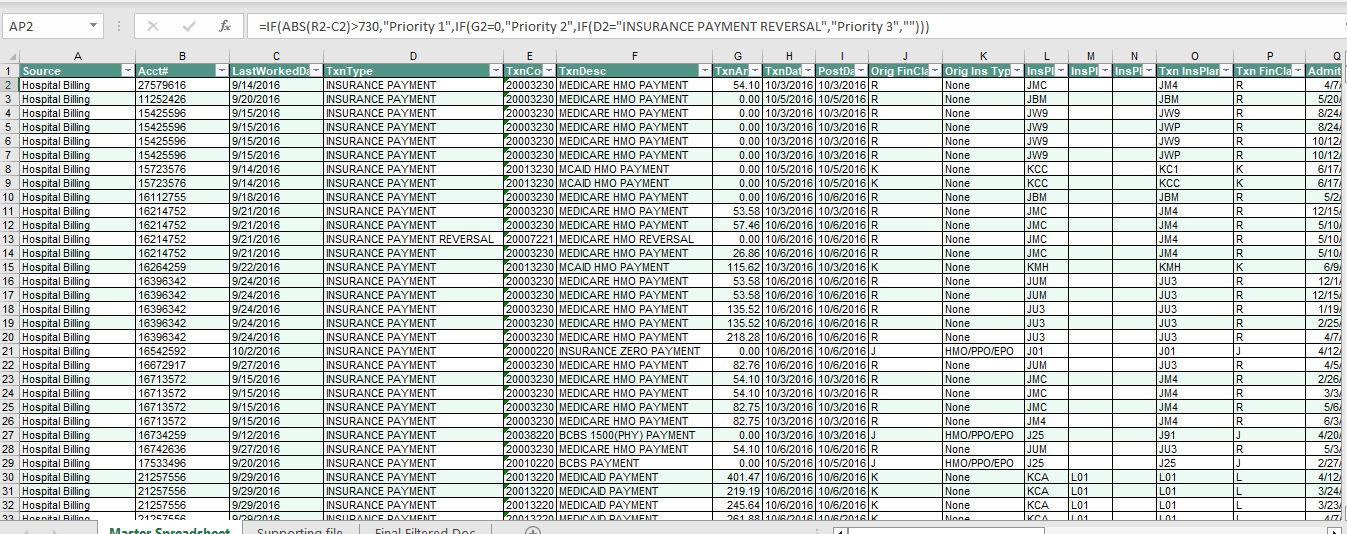
Task 3
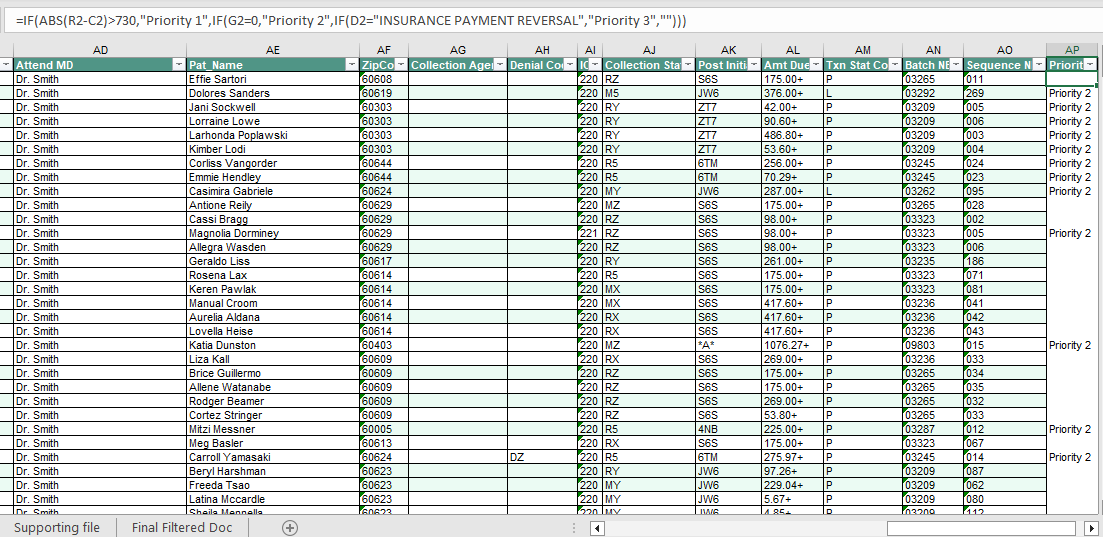
On the first open(empty) column on the worksheet Master Spreadsheet give the column a header of Priority and create a formula that will determine a priority as follows:
Priority 1= all accounts where the difference between the Disch Date and LastWorkedDate is greater than 2 years
Priority 2= all accounts not already in Priority 1, and have a TxnAmt of 0
Priority 3= all accounts not already in Priority 1 or 2 and have a TxnType of INSURANCE PAYMENT REVERSAL
Priority 4= all accounts not already in Priority 1, 2 or 3 and have a Txn InsPlan where last character is an alpha (as opposed to a number)
Priority 5= all accounts not already in Priority 1,2,3 or 4
Describe your process for completing Task 3:
Task 4
On the first open (empty) column on the worksheet Master Spreadsheet give the column a header of Assigned To and create a formula that will determine the assignment as follows:
Staff 1= all accounts with Pat Name beginning with A-F
Staff 2= all accounts with Pat Name beginning with G-L
Staff 3= all accounts with Pat Name beginning with M-R
Staff 4= all accounts with Pat Name beginning with S-Z
Describe your process for completing Task 4:
Task 5
Create a PivotTable in a new sheet in the same workbook
Set the PivotTables data = all of the filled in columns from the sheet Master Spreadsheet
Group the rows by Assigned To
Set the PivotTable value to the count of Acct #
Add another value to the PivotTable that shows the percentage of the count total
Describe your process for completing Task 5:
Step by Step Solution
There are 3 Steps involved in it

Get step-by-step solutions from verified subject matter experts
 Study Help