







Question: Task 1 - Rename a New Computer During setup, like in the earlier Windows Server versions, Windows randomly generates a computer name for a new
Task Rename a New Computer
During setup, like in the earlier Windows Server
versions, Windows randomly generates a
computer name for a new installation. Often, the
generated name is not the computer name you
wish to assign to a new server.
In this task, you will use Windows PowerShell to
rename this computer.
To rename this new computer, perform the
following steps.
Step
Ensure you are connected to PLABDMO where
the PLABDMCOREO on PLABDMO virtual
machine is running.
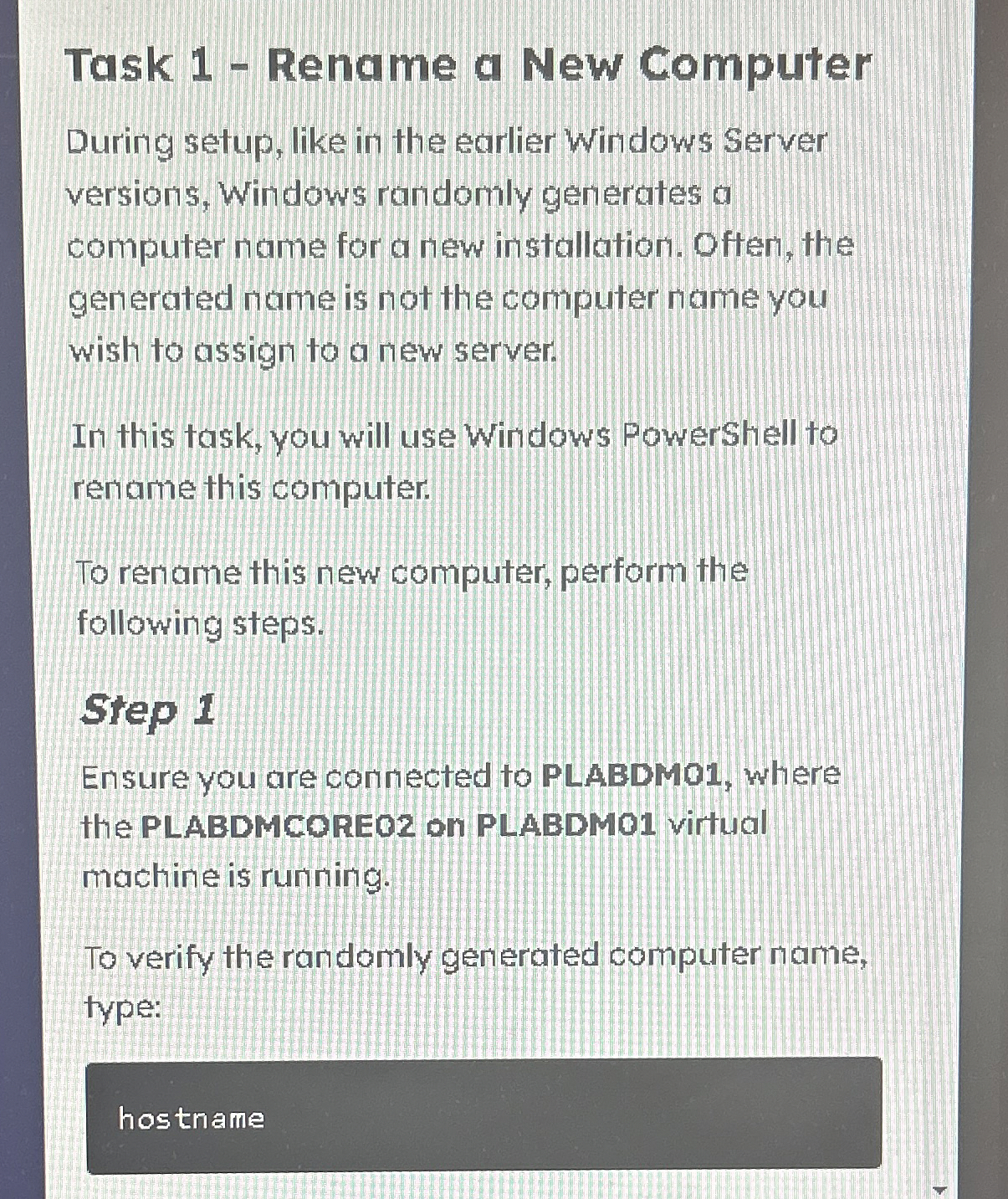
To verify the randomly generated computer name,
type:
Step by Step Solution
There are 3 Steps involved in it
1 Expert Approved Answer
Step: 1 Unlock

Question Has Been Solved by an Expert!
Get step-by-step solutions from verified subject matter experts
Step: 2 Unlock
Step: 3 Unlock
 Study Help