







Question: Task 1 You are creating an e-commerce application and need to implement basket functionality in Angular and NgRx. Products can be added to and removed
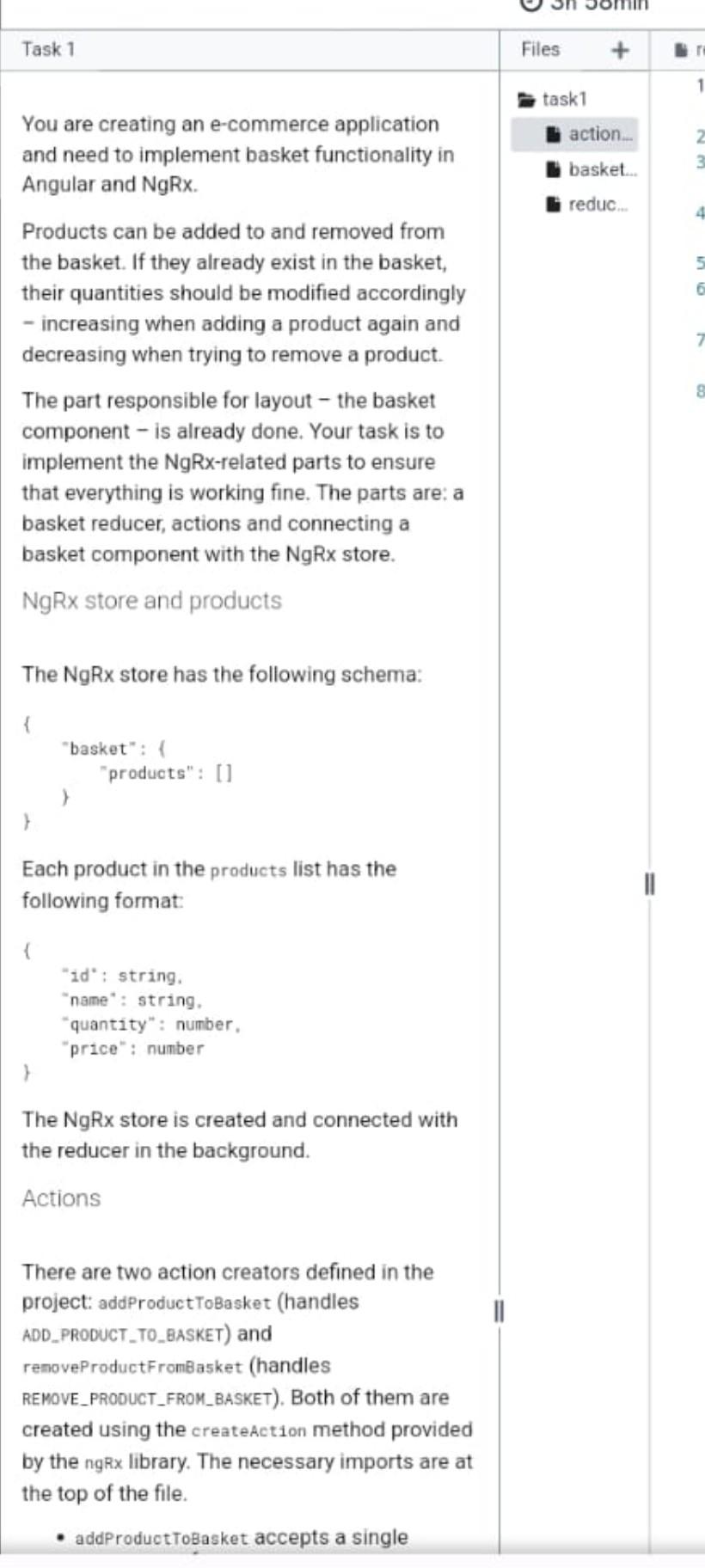
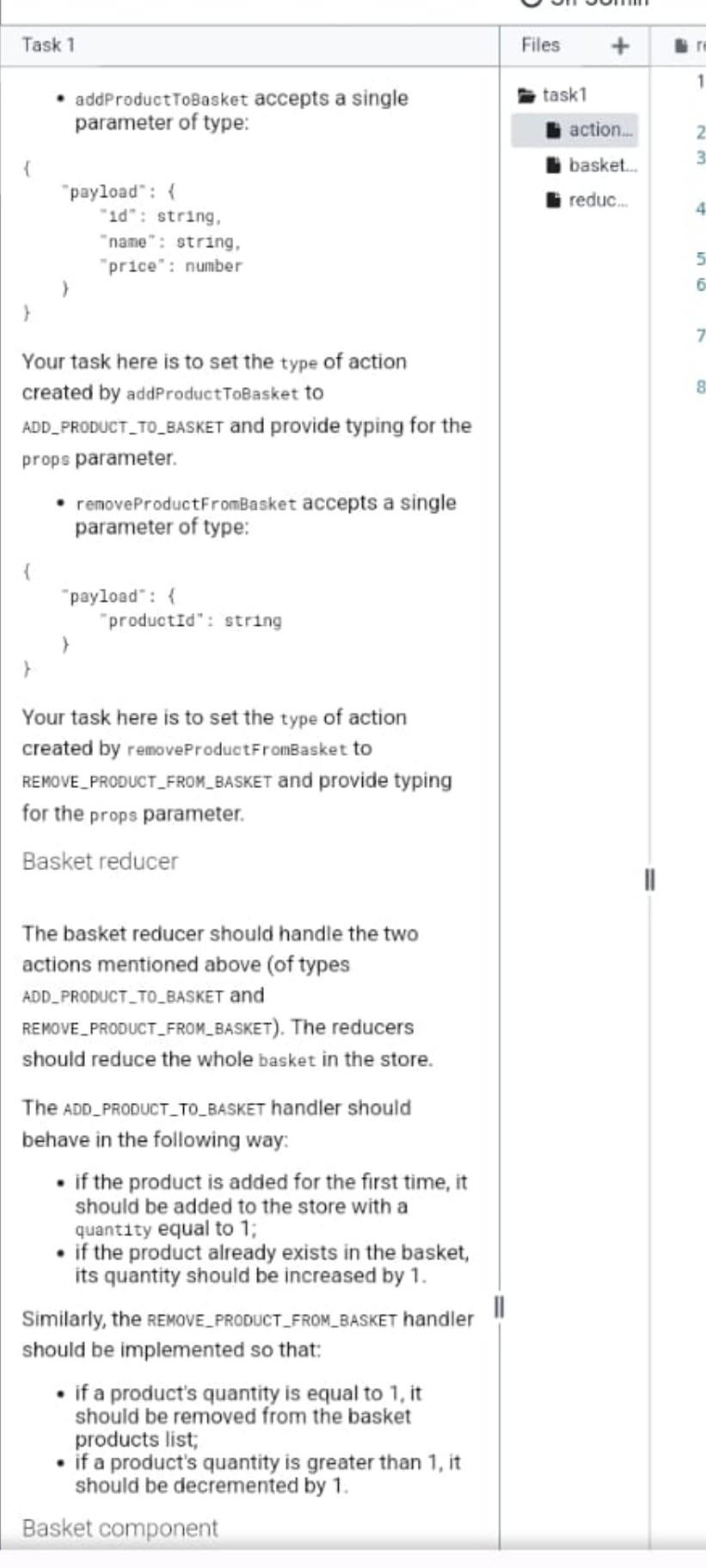
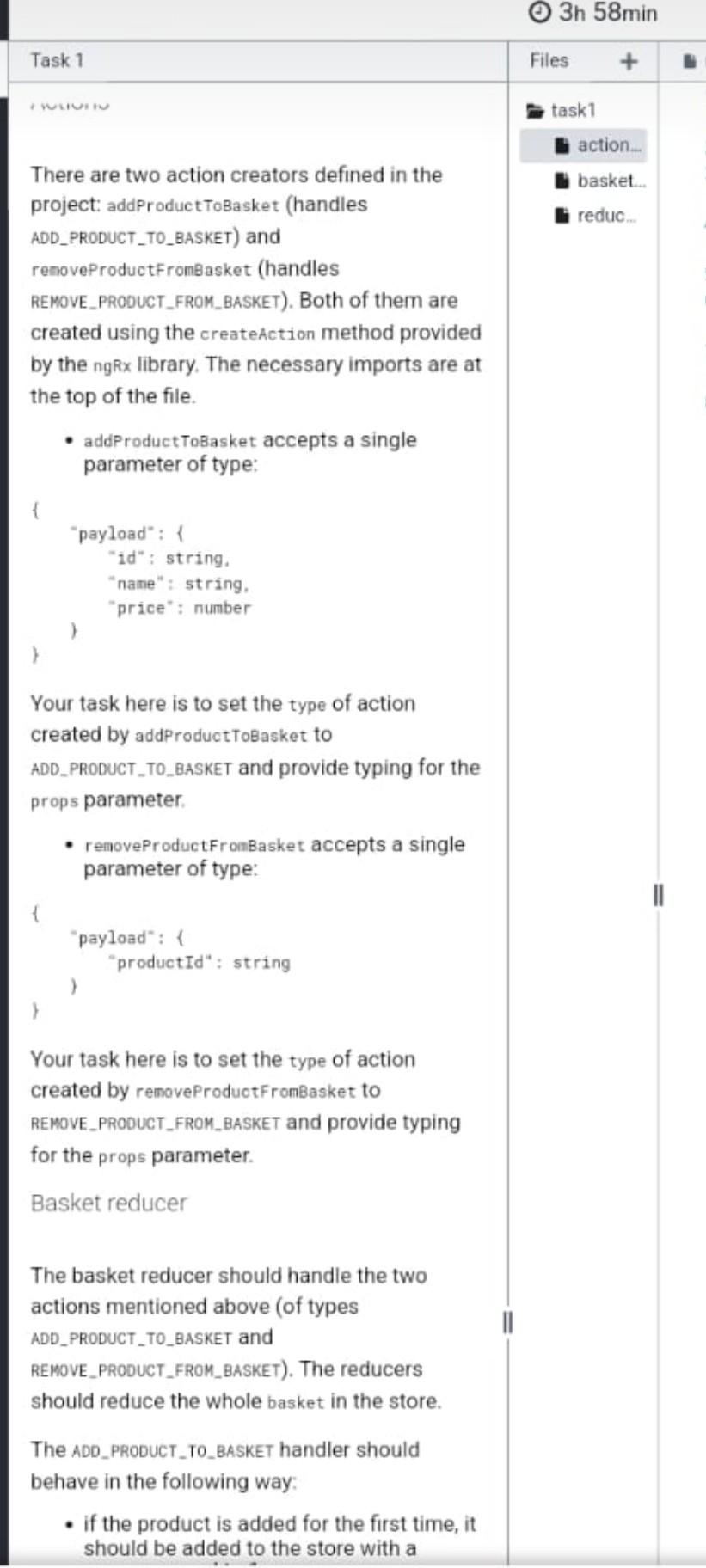
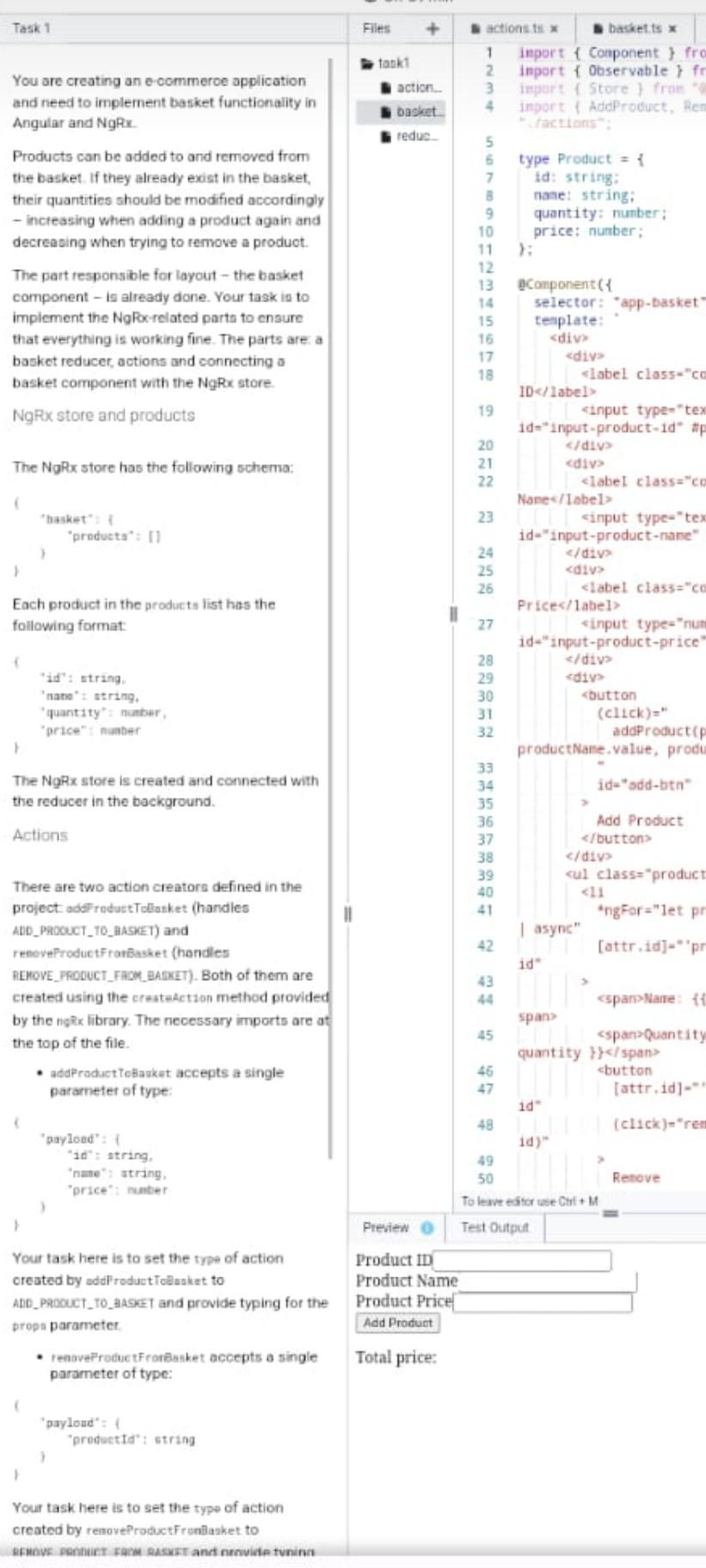
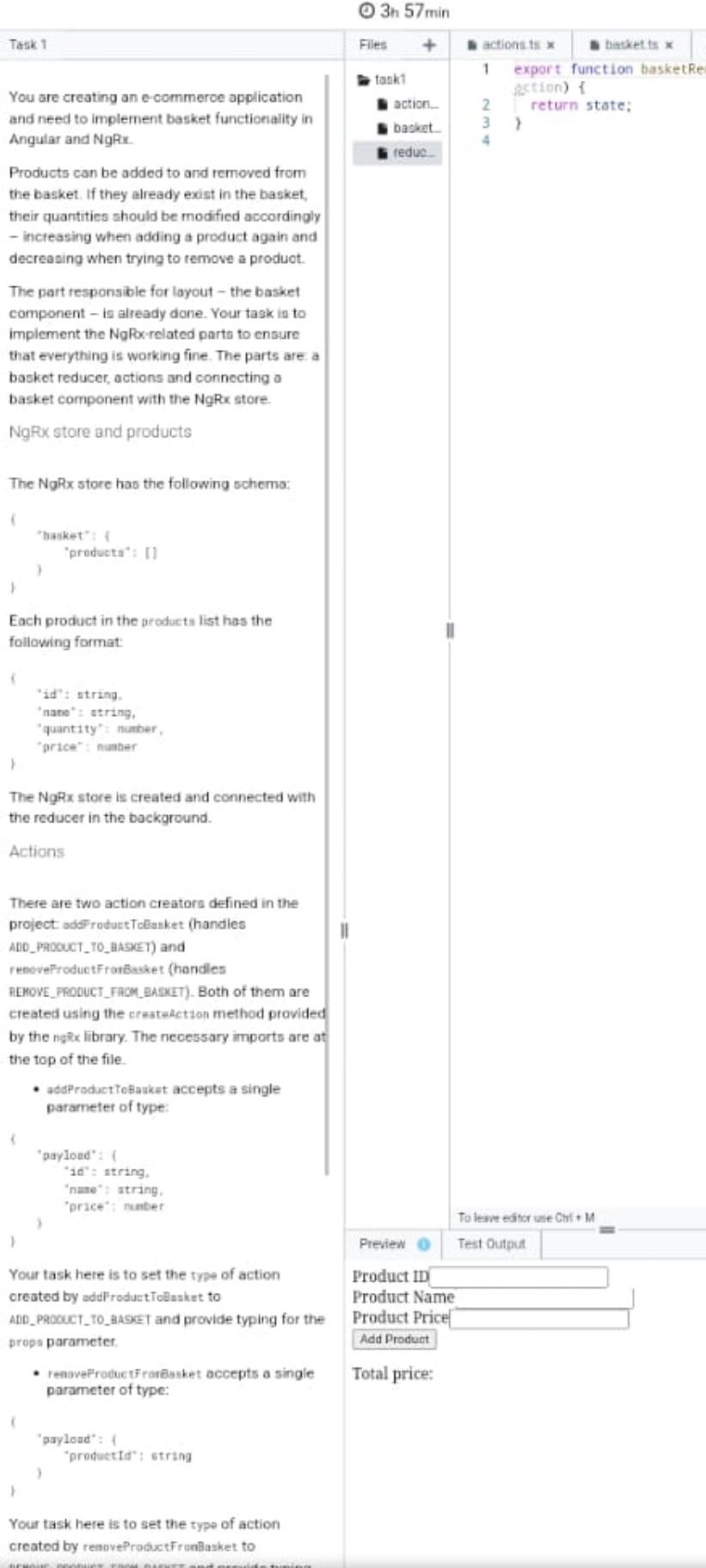
Task 1 You are creating an e-commerce application and need to implement basket functionality in Angular and NgRx. Products can be added to and removed from the basket. If they already exist in the basket, their quantities should be modified accordingly - increasing when adiding a product again and decreasing when trying to remove a product. The part responsible for layout - the basket component - is already done. Your task is to implement the NgRx-related parts to ensure that everything is working fine. The parts are: a basket reducer, actions and connecting a basket component with the NgRx store. NgRx store and products The NgRx store has the following schema: \{ "basket": \{ "products" : [] r b Each product in the products list has the following format: 1 "id" : string. "name" : string. "quantity": number, "price": number The NgRx store is created and connected with the reducer in the background. Actions There are two action creators defined in the project: addProductToBasket (handles ADD_PRODUCT_TO_BASKET) and renoveProductFromBasket (handles REMOVE_PRODUCT_FROM_BASKET). Both of them are created using the createAction method provided by the ngRx library. The necessary imports are at the top of the file. - addProductToBasket accepts a single Task 1 - addproductToBasket accepts a single parameter of type: Your task here is to set the type of action created by addProductToBasket to ADD_PRODUCT_TO_BASKET and provide typing for the props parameter. - renoveProductFromBasket accepts a single parameter of type: Your task here is to set the type of action created by removeProductFromBasket to REMOVE_PRODUCT_FROM_BASKET and provide typing for the props parameter. Basket reducer The basket reducer should handle the two actions mentioned above (of types ADD_PRODUCT_TO_BASKET and REMOVE_PRODUCT_FROM_BASKET). The reducers should reduce the whole basket in the store. The ADD_PRODUCT_TO_BASKET handler should behave in the following way: - if the product is added for the first time, it should be added to the store with a quantity equal to 1; - if the product already exists in the basket, its quantity should be increased by 1. Similarly, the REMOVE_PRODUCT_FROM_BASKET handler should be implemented so that: - if a product's quantity is equal to 1, it should be removed from the basket products list; - if a product's quantity is greater than 1 , it should be decremented by 1 . Basket component Task 1 There are two action creators defined in the project: addProduct ToBasket (handles ADD_PRODUCT_TO_BASKET) and renoveProductFromBasket (handles RENOVE_PRODUCT_FROM_BASKET). Both of them are created using the createAction method provided by the ngRx library. The necessary imports are at the top of the file. - addProductToBasket accepts a single parameter of type: "payload" : \{ "id" : string. "nane" : string. "price" : number ) Your task here is to set the type of action created by addProductToBasket to ADD_PRODUCT_TO_BASKET and provide typing for the props parameter. - renoveproductFromBasket accepts a single parameter of type: {"productId":string"payload":{ Your task here is to set the type of action created by removeProduotFromBasket to REMOVE_PROOUCT_FROM_BASKET and provide typing for the props parameter. Basket reducer The basket reducer should handle the two actions mentioned above (of types ADD_PRODUCT_TO_BASKET and REMOVE_PRODUCT_FROM_BASKET). The reducers should reduce the whole basket in the store. The ADD_PRODUCT_TO_BASKET handler should behave in the following way: - if the product is added for the first time, it should be added to the store with a Task 1 You are creating an e-commeroe application and need to implement basket functionalify in Angular and NgRx. Products can be added to and removed from the basket. If they already exist in the basket, their quantities should be modified accordingly - increasing when adding a product again and decreasing when trying to remove a produot. The part responsible for layout - the basket component - in already done. Your task in to impiement the NgPox-related parta to cnsure that everything is working fine. The parts are: a basket reducer, actions and connecting a basket component with the NgRx store NgPx store and products The NgRx store has the following schema: Each product in the products list has the folloving format: The NgRx store is created and connected with the reducer in the background. Astions There are two action creatora defined in the project adeI radurt Tolasket (handies ADD_PMOCUCT_T0_tAASEET) and renovefroductfrorBasket (handles ALMOVE_FOOUCT_FAMM_EAEXIT). Both of them are created using the cresteActzon method provided by the ngRx library. The necessary imports are at the top of the file. - adapraduct Tothaskat accepts a single parameter of type: Your task here is to set the trpe of action created by addroductTeBasket to AnD_Procuct_To__tasket and provide typing for the props parameter. - renaveProductfroneasket accepts a single parameter of type: Your task. here is to set the type of action created by renoveProductFrenilasket to sfmove senhurt rasw sacyert and nonvide tunina You are creating an e-commeroe application and need to implement basket functionality in Angular and NgRx. Products can be added to and removed from the basket. If they already exist in the basket, their quantities should be modified accordingly - increasing when adding a product again and decreasing when trying to remove a produot. The part responsible for layout - the basket component - is already done. Your task in to impiement the NgFocrelated parta to ensure that everything is working fine. The parts are a basket reducer, actions and connecting o basket component with the NgRx store. NgRux store and products The NgRX store has the following schema: Each product in the groducts list has the following format: 'id': atring. 'nane' t atring, 'quantzty': nunber, 'srice": nuaber The NgRx store is created and connected with the reducer in the background. Actions There are two action creators defined in the project ads" roductToliasket (handies AnD_PAoouCT_T0_AASEET) and renoveproductFrarbusket (handles nLMOVE_FROUCT_FAOM_ASKIT). Both of them are created using the crastatetson method provided by the ngixx library. The necessary imports are at the top of the file. - adaPraduct tetankat accepts a single parameter of type: Your task here is to set the type of action oreated by addFroductToBnsiet to ADD_P9ocuct_To_tasket and provide typing for the props parameter. - renoveproductfrareusket accepts a single parameter of type: "payload": 1 "preducttd": strang Your task here is to set the type of action created by renoveProductFrseilaaket to
Step by Step Solution
There are 3 Steps involved in it

Get step-by-step solutions from verified subject matter experts
 Study Help