







Question: Task 3: Create a JavaFX Application with a Canvas and do some drawing Important: You will need to reference the API in this lab. Be
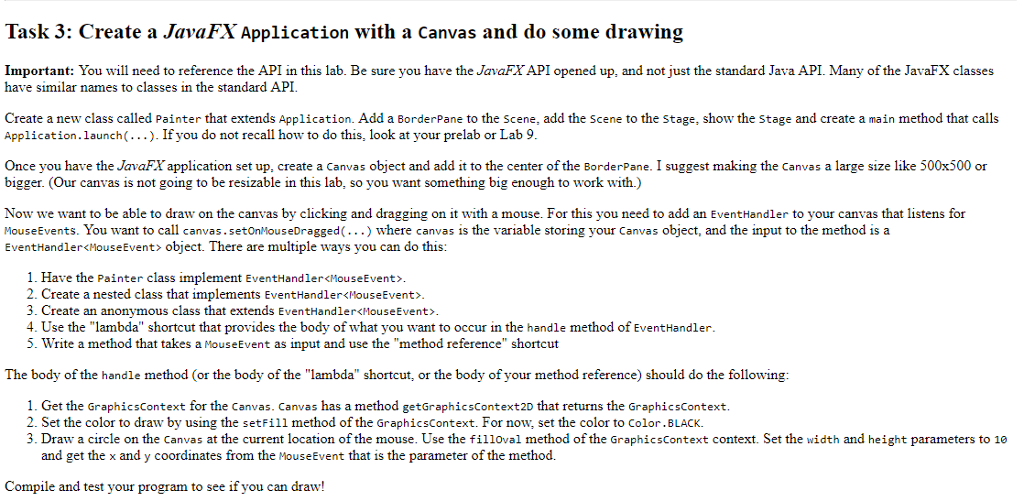
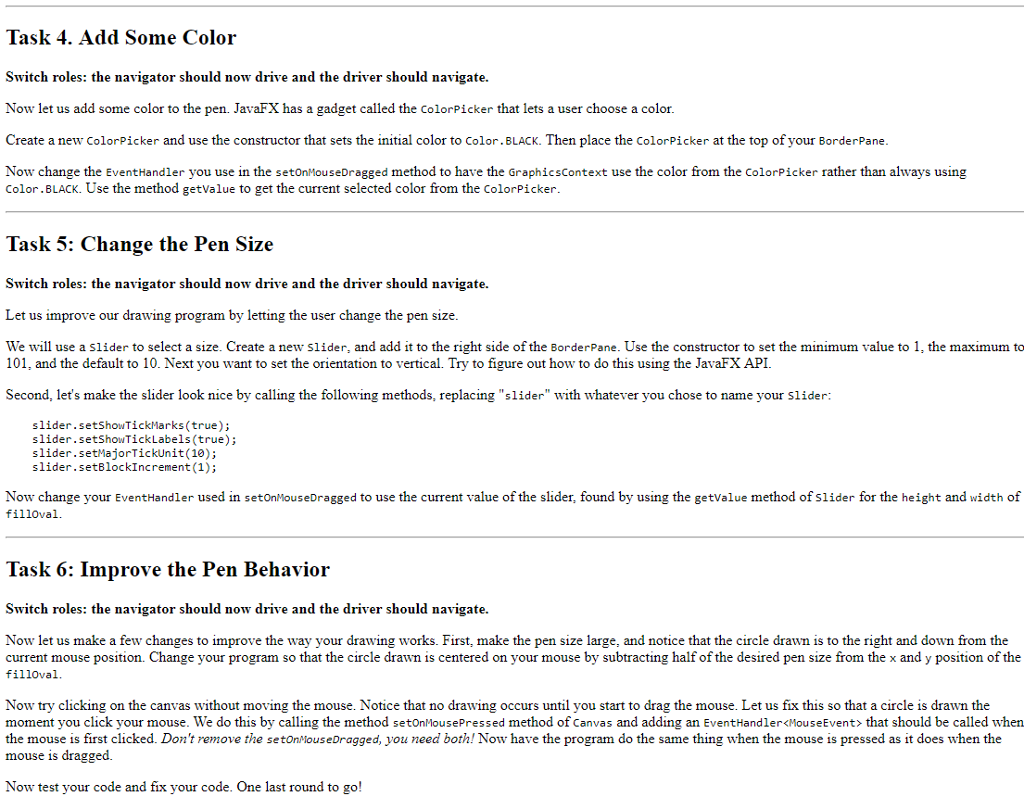
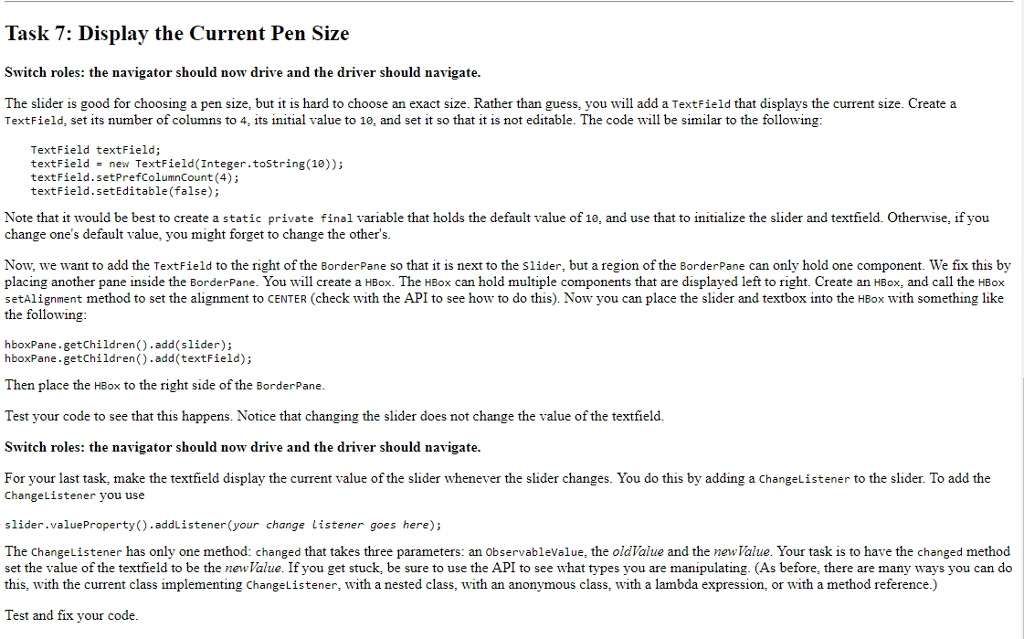
Task 3: Create a JavaFX Application with a Canvas and do some drawing Important: You will need to reference the API in this lab. Be sure you have the JavaFXAPI opened up, and not just the standard Java API. Many of the JavaFX classes have similar names to classes in the standard API Create a new class called Painter that extends Application. Add a BorderPane to the scene, add the Scene to the Stage, show the stage and create a main method that calls Application.launch(...). If you do not recall how to do this, look at your prelab or Lab 9 Once you have the JavaF application set up, create a Canvas object and add it to the center of the BorderPane. I suggest making the Canvas a lsie like 500x500 or bigger. (Our canvas is not going to be resizable in this lab, so you want something big enough to work with.) Now we want to be able to draw on the canvas by clicking and dragging on it with a mouse. For this you need to add an EventHandler to your canvas that listens for MouseEvents. You want to call canvas.setonMouseDragged(...) where canvas is the variable storing your Canvas object, and the input to the method is a EventHandler
Step by Step Solution
There are 3 Steps involved in it

Get step-by-step solutions from verified subject matter experts
 Study Help