







Question: Task 3.2: Create an ER diagram You can do this in any program of your choice (e.g., MS Word, draw.io (online), etc.). Task 3.3:
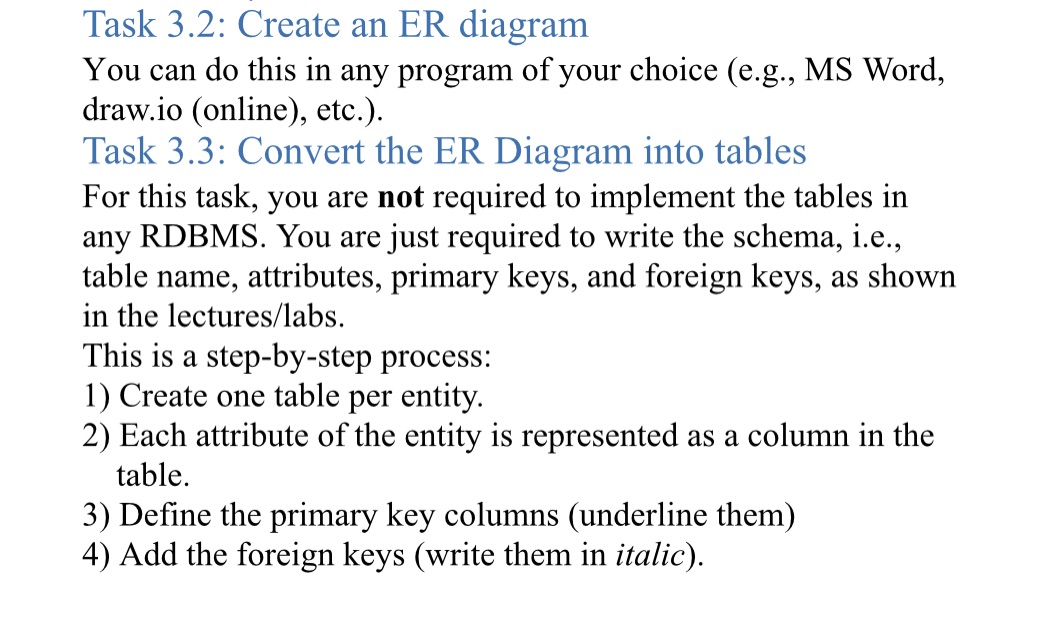
Task 3.2: Create an ER diagram You can do this in any program of your choice (e.g., MS Word, draw.io (online), etc.). Task 3.3: Convert the ER Diagram into tables For this task, you are not required to implement the tables in any RDBMS. You are just required to write the schema, i.e., table name, attributes, primary keys, and foreign keys, as shown in the lectures/labs. This is a step-by-step process: 1) Create one table per entity. 2) Each attribute of the entity is represented as a column in the table. 3) Define the primary key columns (underline them) 4) Add the foreign keys (write them in italic).
Step by Step Solution
There are 3 Steps involved in it

Get step-by-step solutions from verified subject matter experts
 Study Help