







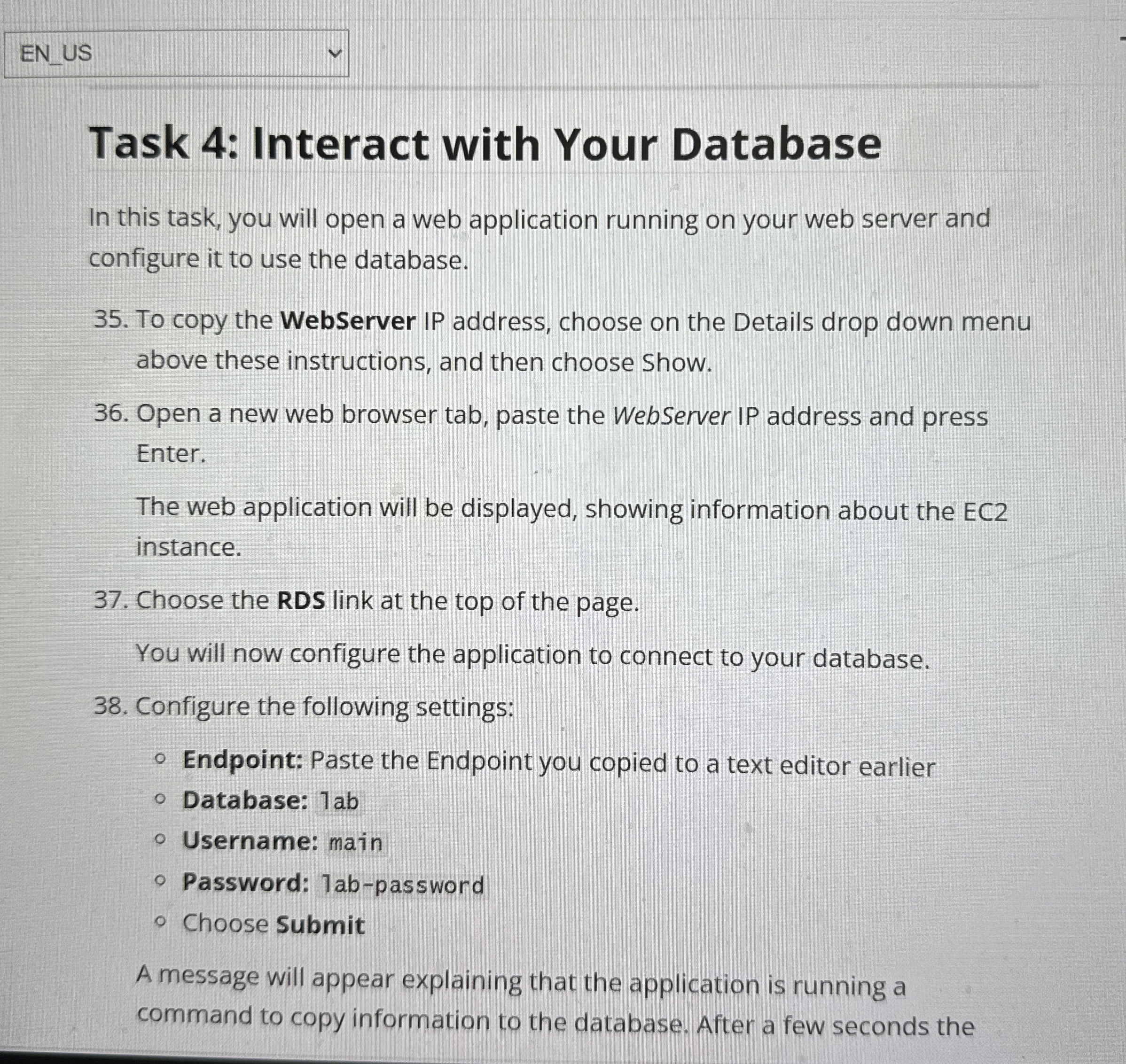
Question: Task 4 : Interact with Your Database In this task, you will open a web application running on your web server and configure it to
Task : Interact with Your Database
In this task, you will open a web application running on your web server and
configure it to use the database.
To copy the WebServer IP address, choose on the Details drop down menu
above these instructions, and then choose Show.
Open a new web browser tab, paste the WebServer IP address and press
Enter.
The web application will be displayed, showing information about the EC
instance.
Choose the RDS link at the top of the page.
You will now configure the application to connect to your database.
Configure the following settings:
Endpoint: Paste the Endpoint you copied to a text editor earlier
Database: lab
Username: main
Password: abpassword
Choose Submit
A message will appear explaining that the application is running a
command to copy information to the database. After a few seconds the
Step by Step Solution
There are 3 Steps involved in it
1 Expert Approved Answer
Step: 1 Unlock

Question Has Been Solved by an Expert!
Get step-by-step solutions from verified subject matter experts
Step: 2 Unlock
Step: 3 Unlock
 Study Help