







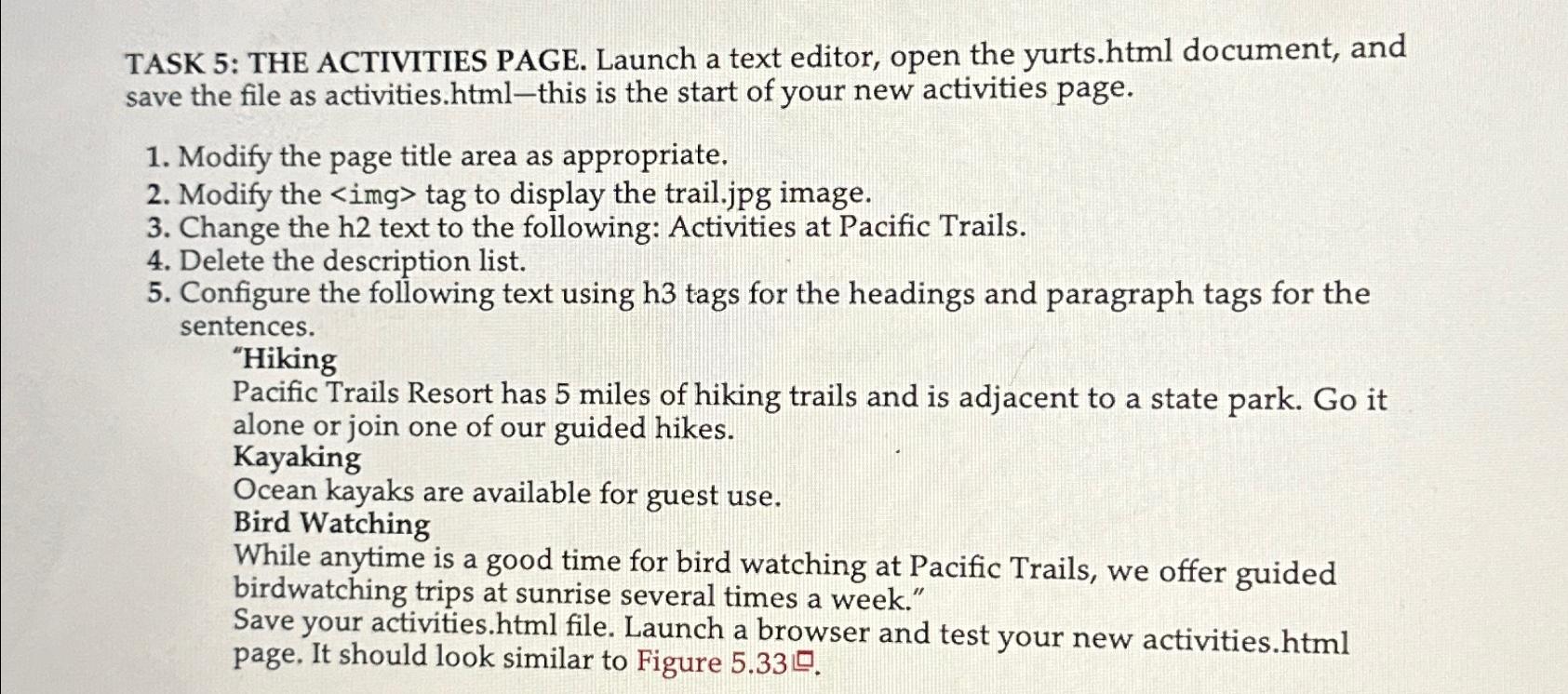
Question: TASK 5 : THE ACTIVITIES PAGE. Launch a text editor, open the yurts.html document, and save the file as activities.html - this is the start
TASK : THE ACTIVITIES PAGE. Launch a text editor, open the yurts.html document, and save the file as activities.htmlthis is the start of your new activities page.
Modify the page title area as appropriate.
Modify the tag to display the trail.jpg image.
Change the h text to the following: Activities at Pacific Trails.
Delete the description list.
Configure the following text using tags for the headings and paragraph tags for the sentences.
"Hiking
Pacific Trails Resort has miles of hiking trails and is adjacent to a state park. Go it alone or join one of our guided hikes.
Kayaking
Ocean kayaks are available for guest use.
Bird Watching
While anytime is a good time for bird watching at Pacific Trails, we offer guided birdwatching trips at sunrise several times a week."
Save your activities.html file. Launch a browser and test your new activities.html page, It should look similar to Figure
Step by Step Solution
There are 3 Steps involved in it
1 Expert Approved Answer
Step: 1 Unlock

Question Has Been Solved by an Expert!
Get step-by-step solutions from verified subject matter experts
Step: 2 Unlock
Step: 3 Unlock
 Study Help