







Question: Task 5-Display information about the cabin Create a formula that will lookup information about whatever cabin number is in B4 and display the appropriate information
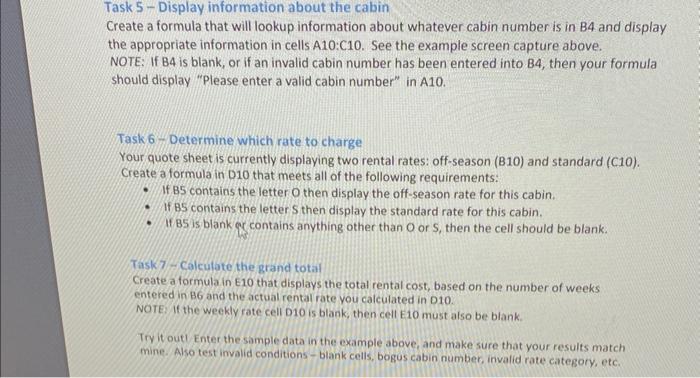
Task 5-Display information about the cabin Create a formula that will lookup information about whatever cabin number is in B4 and display the appropriate information in cells A10:C10. See the example screen capture above. NOTE: If B4 is blank, or if an invalid cabin number has been entered into B4, then your formula should display "Please enter a valid cabin number" in A10. Task 6 - Determine which rate to charge Your quote sheet is currently displaying two rental rates: off-season (B10) and standard (C10). Create a formula in 010 that meets all of the following requirements: - If 85 contains the letter O then display the off-season rate for this cabin. - If 85 contains the letter S then display the standard rate for this cabin. - If BS is blank or contains anything other than O or S, then the cell should be blank. Task 7 - Calculate the grand total Create a formula in E10 that displays the total rental cost, based on the number of weeks entered in B and the actual rental rate you calculated in D10. NOTE: If the weekly rate cell D10 is blank, then cell E10 must also be blank. Try it outl Enter the sample data in the example above, and make sure that your results match mine. Also test invalid conditions - blank cells, bogus cabin number, invalid rate category, etc
Step by Step Solution
There are 3 Steps involved in it

Get step-by-step solutions from verified subject matter experts
 Study Help