







Question: Task 5 - Display information about the Cabin Create a formula that will lookup information about whatever cabin number is in B4 and display the
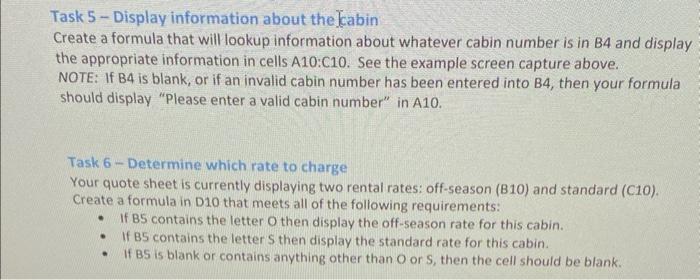
Task 5 - Display information about the Cabin Create a formula that will lookup information about whatever cabin number is in B4 and display the appropriate information in cells A10:C10. See the example screen capture above. NOTE: If B4 is blank, or if an invalid cabin number has been entered into B4, then your formula should display "Please enter a valid cabin number" in A10. Task 6 - Determine which rate to charge Your quote sheet is currently displaying two rental rates: off-season (B10) and standard (C10). Create a formula in D10 that meets all of the following requirements: - If B5 contains the letter O then display the off-season rate for this cabin. - If B5 contains the letter S then display the standard rate for this cabin. - If BS is blank or contains anything other than O or S, then the cell should be blank
Step by Step Solution
There are 3 Steps involved in it

Get step-by-step solutions from verified subject matter experts
 Study Help