







Question: Task I: Developing the Report As you work to create a single interactive report, you'll need to prepare and explore your data to allow for
Task I: Developing the Report
As you work to create a single interactive report, you'll need to prepare and explore your data
to allow for full analysis. Consider developing your report in three stages.
Part : Data Preparation
Create a basic excelbased data dictionary using Visual Analytics to explore the dataset. The
data should be grouped into broad themes around the following three functions: operations,
marketing and finance. Be sure to consider subgroups within the data and identify the need for
additional calculations and manipulations.
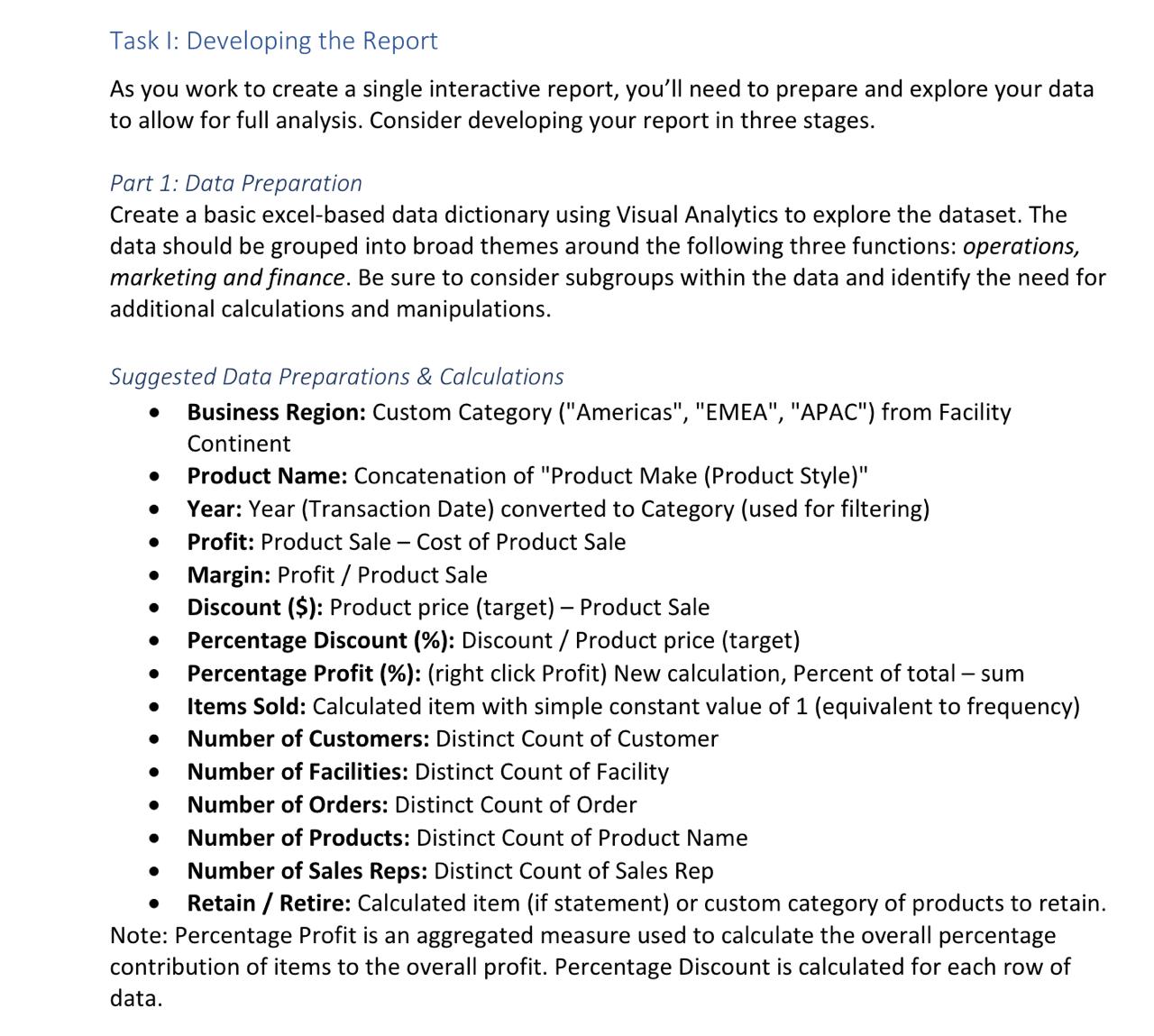
Suggested Data Preparations & Calculations
Business Region: Custom Category Americas "EMEA", "APAC" from Facility
Continent
Product Name: Concatenation of "Product Make Product Style
Year: Year Transaction Date converted to Category used for filtering
Profit: Product Sale Cost of Product Sale
Margin: Profit Product Sale
Discount $: Product price target Product Sale
Percentage Discount : Discount Product price target
Percentage Profit : right click Profit New calculation, Percent of total sum
Items Sold: Calculated item with simple constant value of equivalent to frequency
Number of Customers: Distinct Count of Customer
Number of Facilities: Distinct Count of Facility
Number of Orders: Distinct Count of Order
Number of Products: Distinct Count of Product Name
Number of Sales Reps: Distinct Count of Sales Rep
Retain Retire: Calculated item if statement or custom category of products to retain.
Note: Percentage Profit is an aggregated measure used to calculate the overall percentage
contribution of items to the overall profit. Percentage Discount is calculated for each row of
data.
Step by Step Solution
There are 3 Steps involved in it
1 Expert Approved Answer
Step: 1 Unlock

Question Has Been Solved by an Expert!
Get step-by-step solutions from verified subject matter experts
Step: 2 Unlock
Step: 3 Unlock
 Study Help