







Question: Task Instructions Import the NewLocations.txt file into the existing Locations table. Do not save the import steps. Task Instructions With the Workshops table in Design
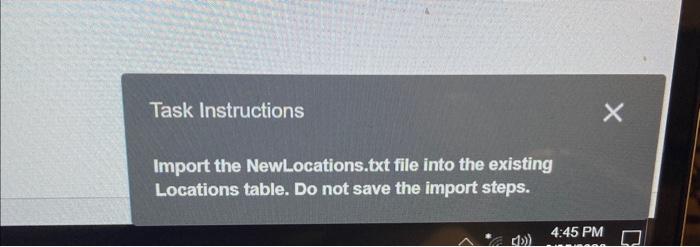
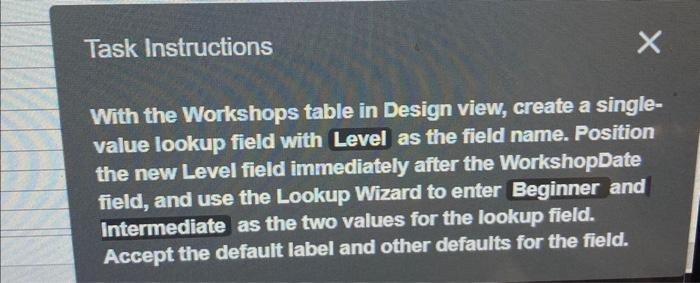
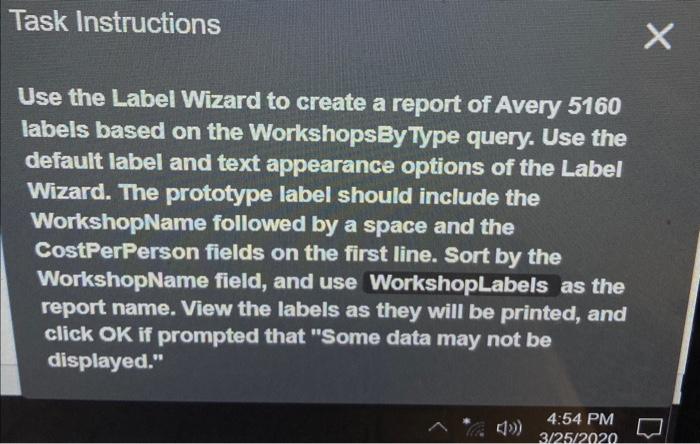
Task Instructions Import the NewLocations.txt file into the existing Locations table. Do not save the import steps. Task Instructions With the Workshops table in Design view, create a singlevalue lookup field with Level as the field name. Position the new Level field immediately after the WorkshopDate field, and use the Lookup Wizard to enter Beginner and Intermediate as the two values for the lookup field. Accept the default label and other defaults for the field. Use the Label Wizard to create a report of Avery 5160 labels based on the Workshops:yType query. Use the default label and text appearance options of the Label Wizard. The prototype label should include the WorkshopName followed by a space and the CostPerPerson fields on the first line. Sort by the WorkshopName field, and use Workshoplabels as the report name. View the labels as they will be printed, and click OK if prompted that "Some data may not be displayed
Step by Step Solution
There are 3 Steps involved in it

Get step-by-step solutions from verified subject matter experts
 Study Help