







Question: Task Instructions With the Workshops table in Design view, create a multivalued lookup field with Leader as the field name. Position the new field immediately
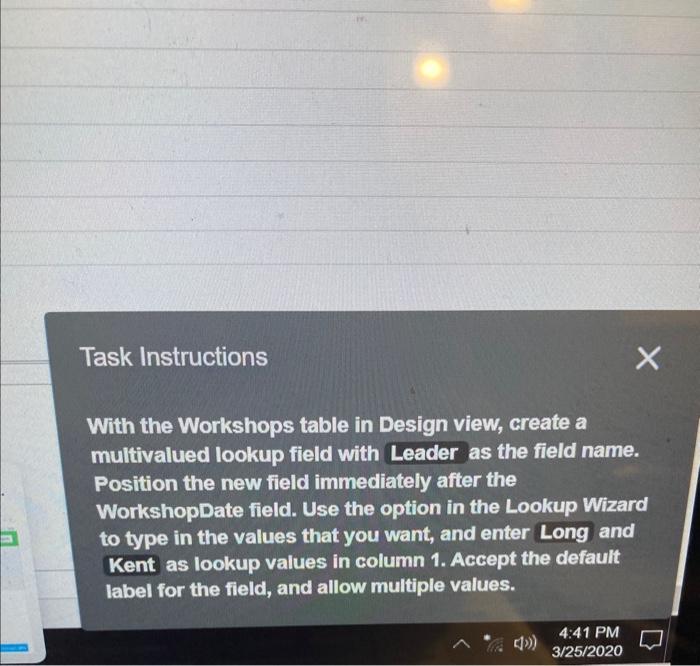
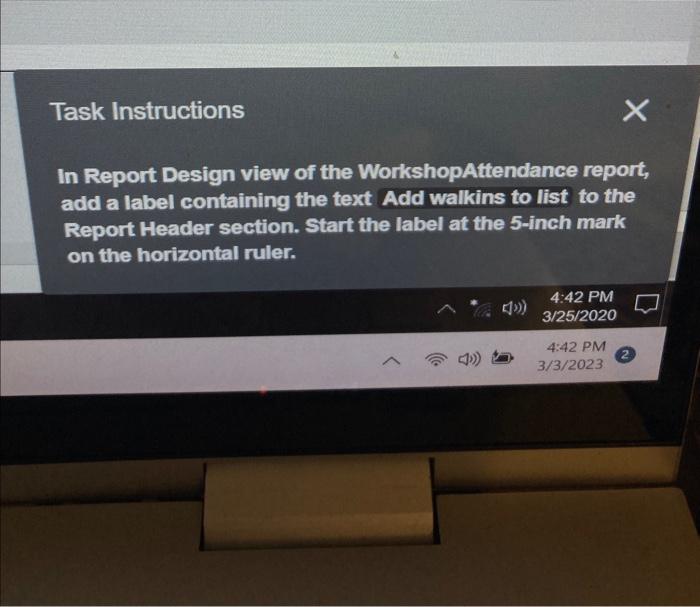
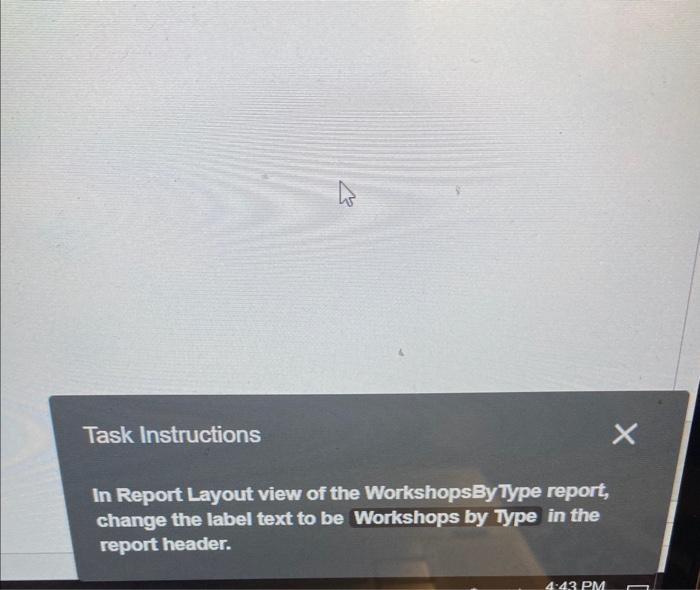
Task Instructions With the Workshops table in Design view, create a multivalued lookup field with Leader as the field name. Position the new field immediately after the WorkshopDate field. Use the option in the Lookup Wizard to type in the values that you want, and enter Long and Kent as lookup values in column 1. Accept the default label for the field, and allow multiple values. Task Instructions In Report Design view of the WorkshopAttendance report, add a label containing the text Add walkins to list to the Report Header section. Start the label at the 5-inch mark on the horizontal ruler. Task Instructions In Report Layout view of the WorkshopsByType report, change the label text to be Workshops by Type in the report header
Step by Step Solution
There are 3 Steps involved in it

Get step-by-step solutions from verified subject matter experts
 Study Help