



Question: Task Instructions x In Macro Design view of the WorkshopUpdate macro, single step through the two actions in the WorkshopUpdate macro. 1:36 PM 1/1/2020 48
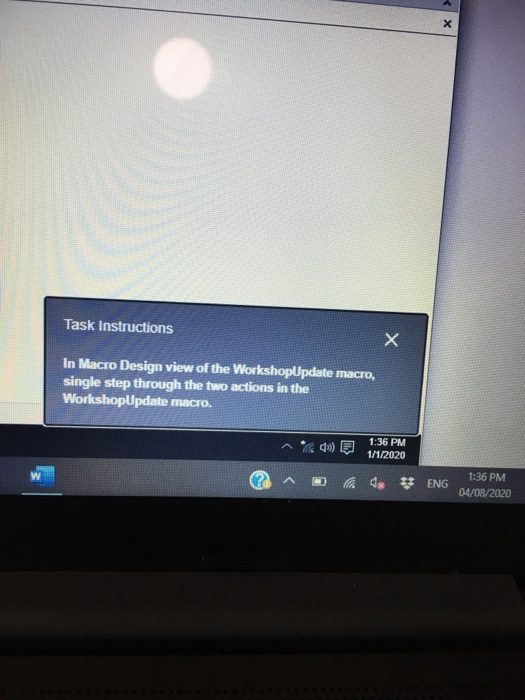
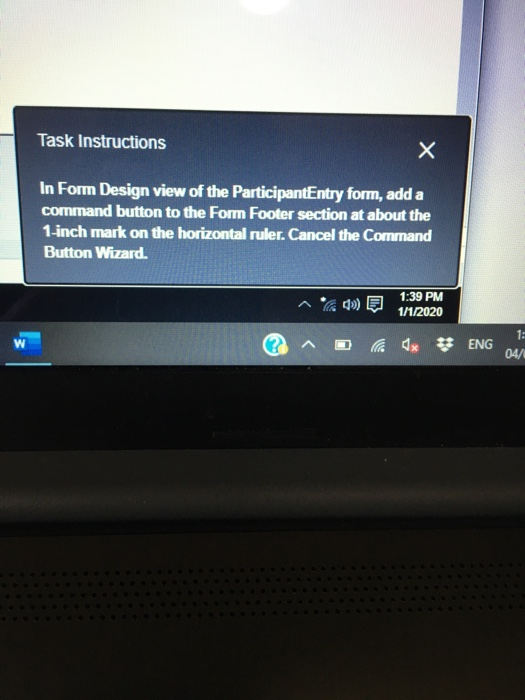
Task Instructions x In Macro Design view of the WorkshopUpdate macro, single step through the two actions in the WorkshopUpdate macro. 1:36 PM 1/1/2020 48 ENG 1:36 PM 04/08/2020 Task Instructions In Form Design view of the ParticipantEntry form, add a command button to the Form Footer section at about the 1-inch mark on the horizontal ruler. Cancel the Command Button Wizard. 1:39 PM 1/1/2020 W x ** ENG 1: 04/ Task Instructions x In Macro Design view of the WorkshopUpdate macro, single step through the two actions in the WorkshopUpdate macro. 1:36 PM 1/1/2020 48 ENG 1:36 PM 04/08/2020 Task Instructions In Form Design view of the ParticipantEntry form, add a command button to the Form Footer section at about the 1-inch mark on the horizontal ruler. Cancel the Command Button Wizard. 1:39 PM 1/1/2020 W x ** ENG 1: 04/
Step by Step Solution
There are 3 Steps involved in it

Get step-by-step solutions from verified subject matter experts