







Question: Task2.5: Write a script that will ask the user for to input a file name and then create the file and echo to the screen
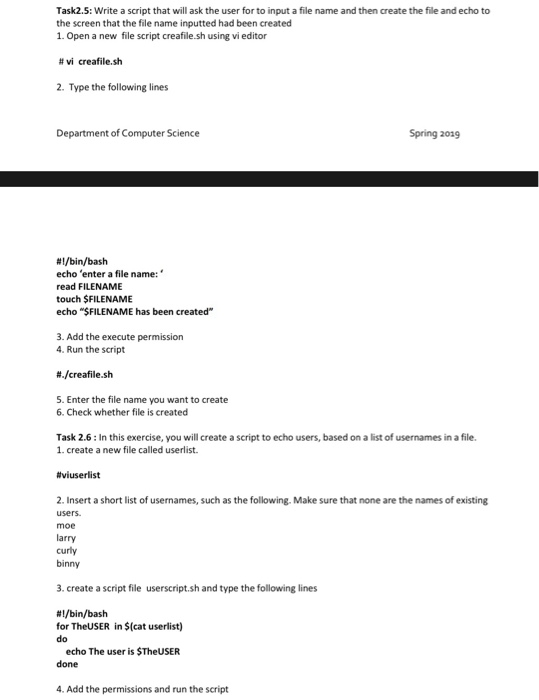
Task2.5: Write a script that will ask the user for to input a file name and then create the file and echo to the screen that the file name inputted had been created 1. Open a new file script creafile.sh using vi editor #vi creafilesh 2. Type the following lines Department of Computer Science Spring 2029 #1/bin/bash echo 'enter a file name:" read FILENAME touch $FILENAME echo "SFILENAME has been created" 3. Add the execute permission 4. Run the script 8./creafile.sh S. Enter the file name you want to create 6. Check whether file is created Task 2.6: In this exercise, you will create a script to echo users, based on a list of usernames in a file. 1. create a new file called userlist. #viuserlist 2. Insert a short list of usernames, such as the following. Make sure that none are the names of existing users moe larry curly binny 3. create a script file userscript.sh and type the following lines #1/bin/bash for TheUSER in $(cat userlist) do echo The user is STheUSER done 4. Add the permissions and run the script
Step by Step Solution
There are 3 Steps involved in it

Get step-by-step solutions from verified subject matter experts
 Study Help